Background Remover tutorials
NSS Background Remover tutorials
The definitive, step-by-step guides for NSS Background Remover: from your first cutout to the editors, upscaling, the utility tools, and common tasks. These cover the essentials as general guidance; the app itself holds a deeper, always-current library, and you can see every tool on the tool map.
NSS Background Remover
 Getting started
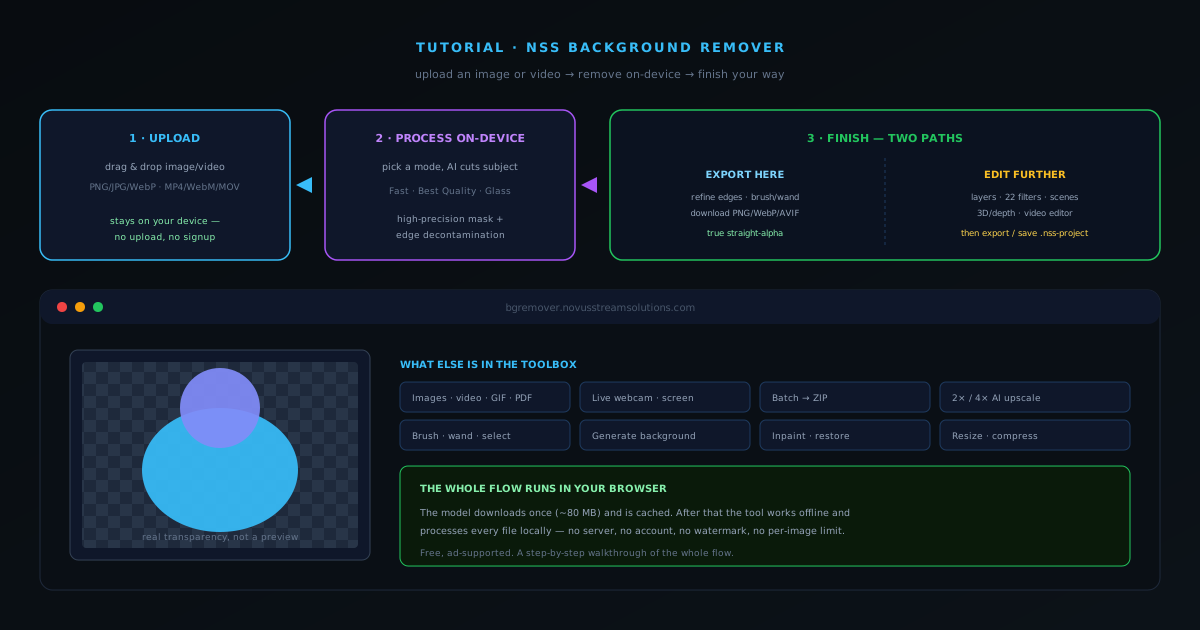
How to remove a background from an image with NSS Background Remover
A complete walkthrough of NSS Background Remover: upload an image, let the on-device AI cut the subject, then either refine and export right on the tool page or open the full editor for layers, filters, upscaling, and more.
7 min · BeginnerStart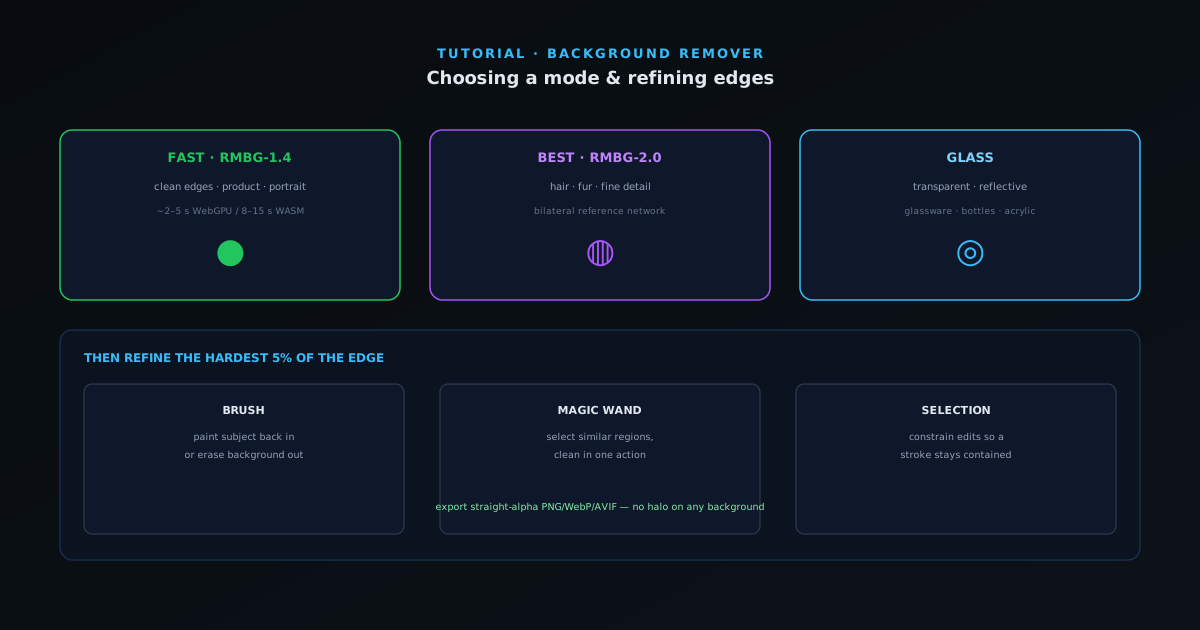 Removal & editing
Choosing the right mode and refining edges in NSS Background Remover
When to reach for Fast, Best Quality, or Glass, and how to clean up the last few percent with the brush, wand, and selection tools so even hair and transparent material cut cleanly.
6 min · IntermediateStart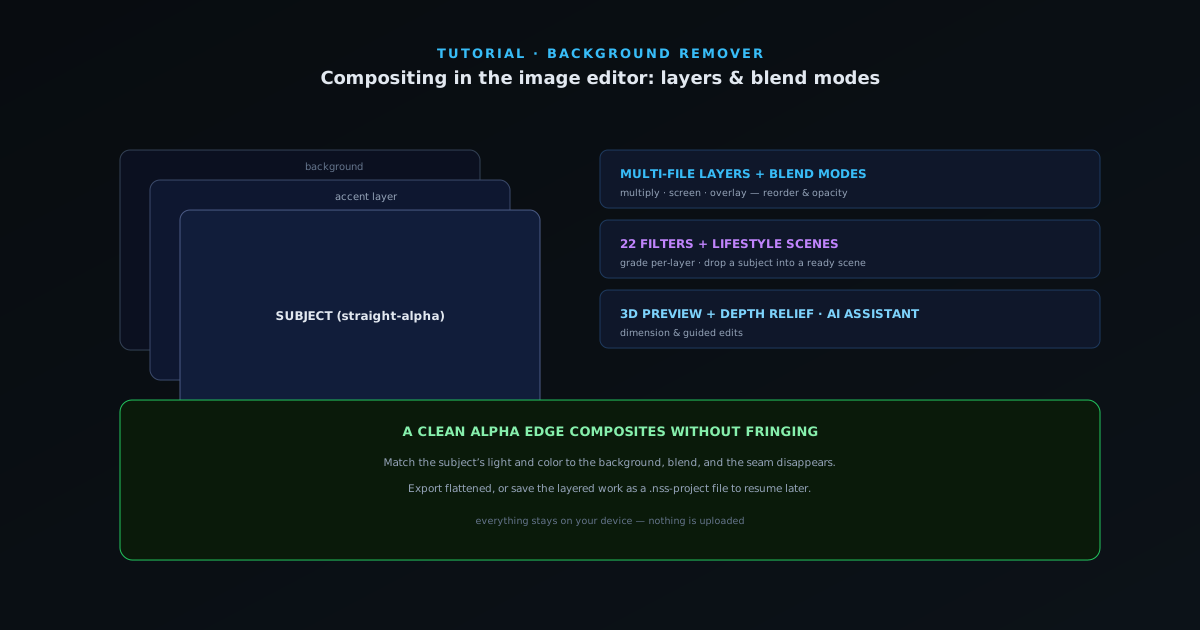 Removal & editing
Compositing with the image editor: layers, blend modes, and filters
Take a cutout further: stack multiple images as layers with blend modes, apply any of 22 filters, drop a subject into a lifestyle scene, and preview in 3D with depth relief, all in the browser.
7 min · IntermediateStart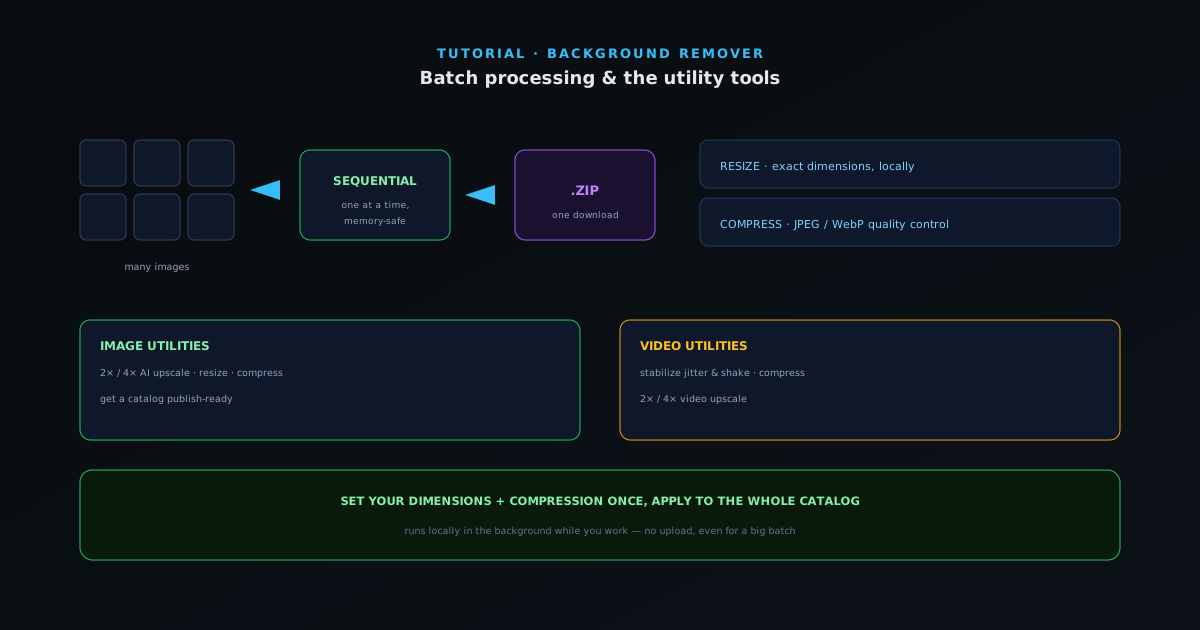 Formats & batch
The image and video utility tools: resize, compress, upscale, stabilize
Beyond the cutout, a set of local utility tools finishes an image or clip for publishing (image resize and compress, format conversion, 2×/4× upscale, and video stabilize/compress), all on-device.
6 min · IntermediateStart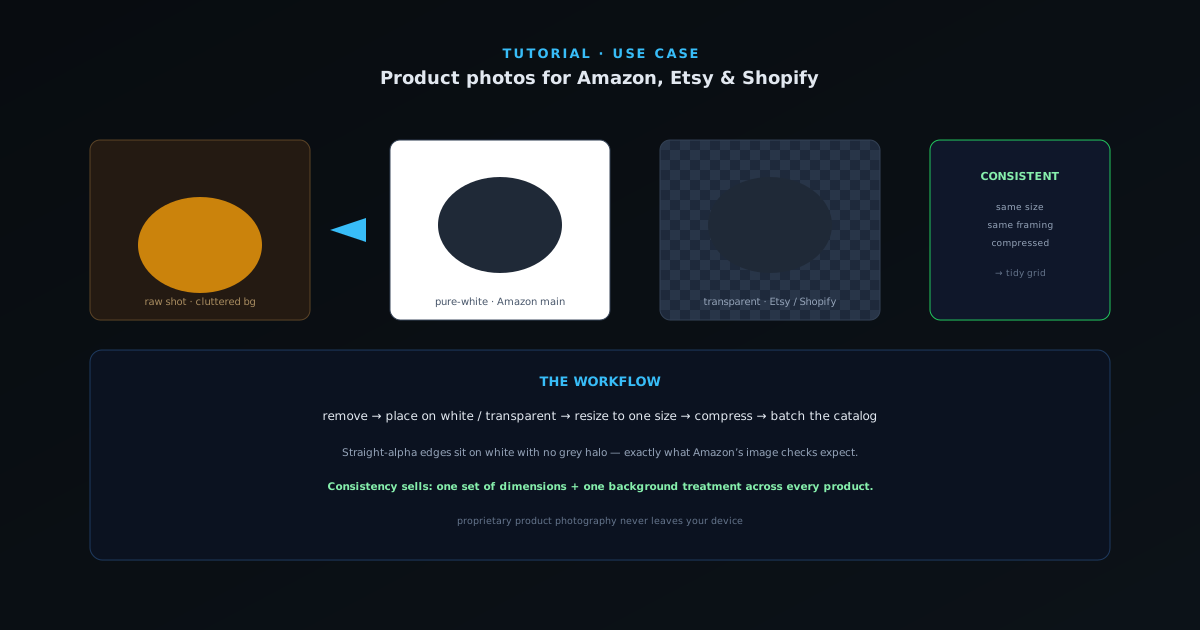 Use cases
Prepping product photos for Amazon, Etsy, and Shopify
A practical workflow for turning raw product shots into clean, marketplace-ready images: pure-white or transparent backgrounds, consistent sizing, and compressed files, across a single product or a whole set.
6 min · BeginnerStart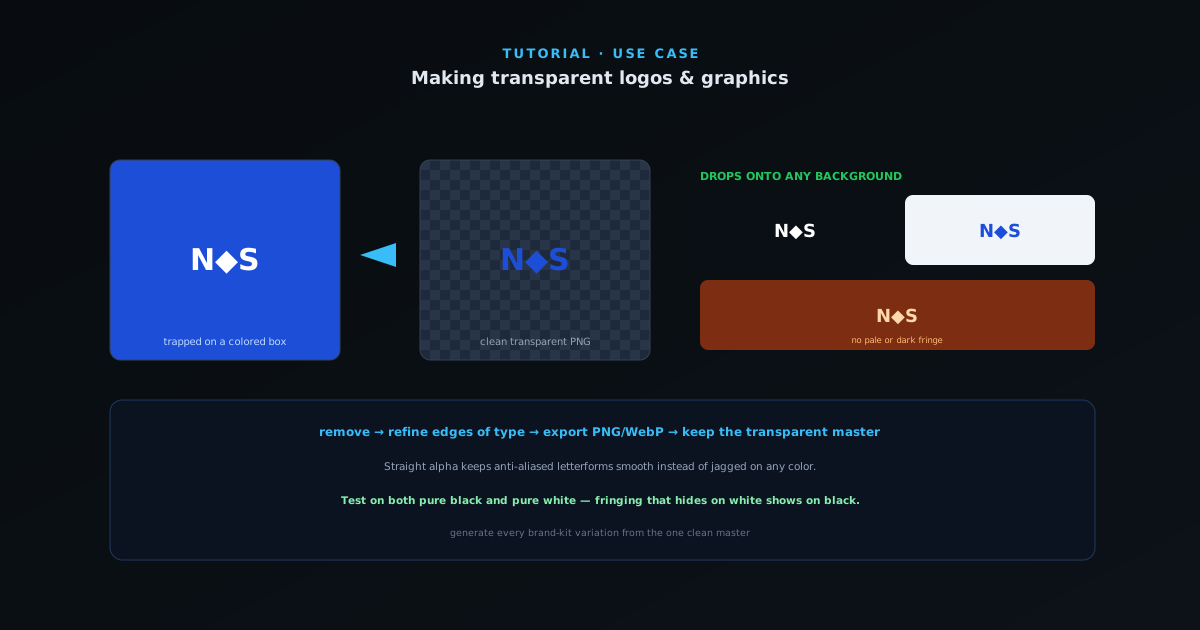 Use cases
Making transparent logos and graphics
Turn a logo on a solid or busy background into a clean transparent PNG that drops onto any color: the right mode, edge refinement for crisp type, and an export that won’t halo.
5 min · BeginnerStart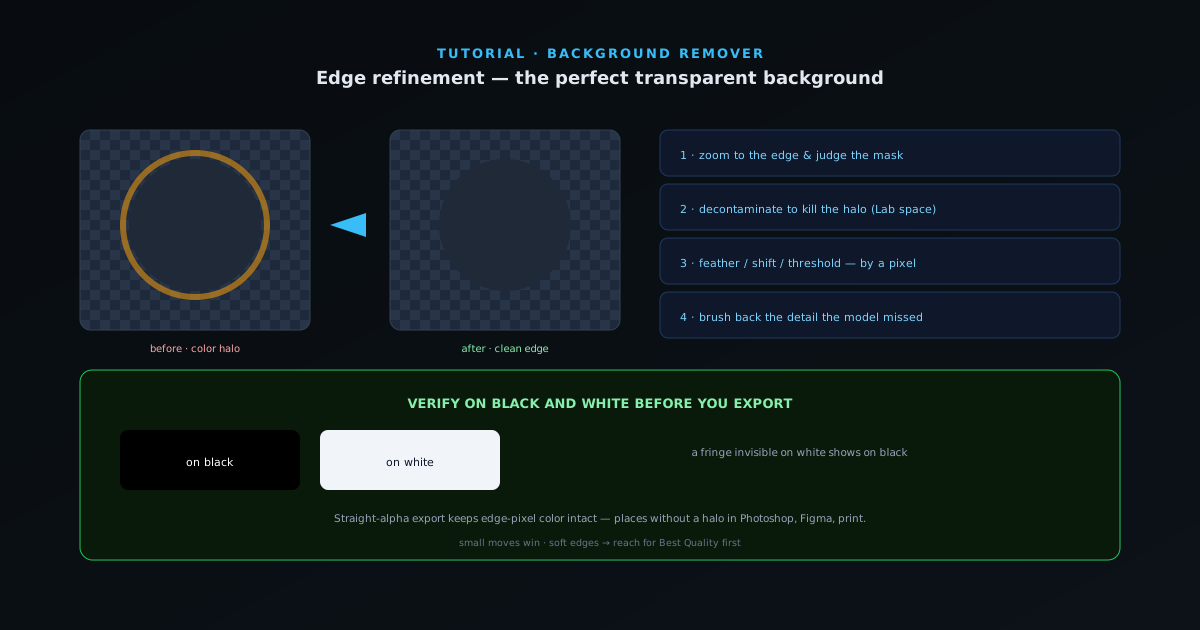 Removal & editing
Edge refinement: getting a perfect transparent background
The difference between a good cutout and a perfect one is the last 5% of the edge. How to use the edge-refine and decontamination controls in the editor to kill halos, recover soft detail, and export a flawless transparent background.
7 min · IntermediateStart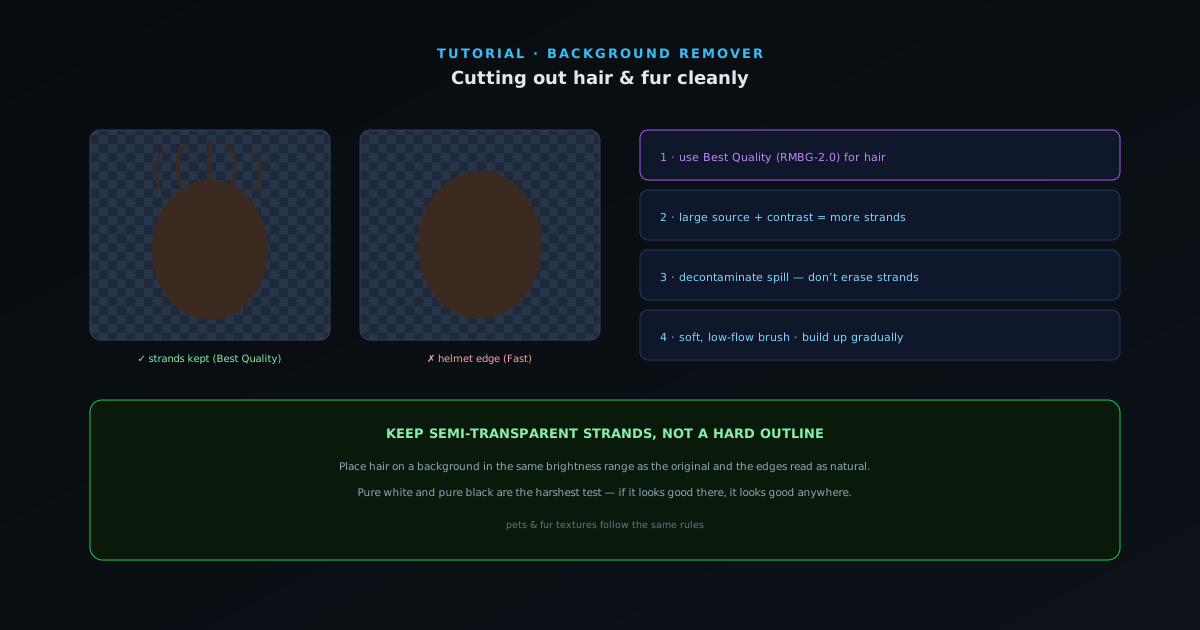 Removal & editing
Cutting out hair and fur cleanly
Hair and fur are where most background removers fall apart. The model choice, settings, and brush technique that keep individual strands instead of a helmet-shaped blob, for portraits, pets, and fur textures.
6 min · IntermediateStart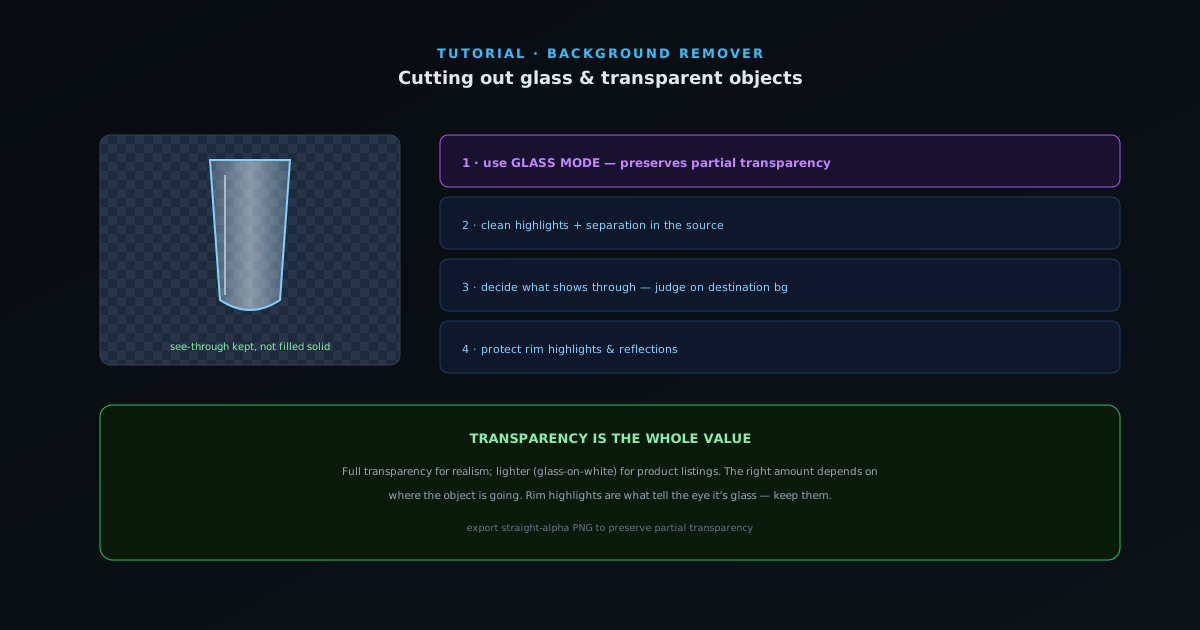 Removal & editing
Cutting out glass and transparent objects
Glassware, bottles, and acrylic break normal background removal because the subject is partly see-through. How Glass mode and careful compositing keep realistic transparency instead of cutting the object to a flat silhouette.
6 min · IntermediateStart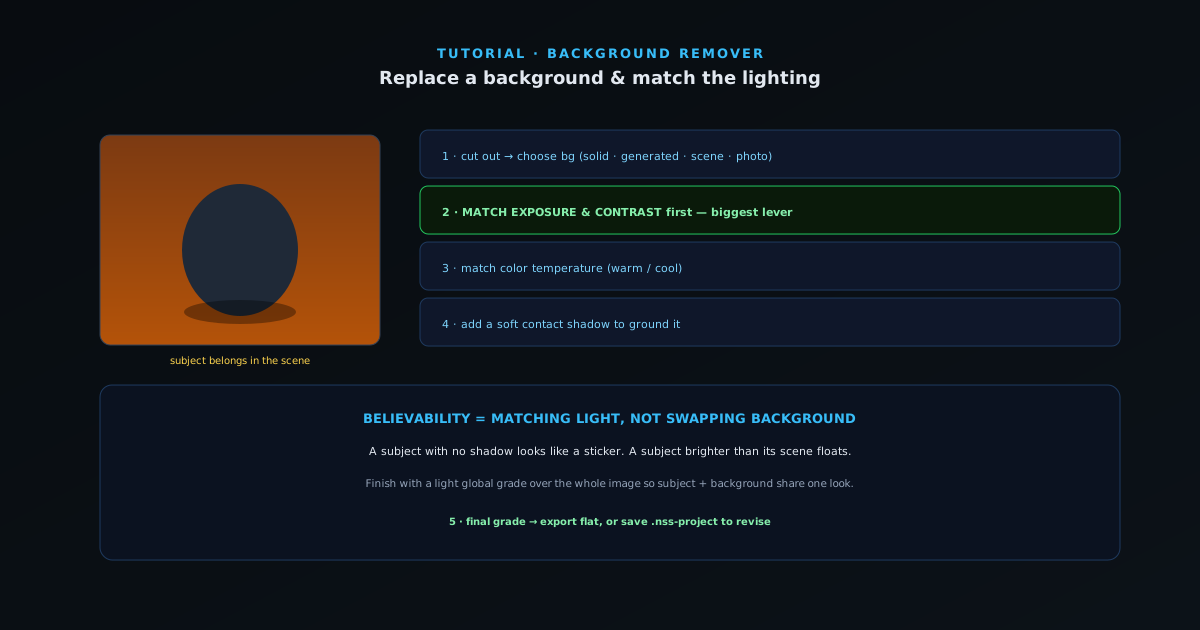 Removal & editing
Replacing a background and matching the lighting
A believable composite is 10% cutout and 90% making the subject belong in its new scene. How to replace a background (a solid color or your own photo) and match exposure, color, and shadow so the seam disappears.
7 min · IntermediateStart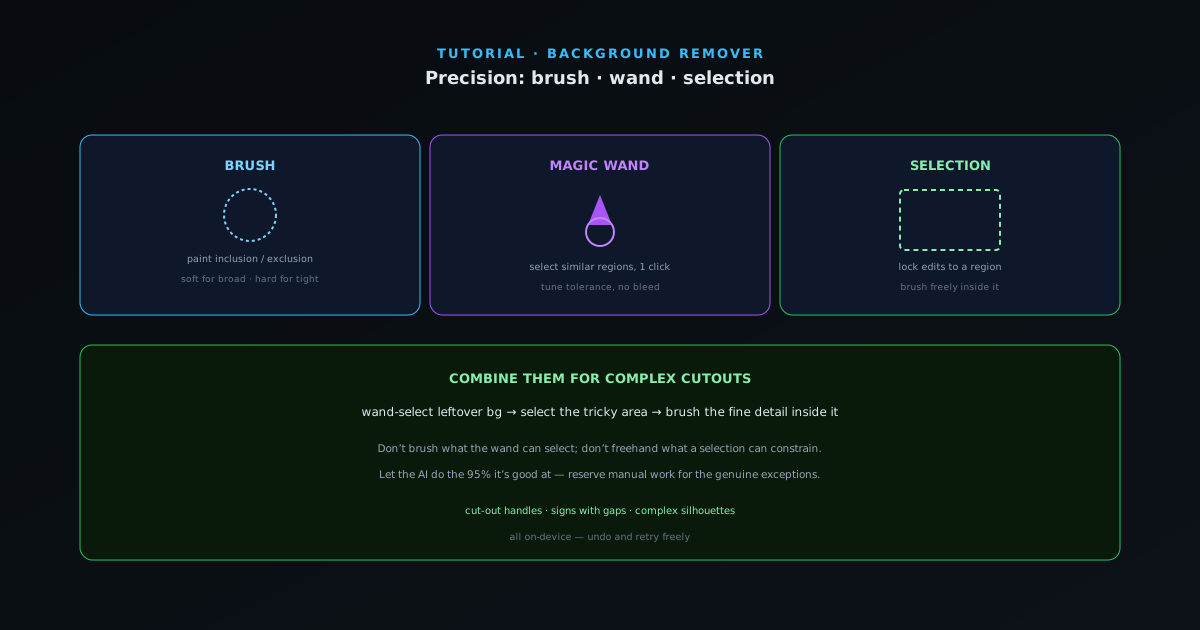 Removal & editing
Precision cutouts with the brush, wand, and selection tools
When the AI mask needs manual help, the brush, magic wand, and selection tools give you full control. How to combine them to fix complex cutouts (cut-out shapes, gaps, and tricky boundaries) efficiently.
6 min · IntermediateStart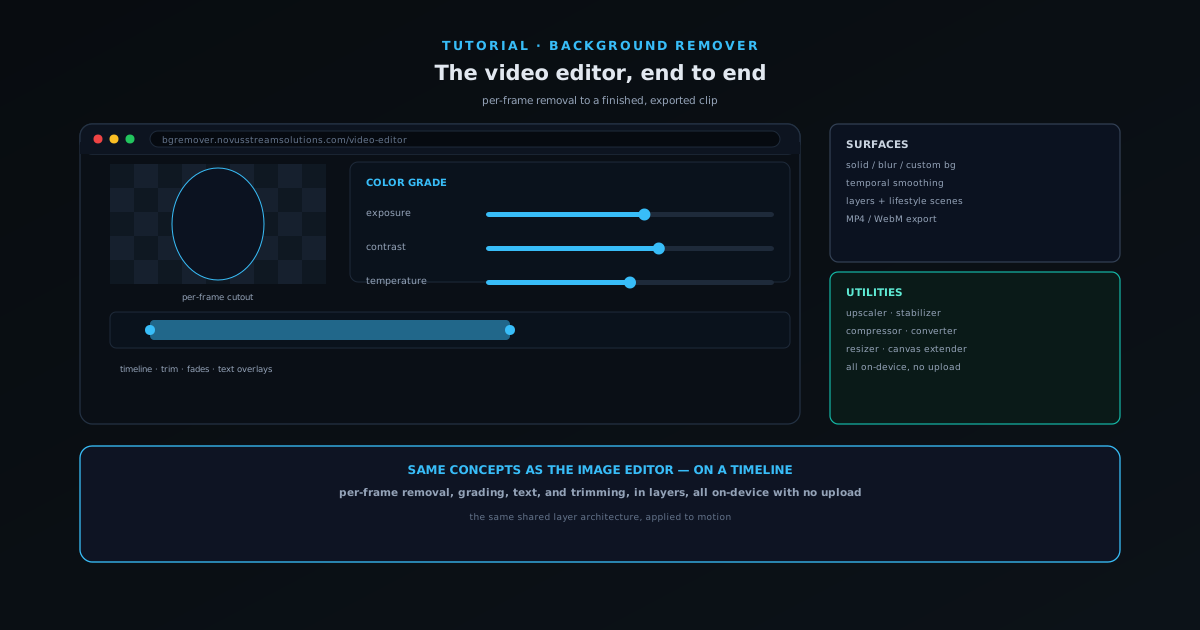 Editing & layers
The NSS Background Remover video editor, end to end
Edit a clip end to end: trim and arrange on a timeline, color-grade, add LUT filters and text overlays, work in layers, and export, all on-device, with 2×/4× video upscaling on hand.
8 min · IntermediateStart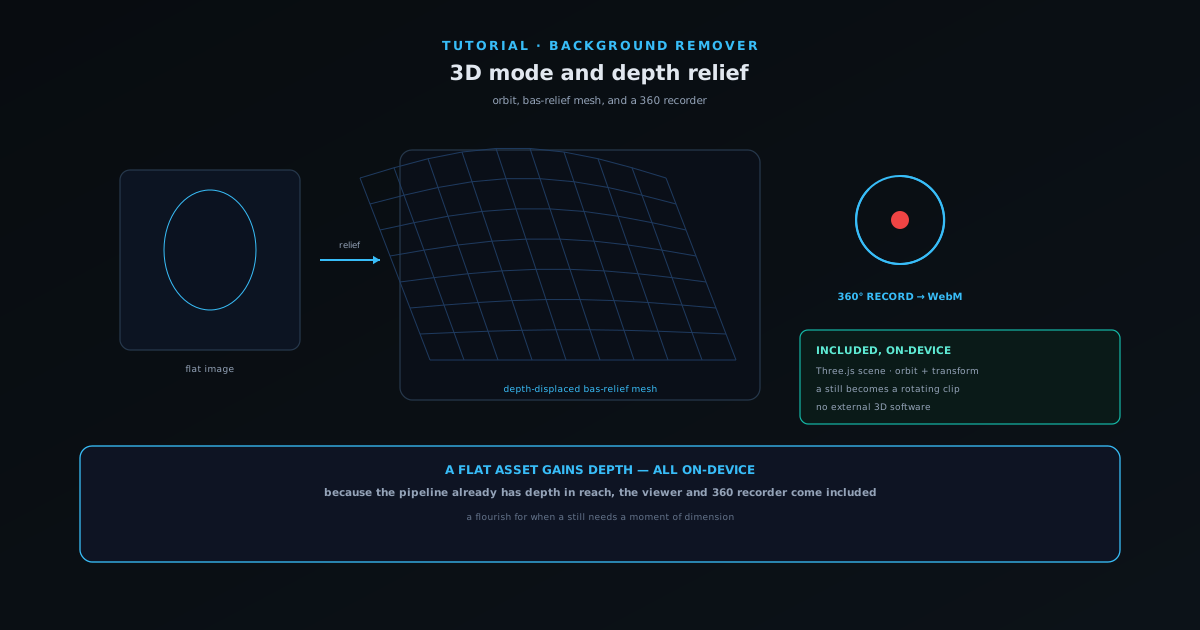 Editing & layers
3D mode and depth relief: orbit, bas-relief, and a 360 recorder
Turn a flat image into a depth-displaced bas-relief mesh, orbit it in a Three.js scene with a furniture palette, and record a short 360-degree spin to WebM, all on-device.
6 min · IntermediateStart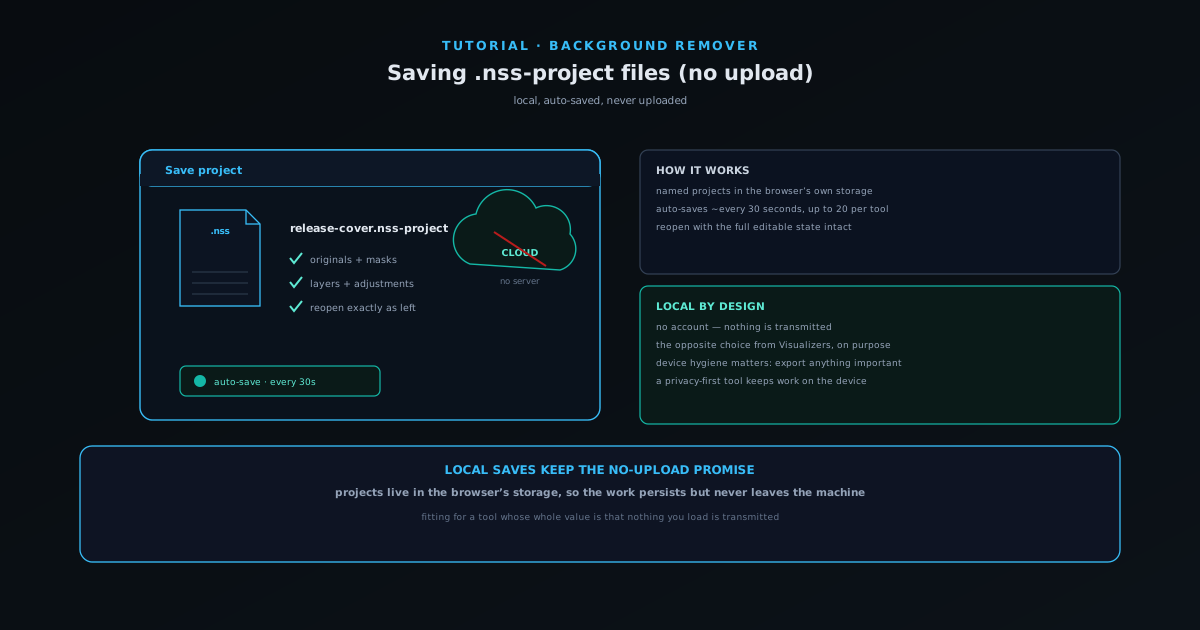 Editing & layers
Saving your work as .nss-project files (locally, no upload)
Save a composition as a named .nss-project in your browser's own storage (preserving originals, masks, layers, and adjustments) with auto-save every 30 seconds and no upload.
5 min · BeginnerStart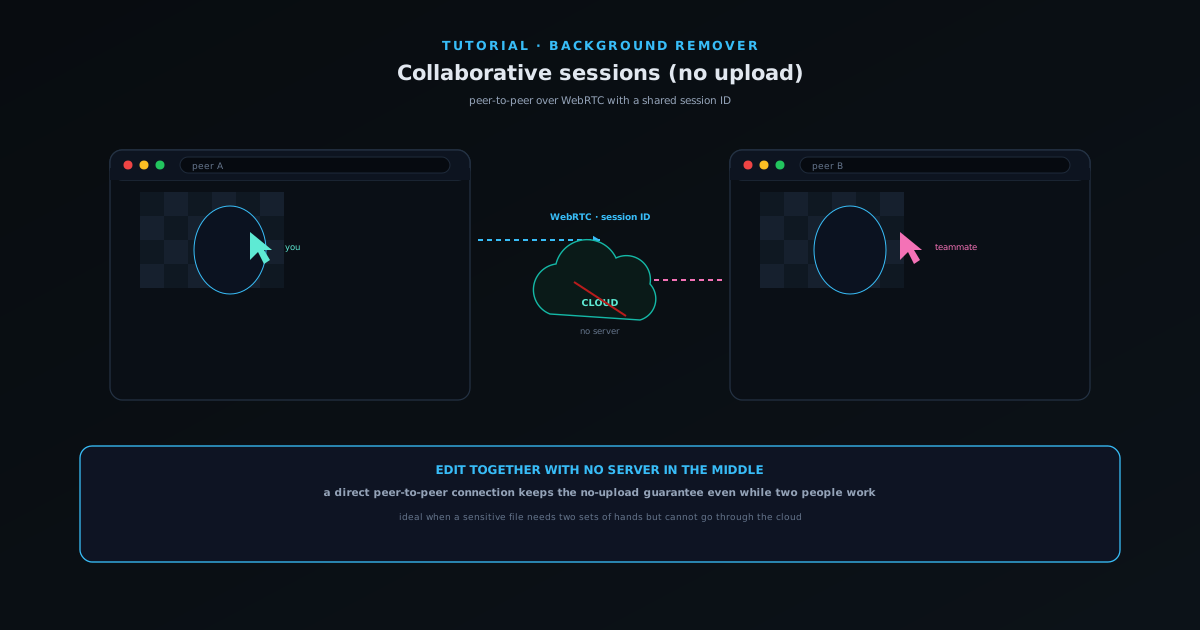 Use cases
Editing together with collaborative sessions (no upload)
When two people genuinely need to edit together, use peer-to-peer collaborative sessions built on WebRTC with a shared session ID, without routing images through a server.
5 min · IntermediateStart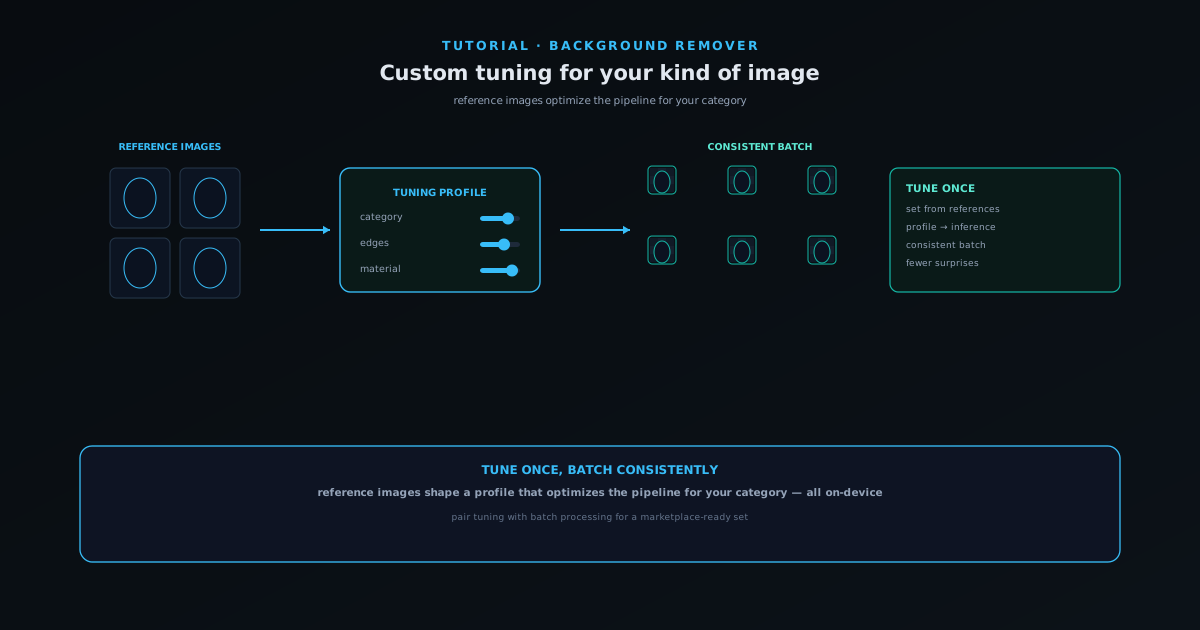 AI tools
Custom tuning: optimize the pipeline for your kind of image
Upload reference images to tune the removal pipeline for a specific category of image (your products, your style) so cutouts get more consistent across a catalog, all on-device.
6 min · IntermediateStart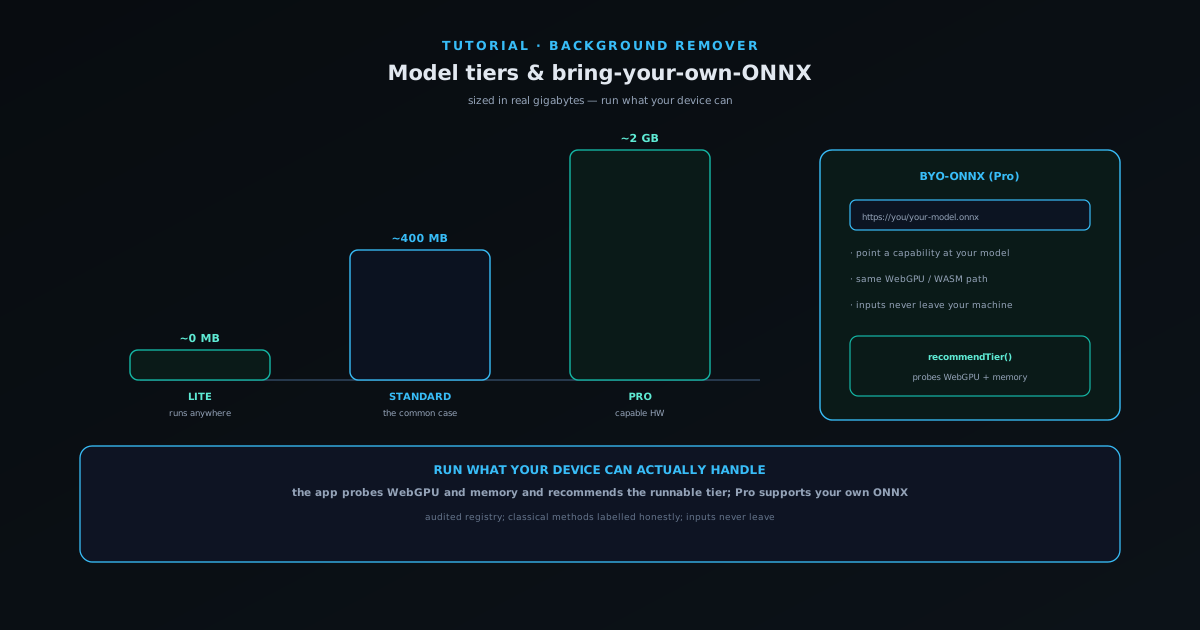 AI tools
Model tiers and bring-your-own-ONNX
Choose the right model tier for your device (Lite, Standard, or Pro) manage what is cached, and point an advanced Pro capability at your own hosted ONNX model, all running locally.
6 min · IntermediateStart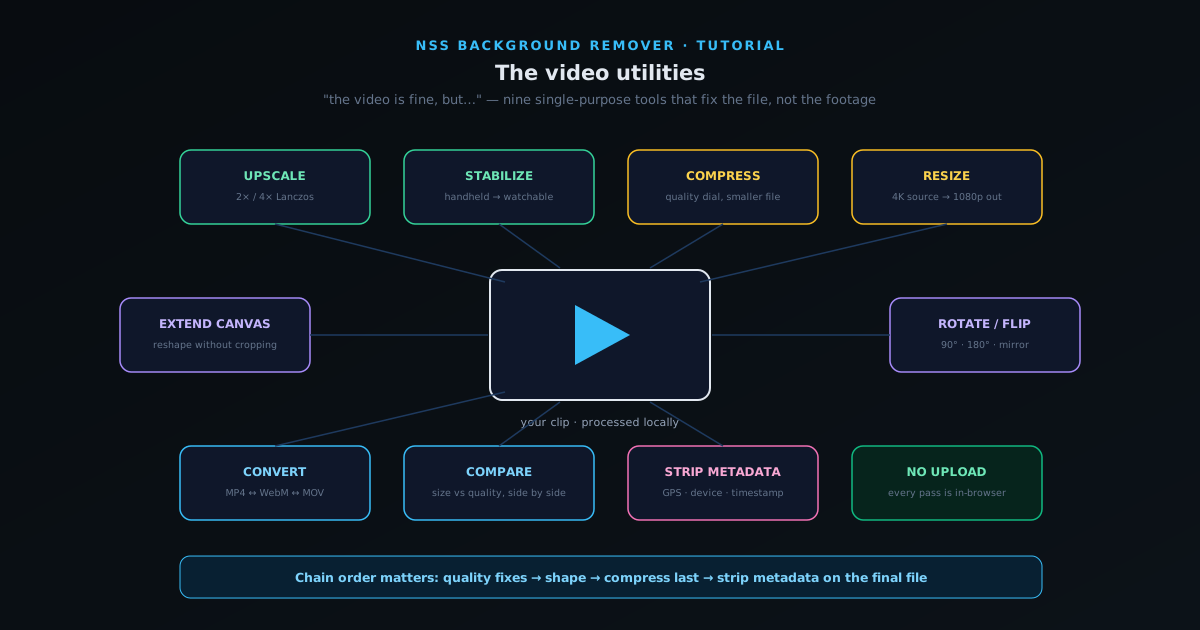 Formats & batch
The video utilities: upscale, stabilize, compress, convert, and clean metadata
Nine single-purpose video tools that fix delivery problems in the browser: 2×/4× upscaling, stabilization for handheld footage, compression, resizing, canvas extension, rotation, format conversion, side-by-side comparison, and metadata removal.
7 min · BeginnerStart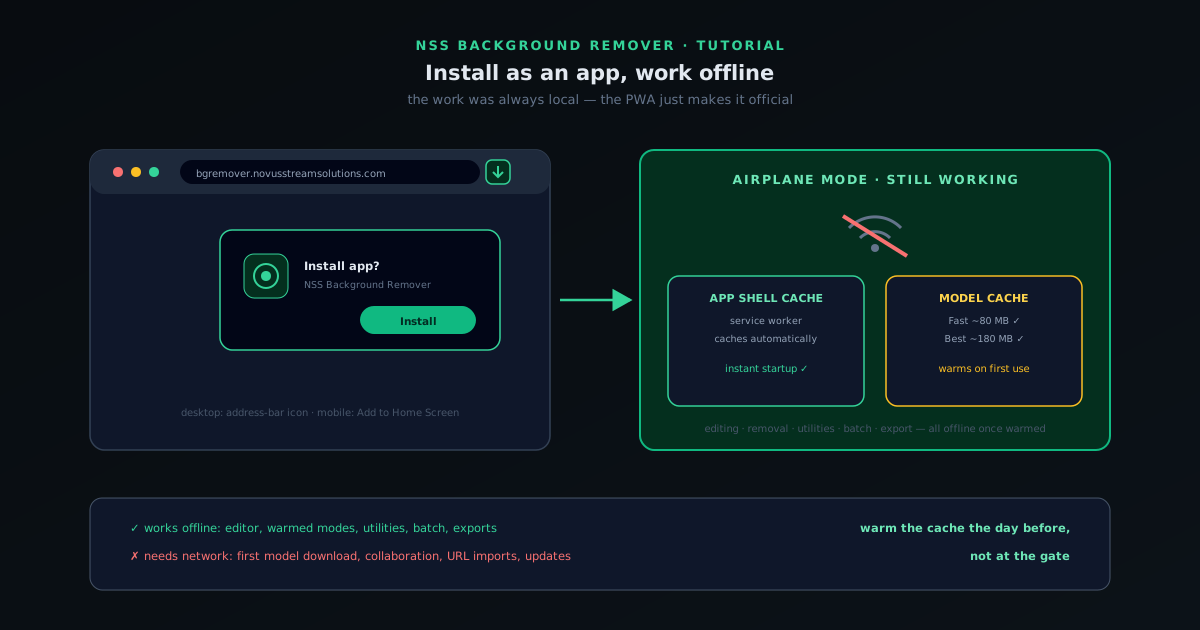 Getting started
Install NSS Background Remover as an app and use it offline
NSS Background Remover is a progressive web app: install it from the browser in two clicks, pre-download the AI models you use, and keep removing backgrounds with no internet connection at all.
5 min · BeginnerStart AI tools
Inspect and strip image metadata, including C2PA provenance
The metadata tool became an inspector: it shows everything hidden in an image (EXIF, GPS, camera details, and C2PA AI-generation provenance) before you decide what to strip.
6 min · BeginnerStart Removal & editing
Cut out backgrounds from GIFs and video, frame by frame
Two tools handle moving images: the GIF background remover works frame by frame with APNG export, and the video background remover runs a recurrent matting engine for flicker-free people cutouts.
7 min · IntermediateStart