Tutorials
Learn the Novus apps
Core, step-by-step guidance for the tools, grouped by app and written to stand on its own. Each app has a deeper library inside the product itself; these are the essentials.
For the full reference see the documentation, and for the stories behind the builds, the product blog.
Sonic Weaver
 Getting started
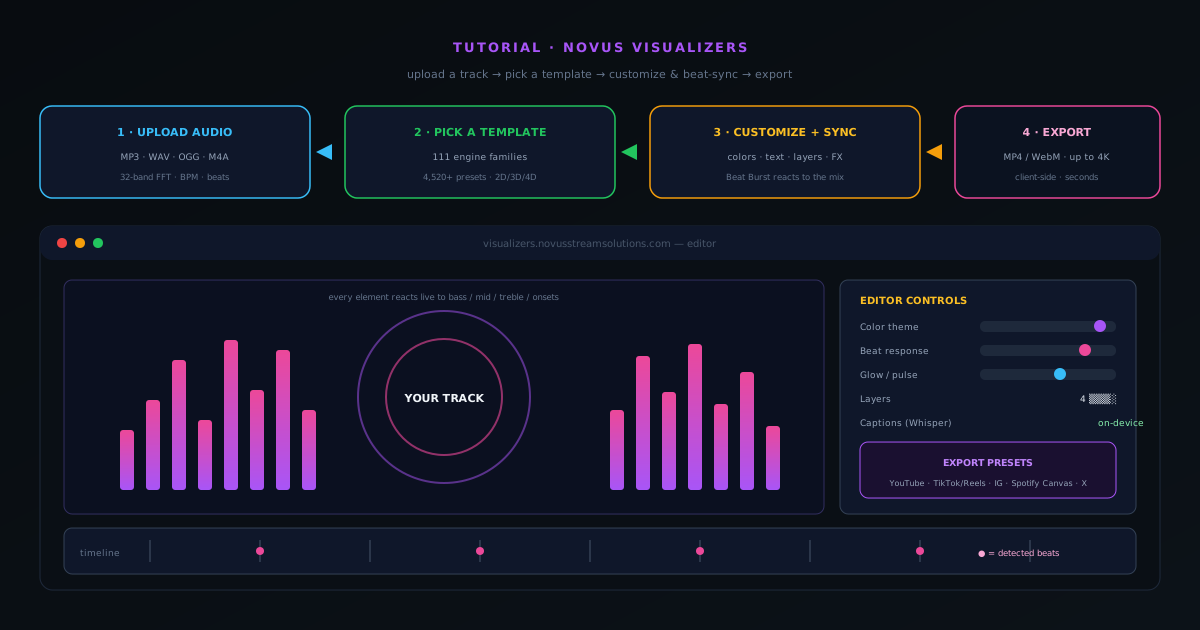
How to make a music visualizer video with Sonic Weaver
A complete walkthrough of Sonic Weaver: upload a track, pick an engine and mode, tune the visuals and beat-sync in the editor, then export a release-ready MP4 or WebM up to 4K, all in your browser.
7 min · BeginnerStart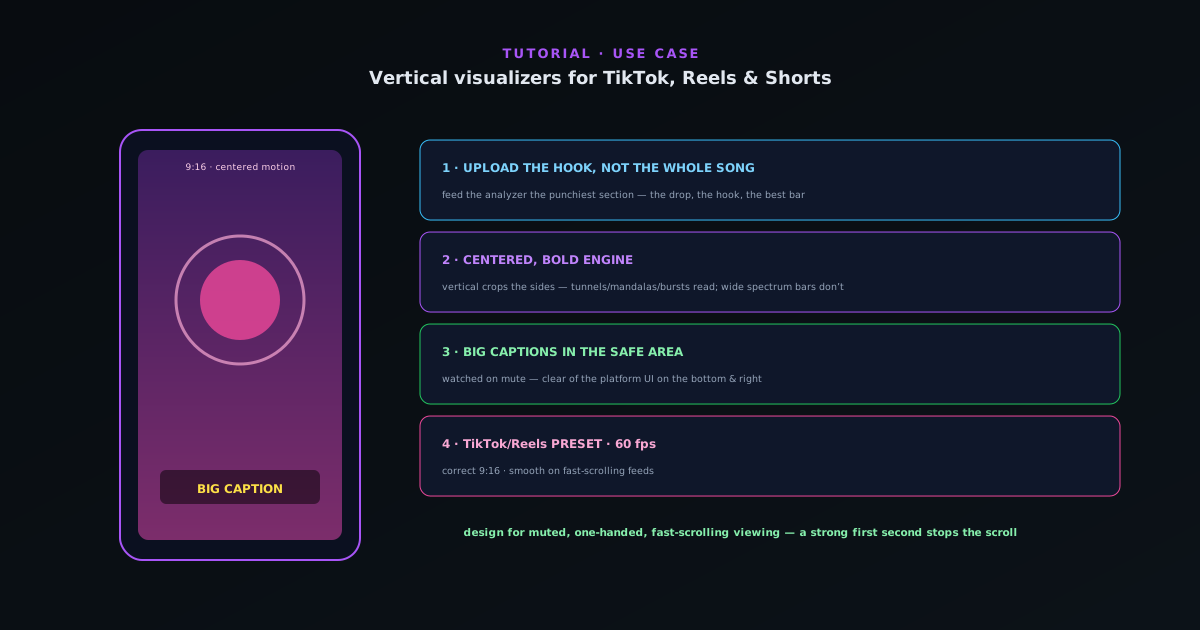 Use cases
Making a vertical visualizer for TikTok, Reels & Shorts
A focused workflow for short-form vertical video: pick an engine and mode that reads at 9:16, keep the motion centered and punchy, add captions, and export with the TikTok/Reels preset.
5 min · BeginnerStart
 Use cases
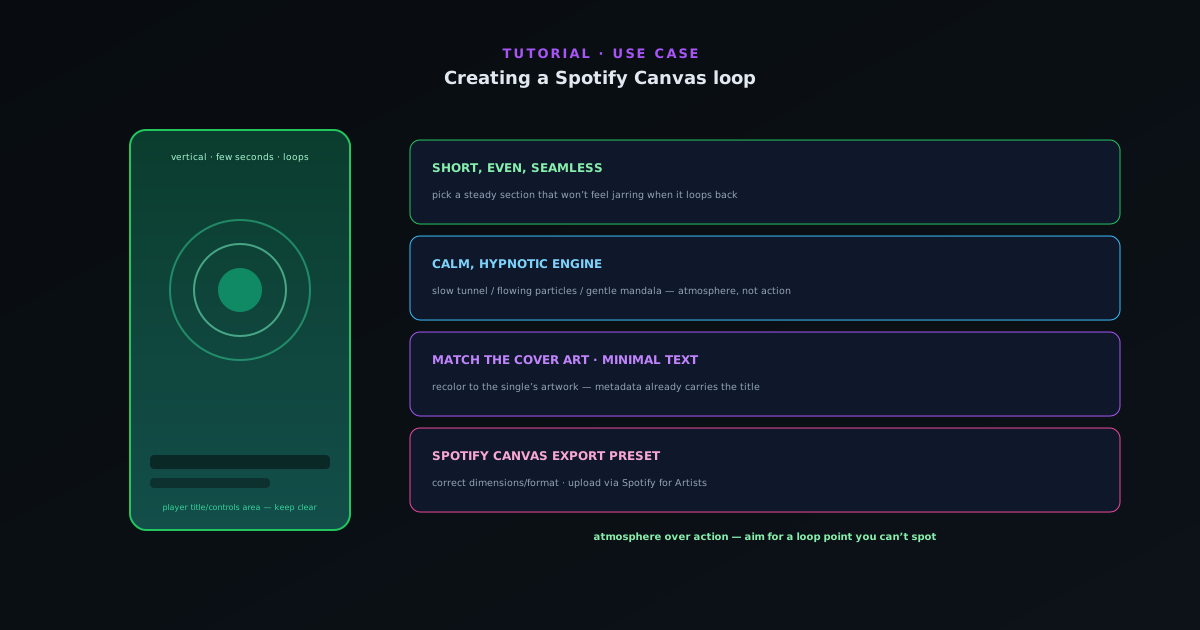
Creating a Spotify Canvas loop
Make a short, seamless looping visual for Spotify Canvas: a vertical clip that reads at a glance, loops cleanly, and uses the Spotify Canvas export preset.
5 min · BeginnerStart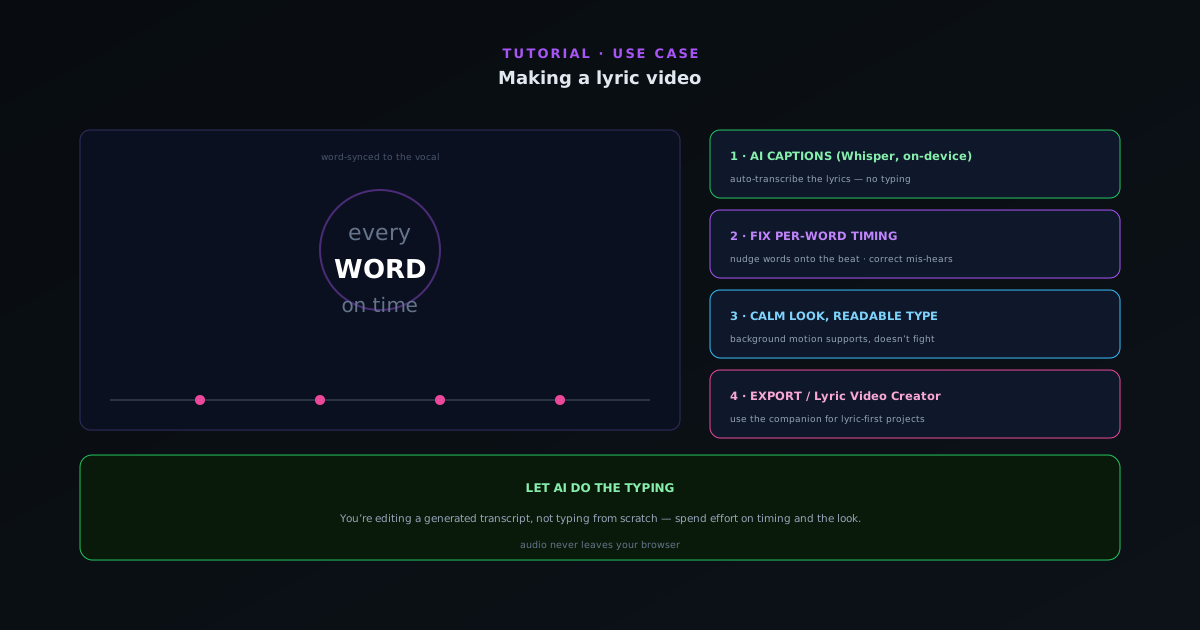 Use cases
Making a lyric video
Turn a track into a word-synced lyric video: use on-device AI captions for the transcript, fix per-word timing so lines land with the vocal, set a readable look, and export. Plus when to reach for the Lyric Video Creator.
6 min · BeginnerStart
 Audio & beat-sync
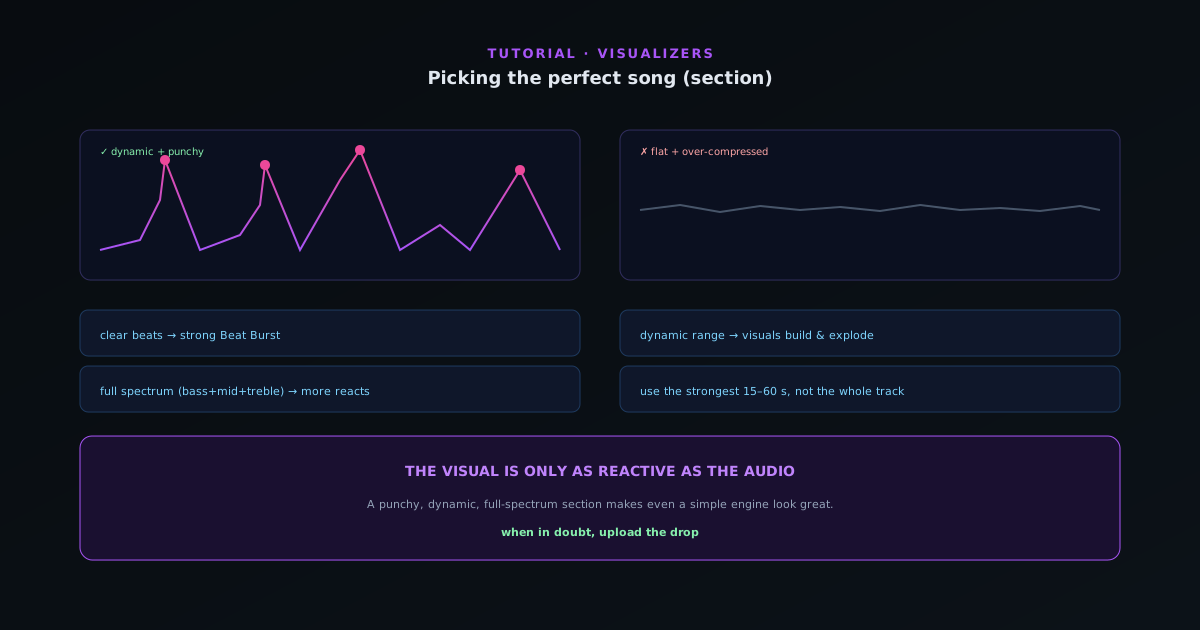
Picking the perfect song (section) for your visualizer
The track you feed the analyzer decides how good the visual can be. What makes a section reactive (clear beats, dynamic range, defined frequency content) and how to choose the part of your song that will look best.
6 min · BeginnerStart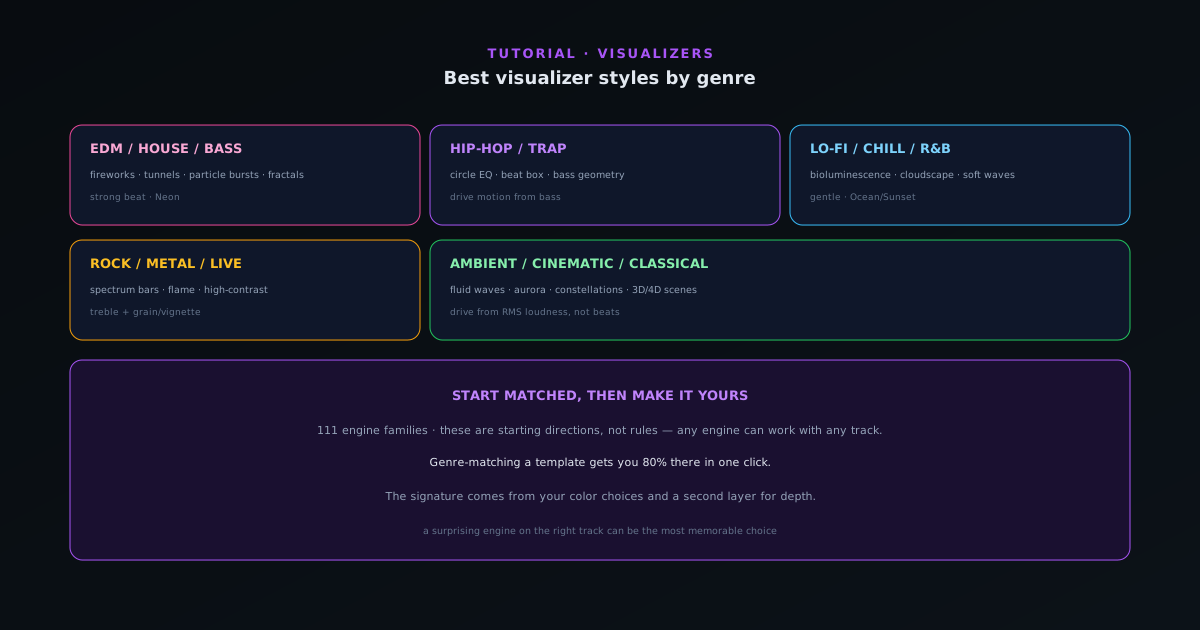 Editing & layers
Best visualizer styles by genre
Which engines and modes tend to fit which genres (from hip-hop and EDM to lo-fi, rock, ambient, and classical) so you can pick an engine and mode that already feels right for your track.
7 min · BeginnerStart
 Editing & layers
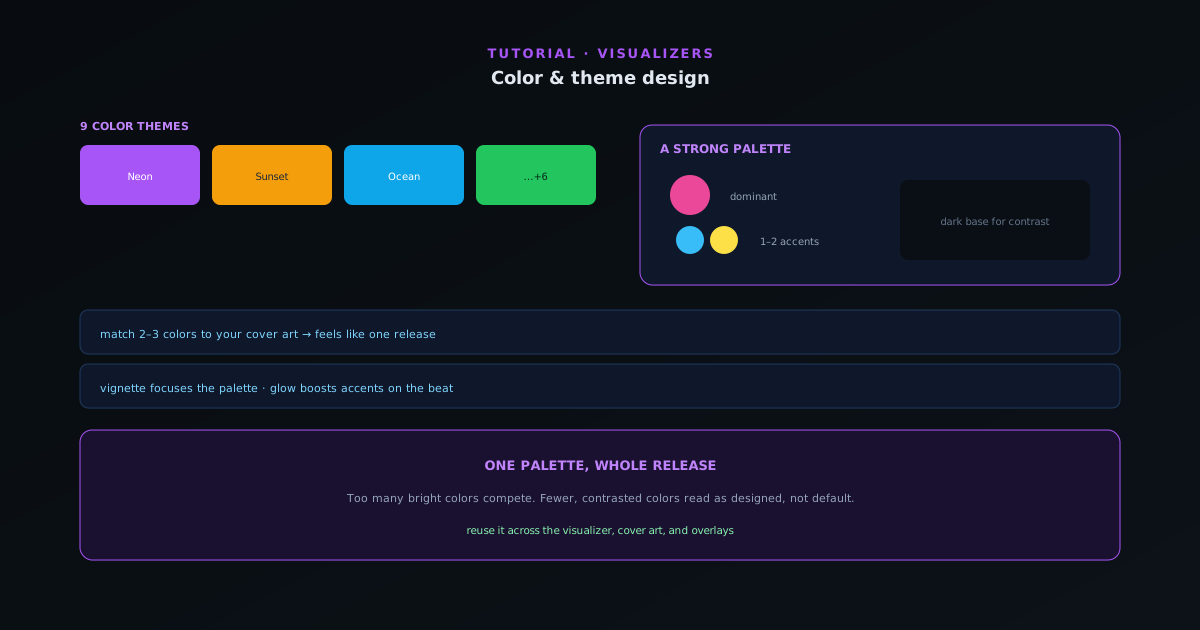
Color & theme design for visualizers
Color is the fastest way to set a mood and match your release art. How to use the nine themes and per-element color control to design a look that feels intentional instead of default.
6 min · BeginnerStart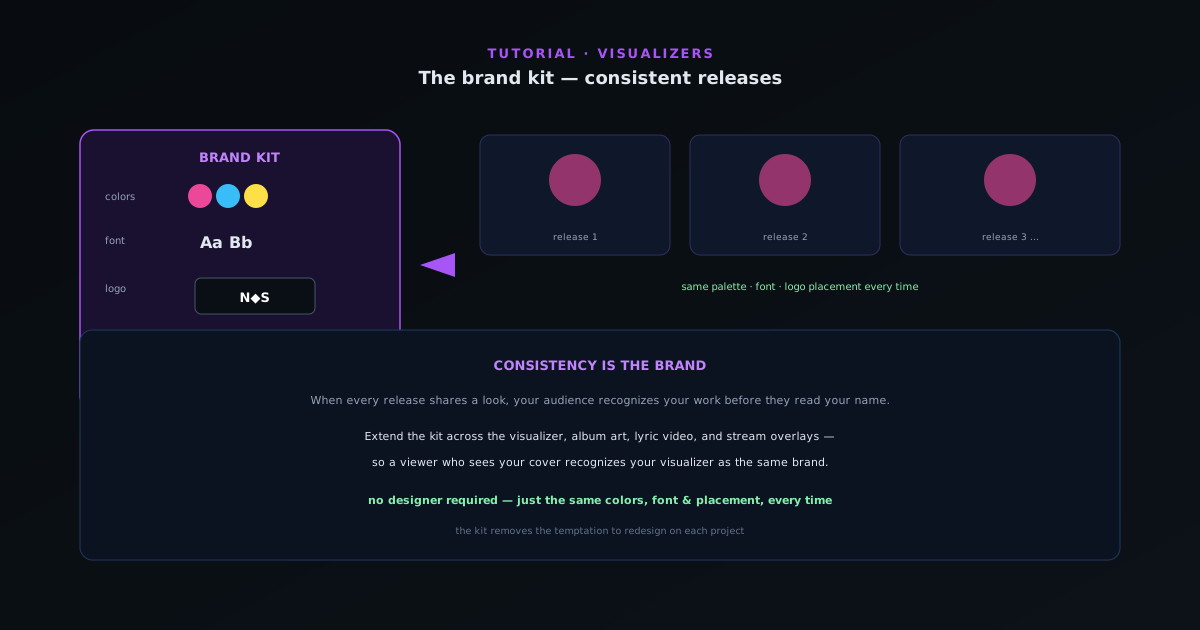 Editing & layers
The brand kit: a consistent look across releases
Recognizable artists look the same release after release. How to use the brand kit to save your colors, fonts, and logo so every visualizer, cover, and overlay shares one identity, without redoing the work each time.
5 min · BeginnerStart
 Editing & layers
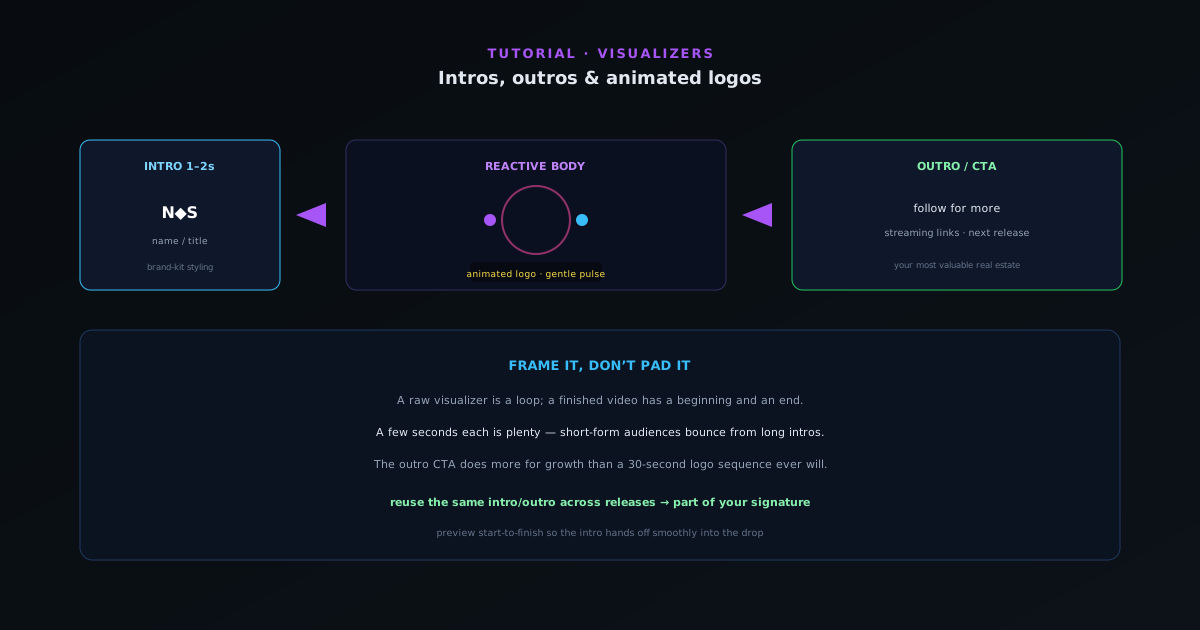
Intros, outros & animated logos
A short branded intro and outro turns a loop into a finished video. How to add an animated logo, an intro card, and an end screen that drives follows and saves, without padding the runtime.
5 min · BeginnerStart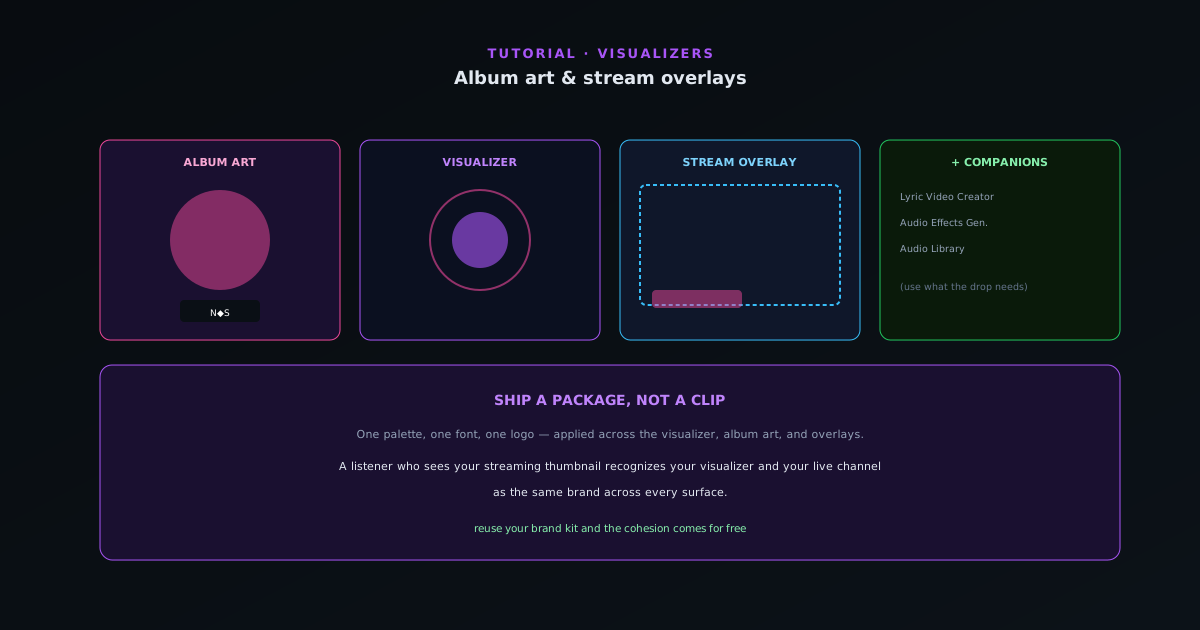 Export & release
Album art & stream overlays with the companion tools
A release is more than a video. How to use the Cover Art Studio and Stream Overlays companion tools to produce cover art and broadcast overlays that match your visualizer, one cohesive package.
6 min · BeginnerStart
 Audio & beat-sync
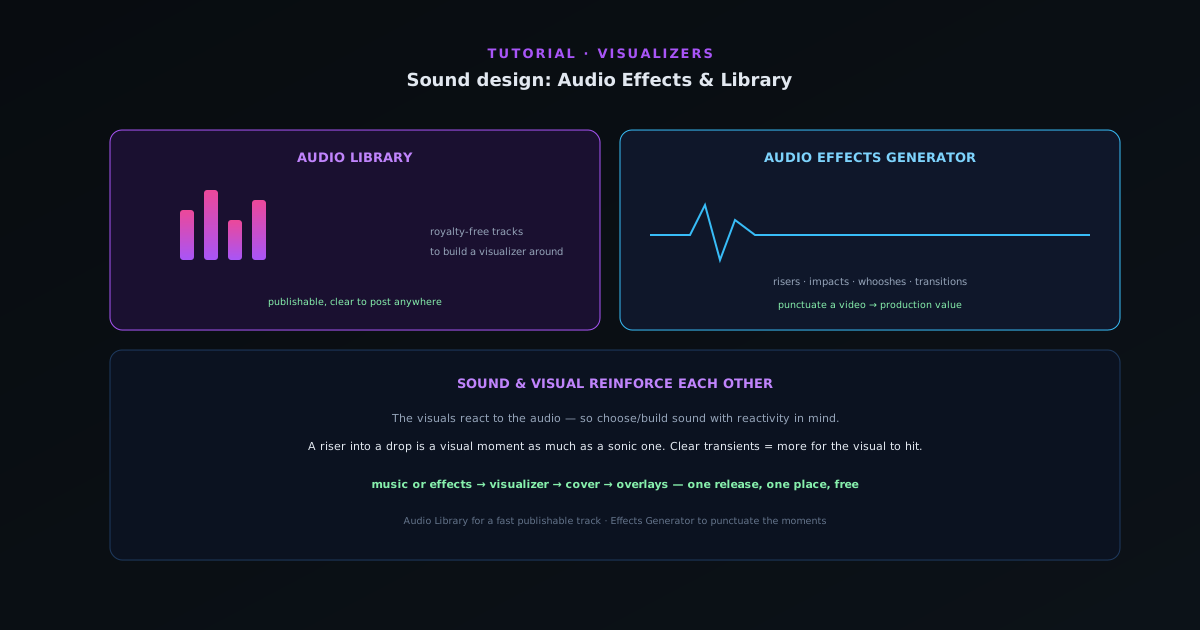
Sound design: the Audio Effects Generator and Audio Library
The audio companions round out a release: design custom sound effects with the Audio Effects Generator and pull royalty-free music from the Audio Library, so your visuals have the right sound to react to.
5 min · BeginnerStart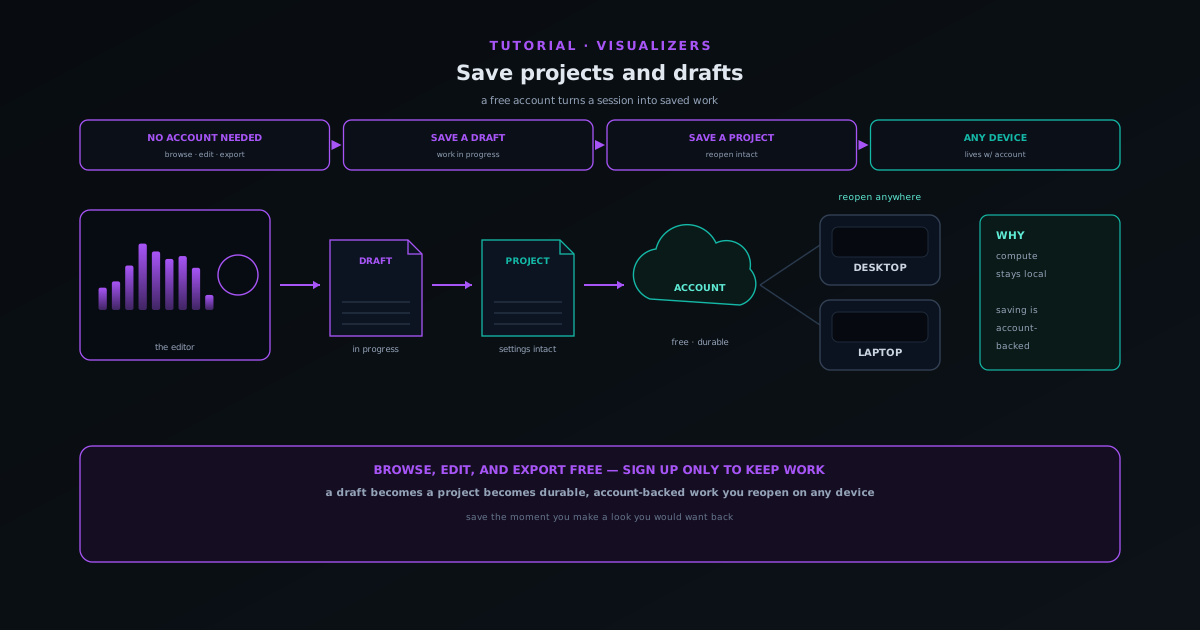 Getting started
How to save projects and drafts in Sonic Weaver
Create a free account, save a visualizer as a draft or project, and reopen it later with every setting intact, on any device. The work persists; the rendering still happens on yours.
6 min · BeginnerStart
 Export & release
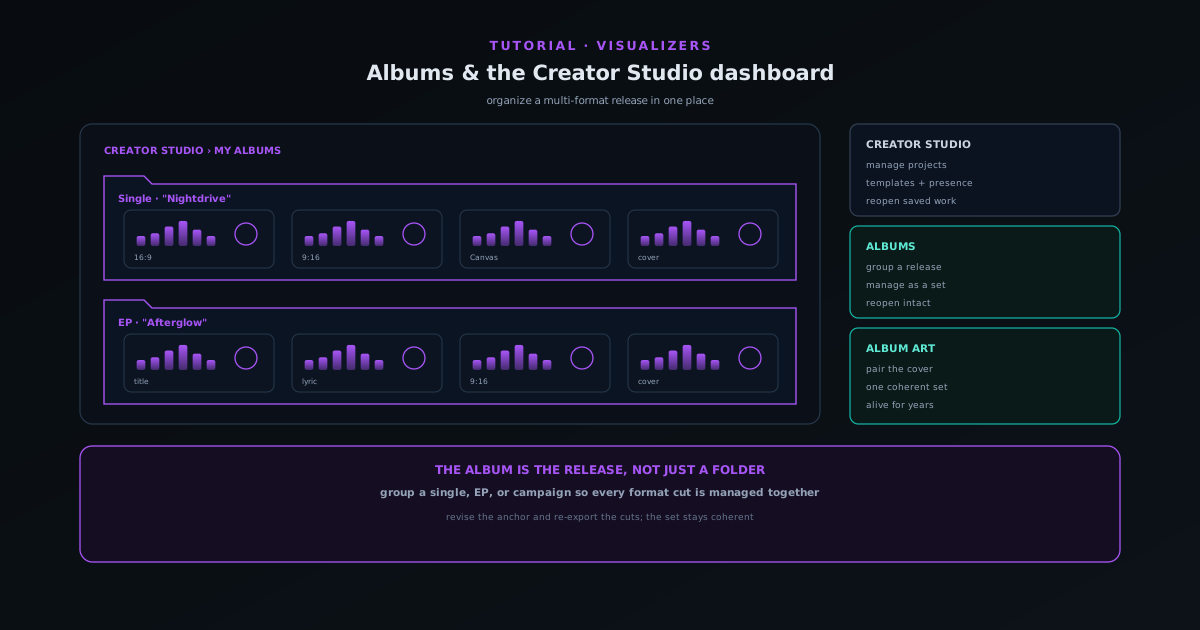
Organizing releases with albums and the Creator Studio dashboard
Use My Albums and the Creator Studio dashboard to group related visualizers into a release, manage drafts and projects in one place, and keep a multi-format launch organized.
6 min · BeginnerStart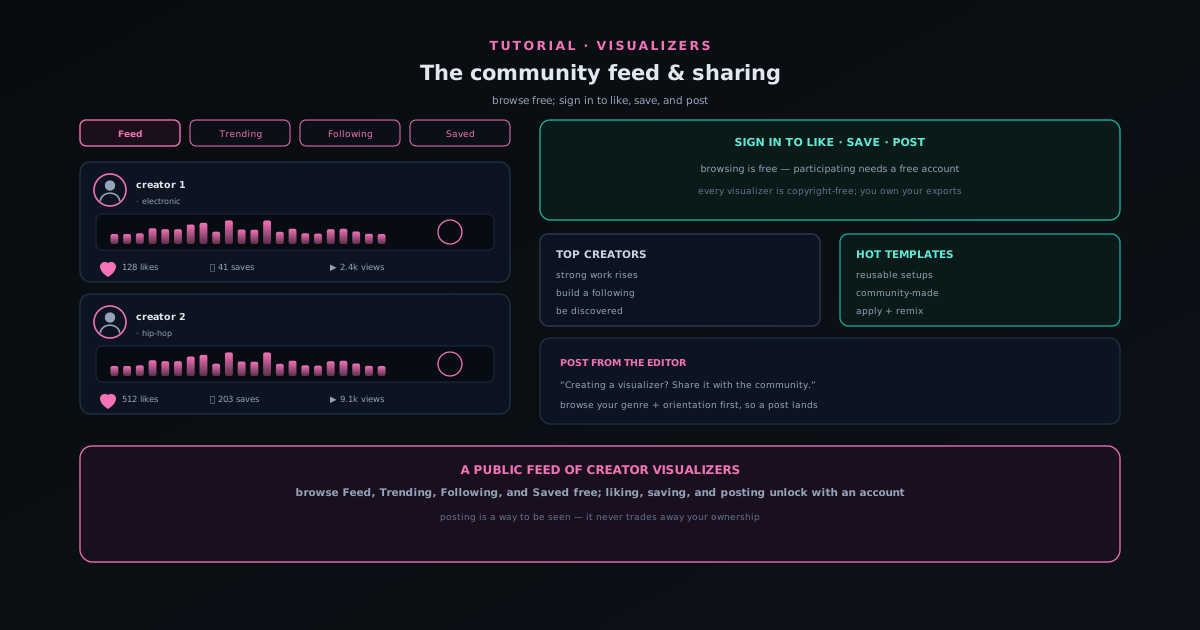 Use cases
Sharing your work on the Sonic Weaver community feed
Browse the public community feed, then sign in to like, save, and post your own visualizers, all copyright-free, so publishing never trades away ownership of your exports.
6 min · BeginnerStart
 Use cases
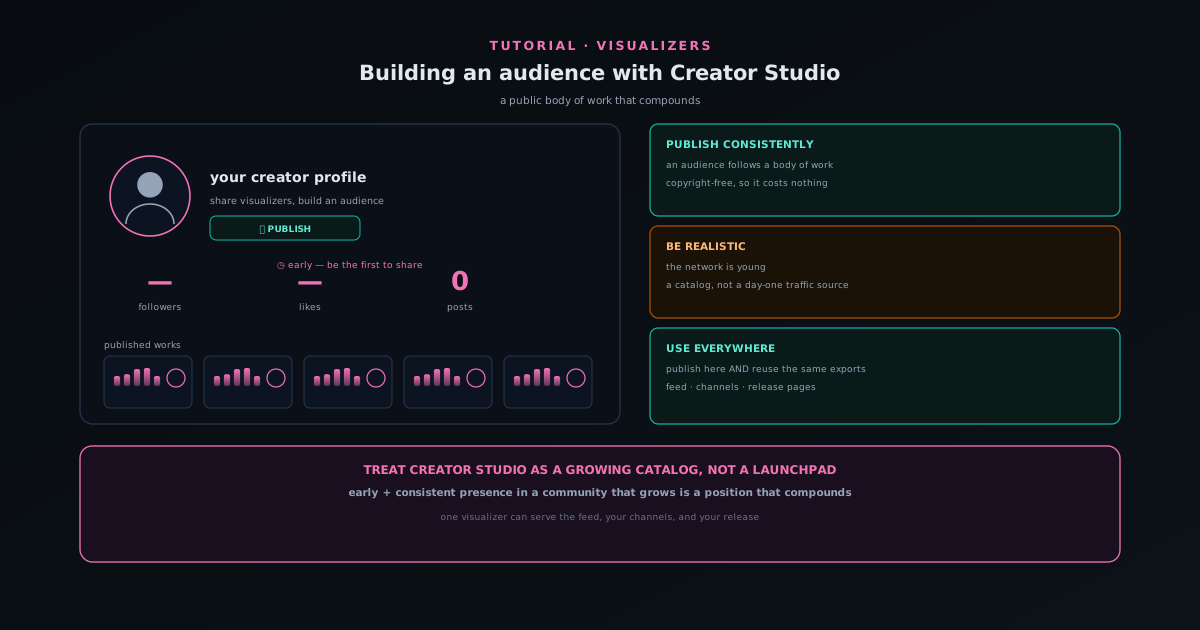
Building an audience with Creator Studio
Use the Creators hub and Creator Studio to share visualizers, build a public body of work, and grow an audience, with an honest read on what the young creator network can and cannot do yet.
6 min · BeginnerStart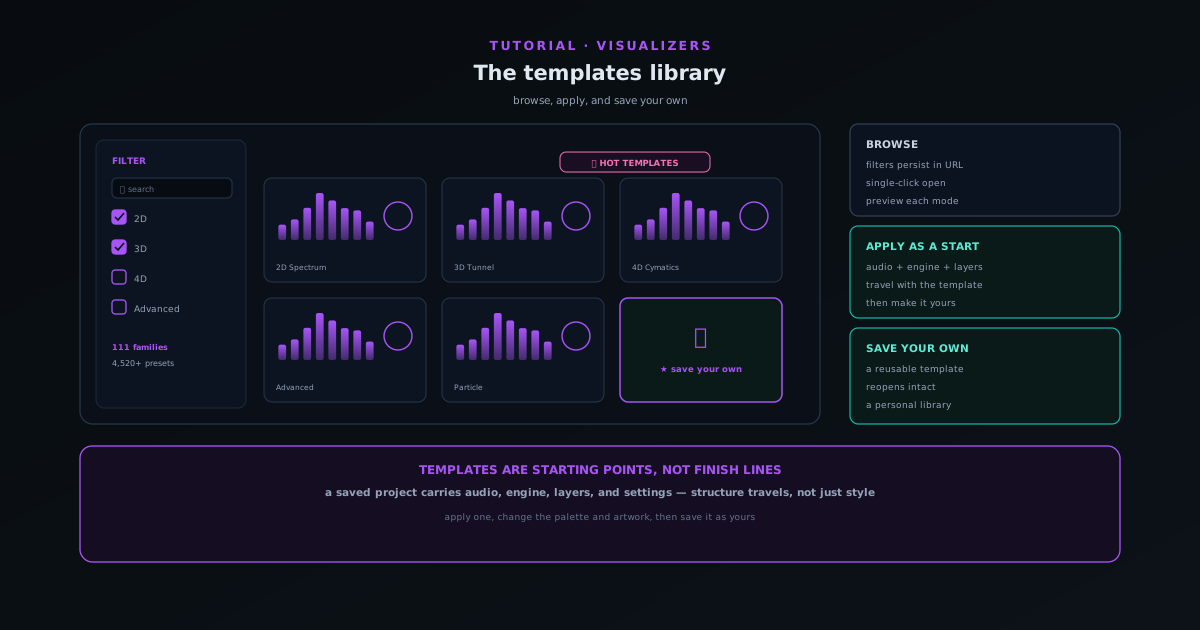 Editing & layers
Browsing the engines and modes in Sonic Weaver
Every visualizer starts from one of ten engines, each with six modes, 60 in total. Learn what each engine does, how to pick a mode that matches your track, and how depth lives inside specific modes rather than as a separate setting.
6 min · BeginnerStart
 Audio & beat-sync
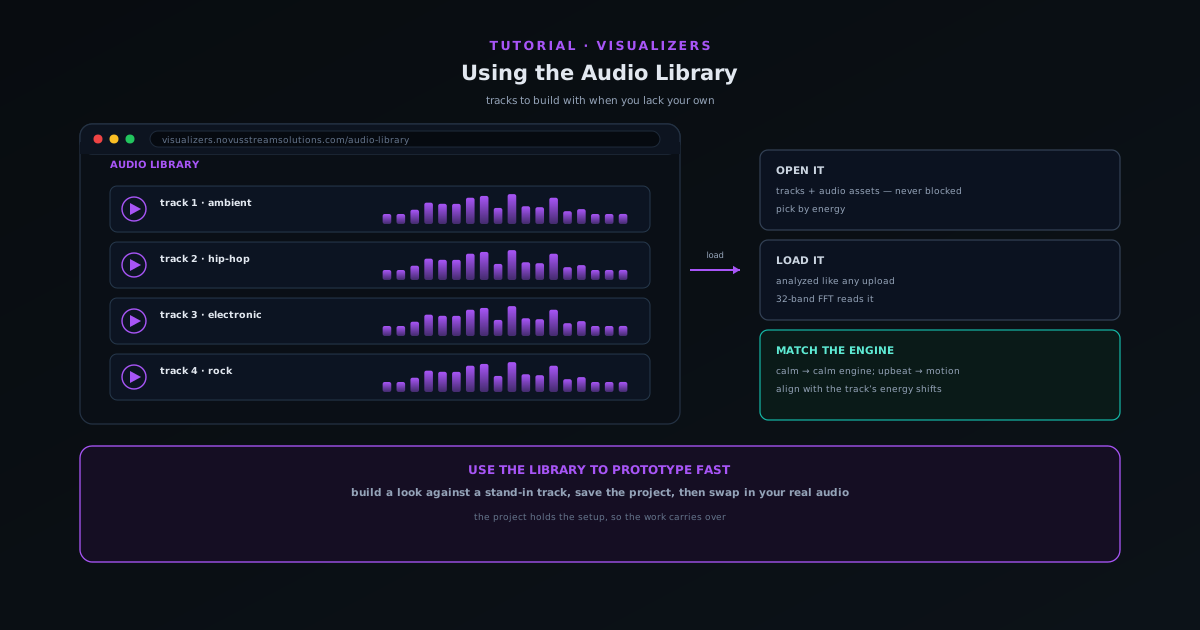
Using the Audio Library when you do not have your own track
Use the companion Audio Library to grab tracks and audio assets to build a visualizer with when you do not have your own music ready.
5 min · BeginnerStart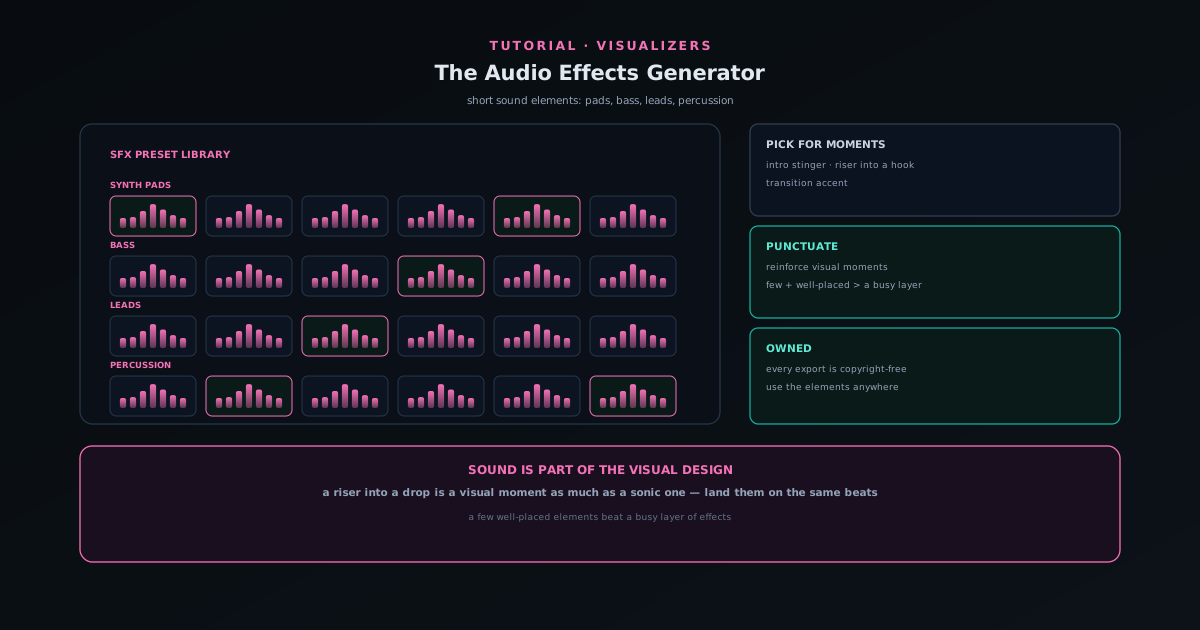 Audio & beat-sync
Adding sound elements with the Audio Effects Generator
Use the Audio Effects Generator (a preset library of synth pads, bass, leads, and percussion) to add short sound elements like stingers, risers, and transitions to a release.
5 min · BeginnerStart
 Export & release
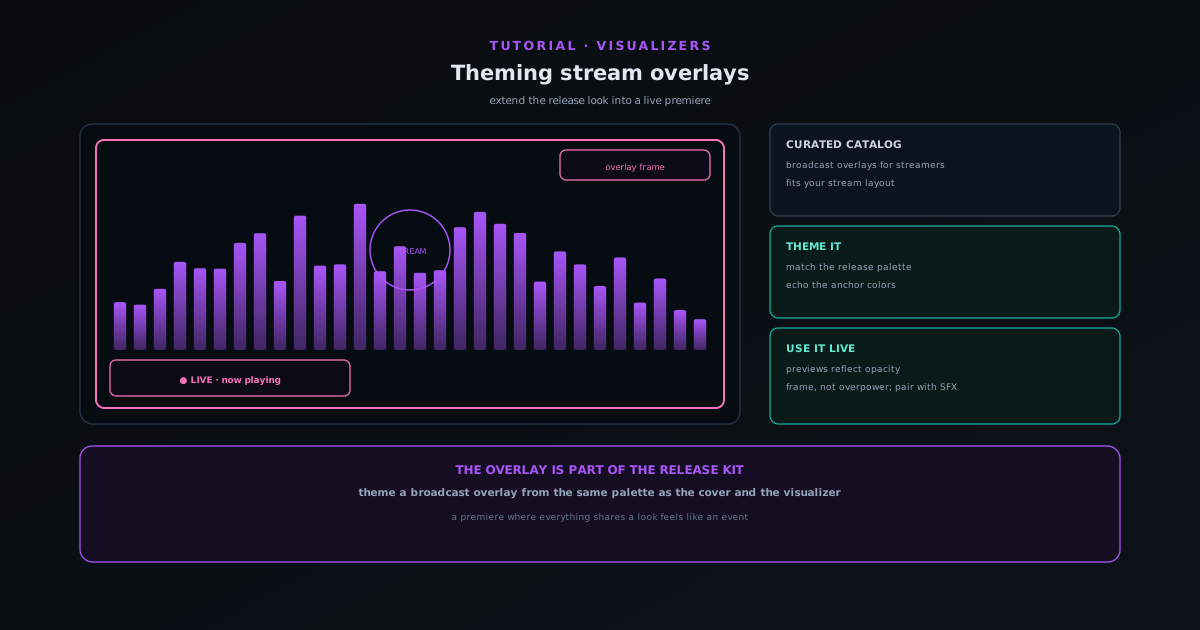
Theming stream overlays for a live premiere
Use the Stream Overlays companion (a curated catalog of broadcast-oriented overlays) to extend your release look into a live stream so the premiere matches the rest of the kit.
5 min · BeginnerStart Getting started
Accounts, passkeys, and a cross-device library in Sonic Weaver
Creating and exporting still needs no account. A free one adds durable saved projects, albums, passkeys, recovery codes, and the ability to reopen a document on another device.
7 min · BeginnerStart
Testaroo
 Getting started
Getting started with Testaroo: find and download a sample file
Testaroo is a free library of 2,558 test files across 17 categories and 221 distinct extensions, generated by deterministic scripts rather than collected, so each one is copyright-clean and ships with an exact spec sheet. This guide covers what the catalog holds, how to find the right sample for the tool you are testing, and how to download it in your browser with no account.
7 min · BeginnerStart Use cases
Test a background remover with the right sample images
A background remover is only as good as the hardest image you test it on. This guide covers which sample images from Testaroo genuinely stress a cutout (solid versus busy backgrounds, hair and edge detail, transparency and grayscale) and how to run them through a background remover.
7 min · BeginnerStart