Novus Visualizers
The brand kit: a consistent look across releases
Recognizable artists look the same release after release. How to use the brand kit to save your colors, fonts, and logo so every visualizer, cover, and overlay shares one identity, without redoing the work each time.
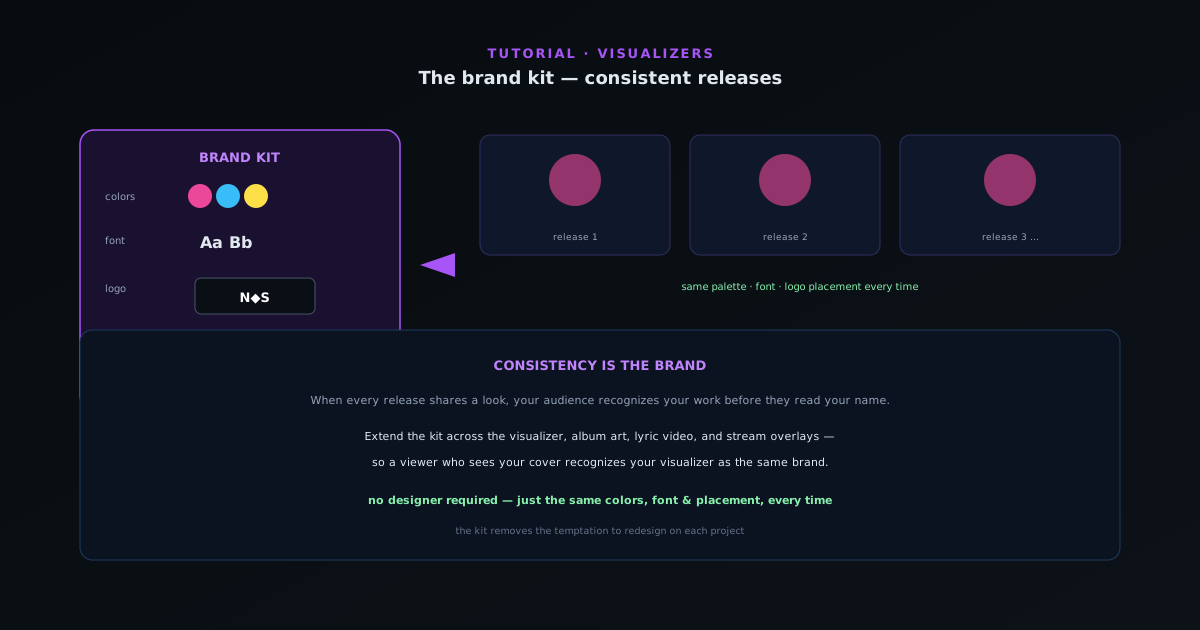
The difference between a hobby channel and a recognizable artist is often just consistency. When every release shares a palette, a font, and a logo treatment, your audience recognizes your work before they read your name. The brand kit makes that consistency automatic instead of a chore.
Contents
- 1
1. Define your identity once
Set up a brand kit with your core colors, preferred fonts, and logo. This is the one-time decision that every future project inherits, so spend a little time getting it right: a palette you can live with across many releases, a font that reads in your text overlays, and a clean logo file.
- Save colors, fonts, and logo to the brand kit.
- 2
2. Apply it to every project
With the kit set, new visualizers start from your identity instead of defaults. Your colors are a click away, your font is already selected for titles and captions, and your logo is ready to place, so each new video is on-brand from the first second without re-deciding everything.
- New projects inherit your colors, fonts, and logo.
- 3
3. Keep the logo and text consistent
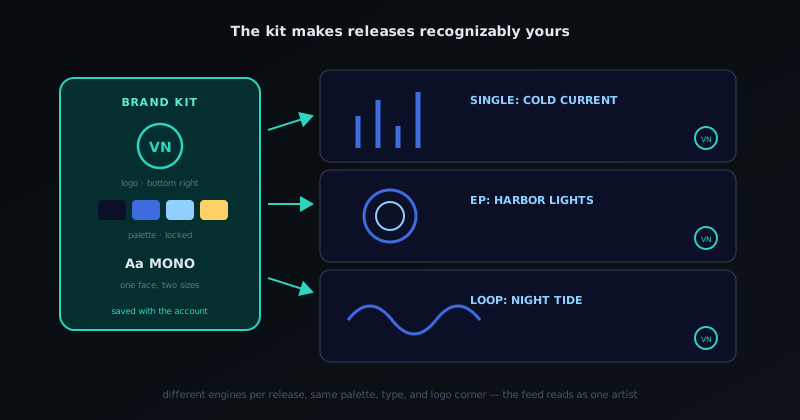
Place your logo in the same position and your title in the same style across releases. Consistent placement is a surprisingly strong recognition signal; viewers learn where your name appears. Use the brand-kit font for both titles and captions so the type is unmistakably yours.
- Same logo position + same title style every time.
The kit makes releases recognizably yours: same logo corner, same palette, every time. - 4
4. Extend it across the release package
The kit pays off most when it spans the whole package: the visualizer, the album art, the lyric video, and the stream overlays all sharing one palette, font, and logo. Use the same kit in the companion tools so a viewer who sees your cover recognizes your visualizer and your overlay as the same brand.
- Reuse the kit across visualizer, art, lyric video, overlays.
Consistency is the brand
You do not need a fancy logo or a designer; you need the same colors, font, and placement every single time. The brand kit removes the temptation to redesign on each project, which is exactly what keeps a body of work looking like one artist.
Frequently asked questions
Quick answers to common questions about this topic.
How do I keep a consistent look across all my releases?
Build a brand kit (fixed colors, fonts, logo placement, and a go-to engine style) and reuse it via a saved template every release. Consistency is what makes a catalog feel like one artist.
Can I save my brand setup to reuse?
Yes. Save your configured scene as a reusable project so each new track starts from your established look instead of from scratch.
Related workflow
A track to a release-ready visualizer, per platform
Render the visual once, then produce the platform masters from it, instead of re-rendering the whole video for every aspect ratio.
- Render the beat-synced videoNovus Visualizers: Pick the engine and mode against your actual track; the analysis is done on your audio, not on a preset preview.
- Trim or upscale the exportNSS Background Remover: The video utilities handle the tidy-up pass so the render does not have to be repeated to fix ten seconds of it.
- Produce the per-platform mastersNovus Convert: Each destination wants a different container and bitrate; converting the finished render is far cheaper than re-rendering it.
Related troubleshooting
Was this page helpful?
Your answer stays in this browser, it is not sent anywhere and no account or cookie is involved.