Novus Visualizers
Adding sound elements with the Audio Effects Generator
Use the Audio Effects Generator (a preset library of synth pads, bass, leads, and percussion) to add short sound elements like stingers, risers, and transitions to a release.
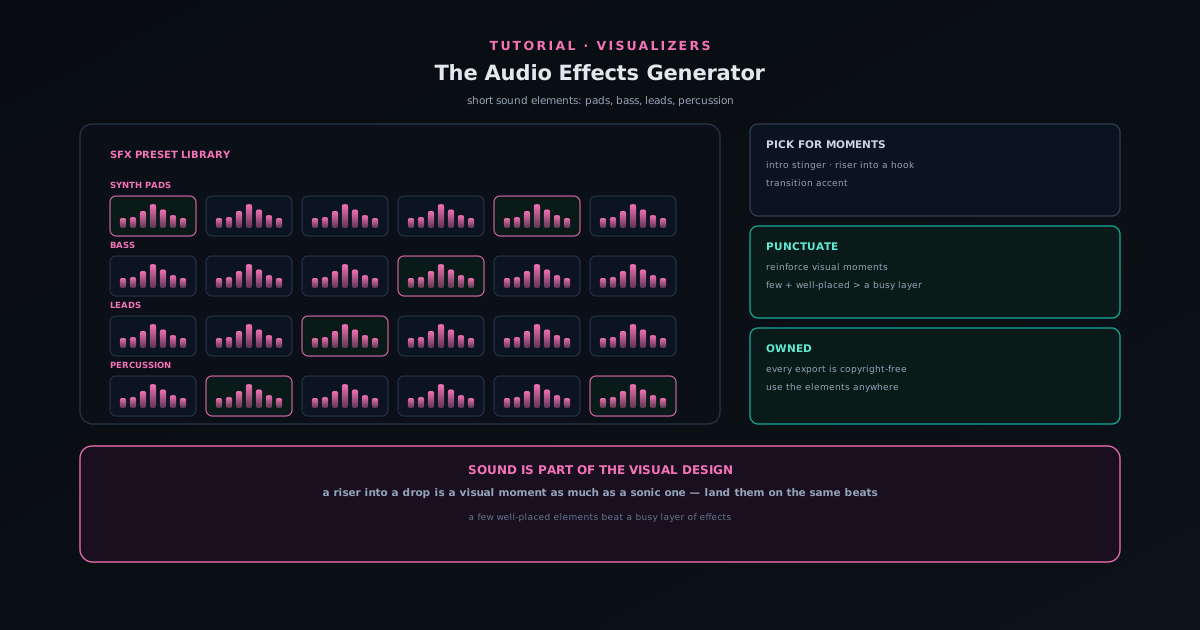
A release is not only visuals; sometimes you need short audio elements: a stinger for a premiere intro, a riser into a drop, a transition between sections. The companion Audio Effects Generator is a sound-effects preset library built for exactly that.
This tutorial covers what the generator offers (synth pads, bass, leads, and percussion) and how to use those elements to punctuate the moments your visuals are already emphasizing.
Contents
- 1
1. Open the Audio Effects Generator
From the Tools area, open the Audio Effects Generator. It is a preset library spanning synth pads, bass, leads, and percussion, so you can grab short audio elements without producing them from scratch.
These are sonic building blocks for the moments around your main track (intros, transitions, accents) rather than full songs.
- Preset library: synth pads, bass, leads, percussion.
- For short elements, not full tracks.
- 2
2. Pick elements for the moments you need
Choose presets for the specific moments your release calls for: a pad to underlay an intro, a riser into a hook, percussion to mark a transition. Match the element to the moment rather than adding sound for its own sake.
Because every export is copyright-free and fully owned, the elements you generate are yours to use anywhere.
- Match each element to a specific moment (intro, riser, transition).
- Generated audio is copyright-free and yours.
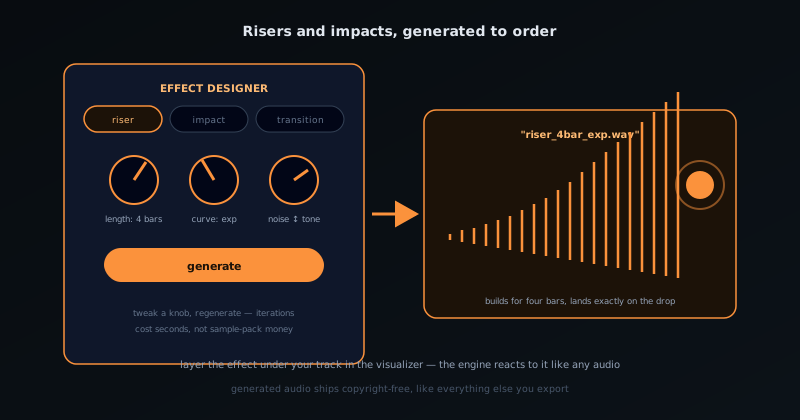
Risers, impacts, and transitions, generated to order instead of hunted from sample packs. - 3
3. Punctuate what the visuals already emphasize
The strongest use of audio elements is to reinforce the visual moments you have already built: a riser into a visual drop, a stinger on a logo reveal. Treat sound and visuals as parts of one design so they emphasize the same beats.
Use the generator to punctuate, not to clutter: a few well-placed elements do more than a busy layer of effects.
- Reinforce visual moments with matching audio.
- A few well-placed elements beat a cluttered mix.
Sound is part of the visual design
A riser into a drop is a visual moment as much as a sonic one. Build your visual emphasis first, then add audio elements from the generator to land on the same beats. The result feels intentional because the sound and the visuals are emphasizing the same thing.
Frequently asked questions
Quick answers to common questions about this topic.
What is the Audio Effects Generator?
A sound-effects preset library (synth pads, bass, leads, and percussion) for adding short audio elements to your content when you need sound beyond your main track.
When would I use generated SFX?
For intros, transitions, accents, or to layer texture under a visualizer. They are quick building blocks rather than full compositions.
Related workflow
A track to a release-ready visualizer, per platform
Render the visual once, then produce the platform masters from it, instead of re-rendering the whole video for every aspect ratio.
- Render the beat-synced videoNovus Visualizers: Pick the engine and mode against your actual track; the analysis is done on your audio, not on a preset preview.
- Trim or upscale the exportNSS Background Remover: The video utilities handle the tidy-up pass so the render does not have to be repeated to fix ten seconds of it.
- Produce the per-platform mastersNovus Convert: Each destination wants a different container and bitrate; converting the finished render is far cheaper than re-rendering it.
Related troubleshooting
Was this page helpful?
Your answer stays in this browser, it is not sent anywhere and no account or cookie is involved.