Novus Visualizers
Sound design: the Audio Effects Generator and Audio Library
The audio companions round out a release: design custom sound effects with the Audio Effects Generator and pull royalty-free music from the Audio Library, so your visuals have the right sound to react to.
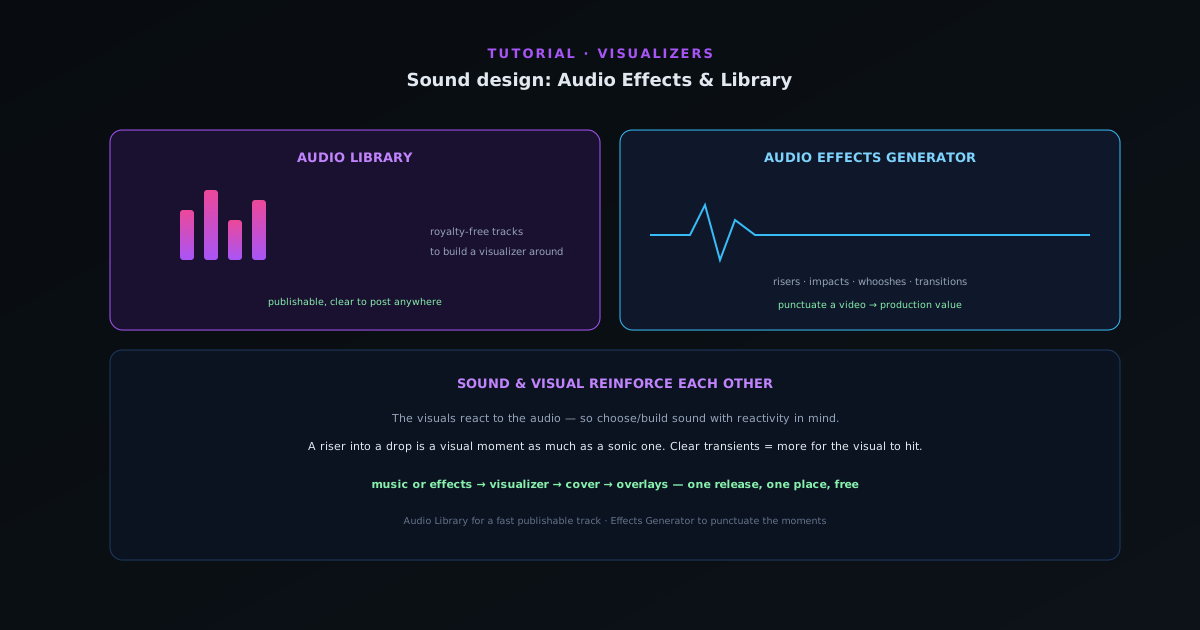
A visualizer reacts to audio, so the audio is half the asset. Novus Visualizers includes two audio companions (the Audio Effects Generator and the Audio Library) that help you get the right sound, whether you are sourcing music or adding sonic accents. This guide covers both.
Contents
- 1
1. Source music from the Audio Library
If you do not have a track ready (or you need something you can publish without copyright worries) the Audio Library provides royalty-free music to build a visualizer around. It is the fastest path to a finished video when you need the visual more than a specific song, and it keeps your exports clear to post anywhere.
- Audio Library: royalty-free tracks to visualize.
- 2
2. Design accents with the Audio Effects Generator
The Audio Effects Generator creates custom sound effects (risers, impacts, whooshes, and transitions) that you can use to punctuate a video. A well-placed riser into a drop or an impact on a beat adds production value and makes the visual moment land harder.
- Audio Effects Generator: risers, impacts, whooshes, transitions.
- 3
3. Pick audio with the visual in mind
Because the visuals react to the audio, choose or build sound with reactivity in mind. A track or effect with clear transients and dynamics gives the engine more to respond to (as covered in the picking-the-perfect-song guide). Sound design and visual design reinforce each other: a punchy effect on a beat is also a punchy visual moment.
- Clear transients/dynamics → more for the visual to react to.
Sound design works backwards: the visuals mark the moments, the effects land on them. - 4
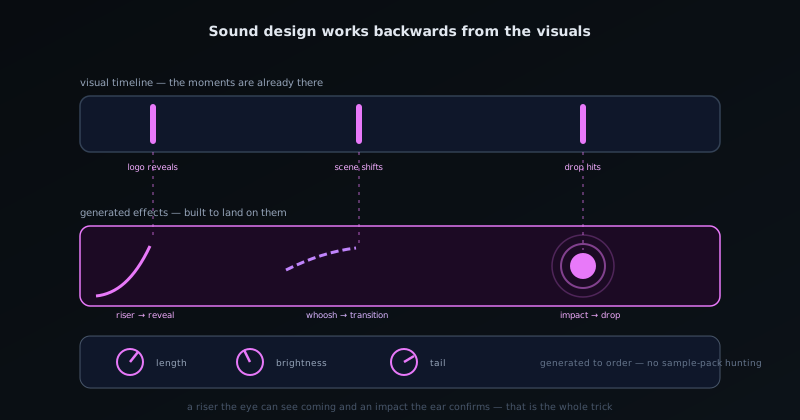
Sound and visual reinforce each other
Treat audio as part of the visual design, not an afterthought; a riser into a drop is a visual moment as much as a sonic one. Use the Audio Library when you need a publishable track fast, and the Audio Effects Generator to punctuate the moments your visuals are already emphasizing.
Frequently asked questions
Quick answers to common questions about this topic.
Where do I get audio if I do not have my own track?
The Audio Library provides tracks and audio assets to build with, and the Audio Effects Generator offers SFX presets (synth pads, bass, leads, and percussion) for short sound elements.
Can I add sound effects to a visualizer?
Yes: use the Audio Effects Generator to add SFX elements alongside your main track, useful for intros, transitions, and accents.
Related workflow
A track to a release-ready visualizer, per platform
Render the visual once, then produce the platform masters from it, instead of re-rendering the whole video for every aspect ratio.
- Render the beat-synced videoNovus Visualizers: Pick the engine and mode against your actual track; the analysis is done on your audio, not on a preset preview.
- Trim or upscale the exportNSS Background Remover: The video utilities handle the tidy-up pass so the render does not have to be repeated to fix ten seconds of it.
- Produce the per-platform mastersNovus Convert: Each destination wants a different container and bitrate; converting the finished render is far cheaper than re-rendering it.
Related troubleshooting
Was this page helpful?
Your answer stays in this browser, it is not sent anywhere and no account or cookie is involved.