Tutorials
Learn the Novus apps
Core, step-by-step guidance for the tools, grouped by app and written to stand on its own. Each app has a deeper library inside the product itself; these are the essentials.
For the full reference see the documentation, and for the stories behind the builds, the product blog.
Sonic Weaver
 Audio & beat-sync
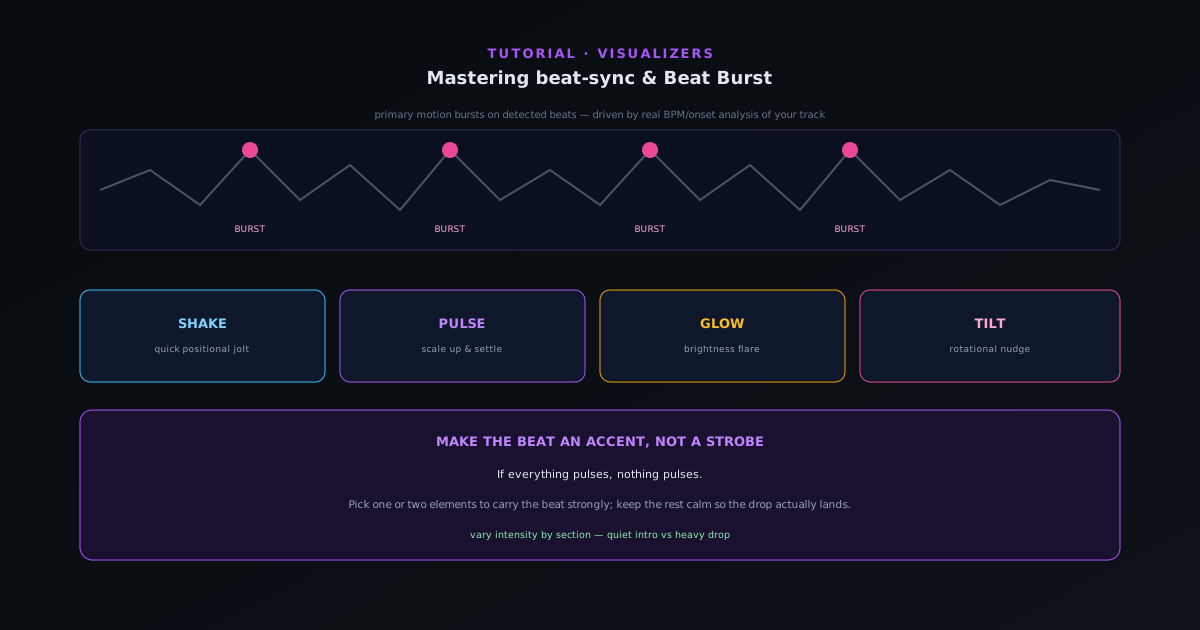
Mastering beat-sync: Beat Burst and beat-reactive properties
Make the visuals move with the music, not just under it. How Beat Burst drives primary motion on detected beats, and how to layer beat-reactive properties (shake, pulse, glow, tilt) so the hits land where you want them.
6 min · IntermediateStart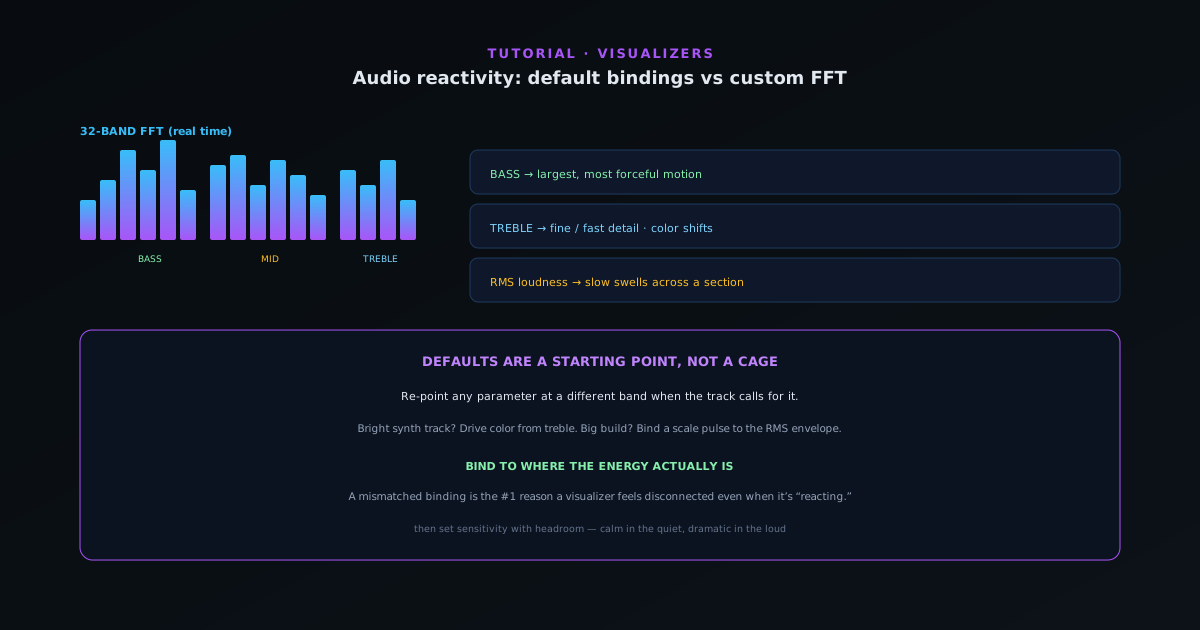 Audio & beat-sync
Audio reactivity in depth: default bindings vs customizing the FFT mapping
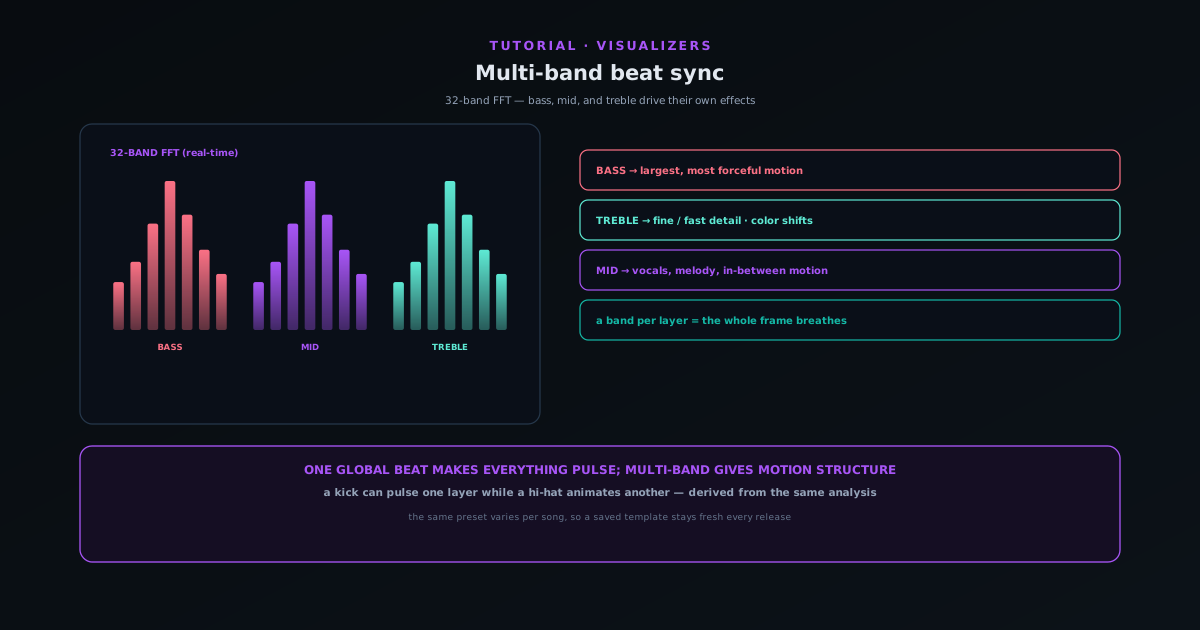
Go past the defaults: understand the 32-band FFT and how bass, mid, treble, RMS loudness, and onset detection map to motion, then customize which audio signal drives which visual parameter.
8 min · IntermediateStart
 Audio & beat-sync
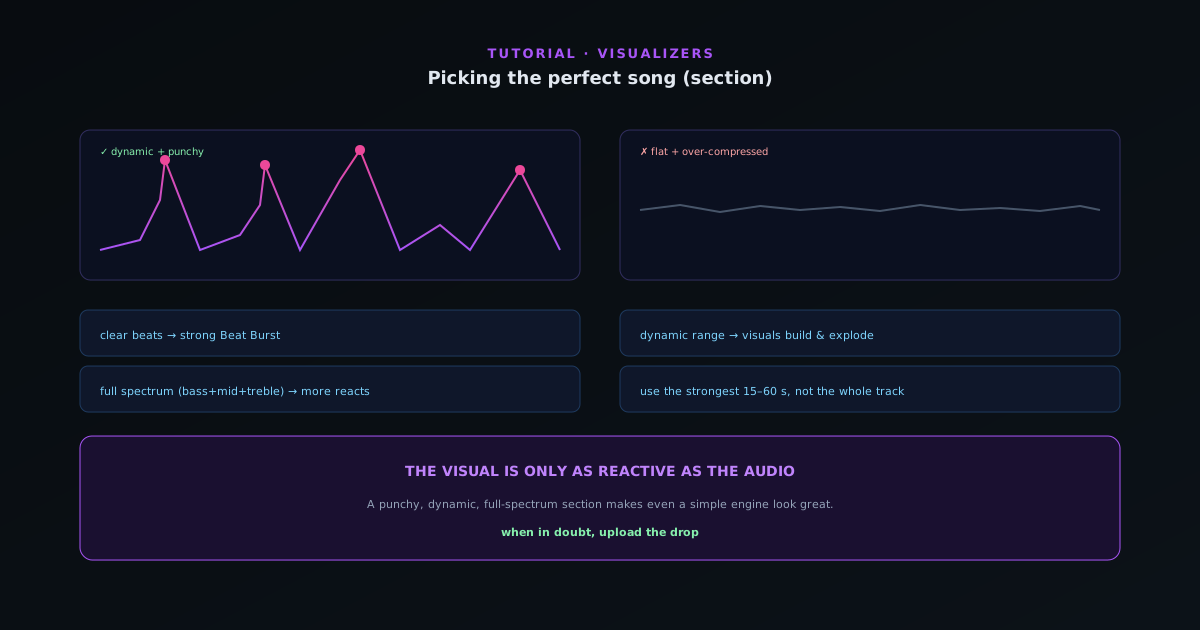
Picking the perfect song (section) for your visualizer
The track you feed the analyzer decides how good the visual can be. What makes a section reactive (clear beats, dynamic range, defined frequency content) and how to choose the part of your song that will look best.
6 min · BeginnerStart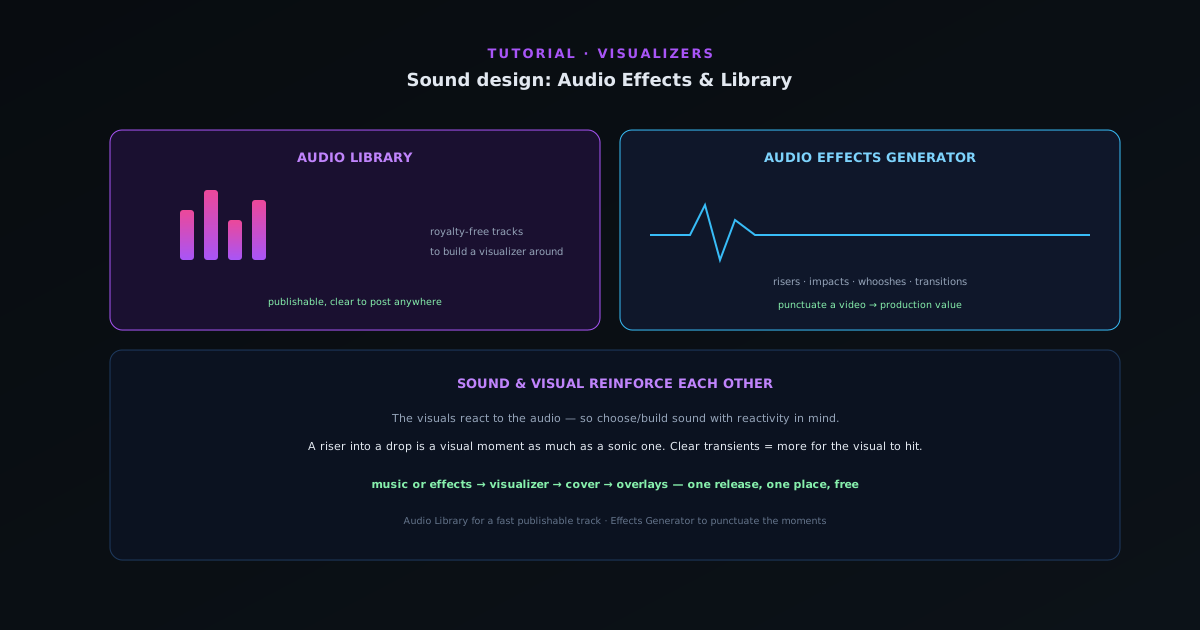 Audio & beat-sync
Sound design: the Audio Effects Generator and Audio Library
The audio companions round out a release: design custom sound effects with the Audio Effects Generator and pull royalty-free music from the Audio Library, so your visuals have the right sound to react to.
5 min · BeginnerStart
 Audio & beat-sync
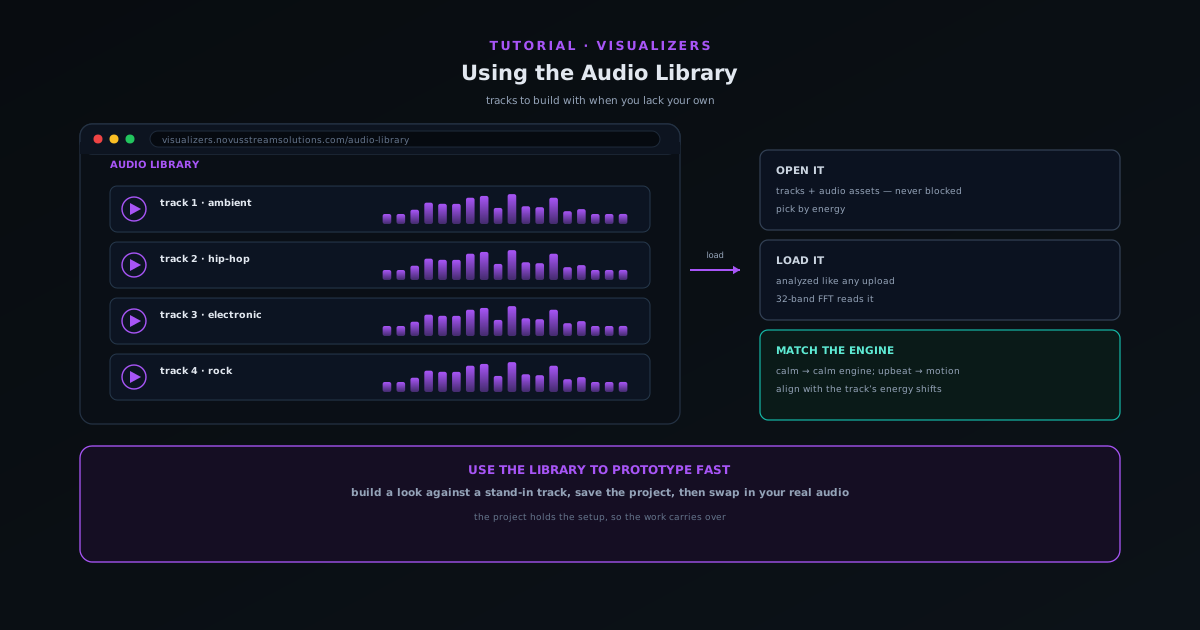
Using the Audio Library when you do not have your own track
Use the companion Audio Library to grab tracks and audio assets to build a visualizer with when you do not have your own music ready.
5 min · BeginnerStart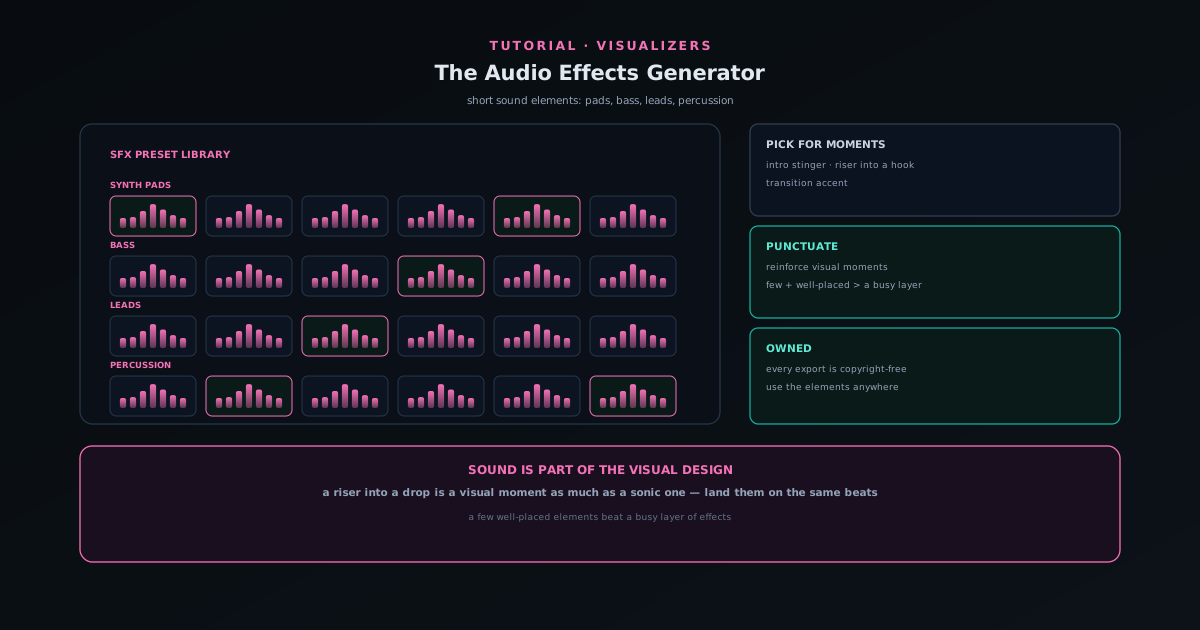 Audio & beat-sync
Adding sound elements with the Audio Effects Generator
Use the Audio Effects Generator (a preset library of synth pads, bass, leads, and percussion) to add short sound elements like stingers, risers, and transitions to a release.
5 min · BeginnerStart