Tutorials
Learn the Novus apps
Core, step-by-step guidance for the tools, grouped by app and written to stand on its own. Each app has a deeper library inside the product itself; these are the essentials.
For the full reference see the documentation, and for the stories behind the builds, the product blog.
Sonic Weaver
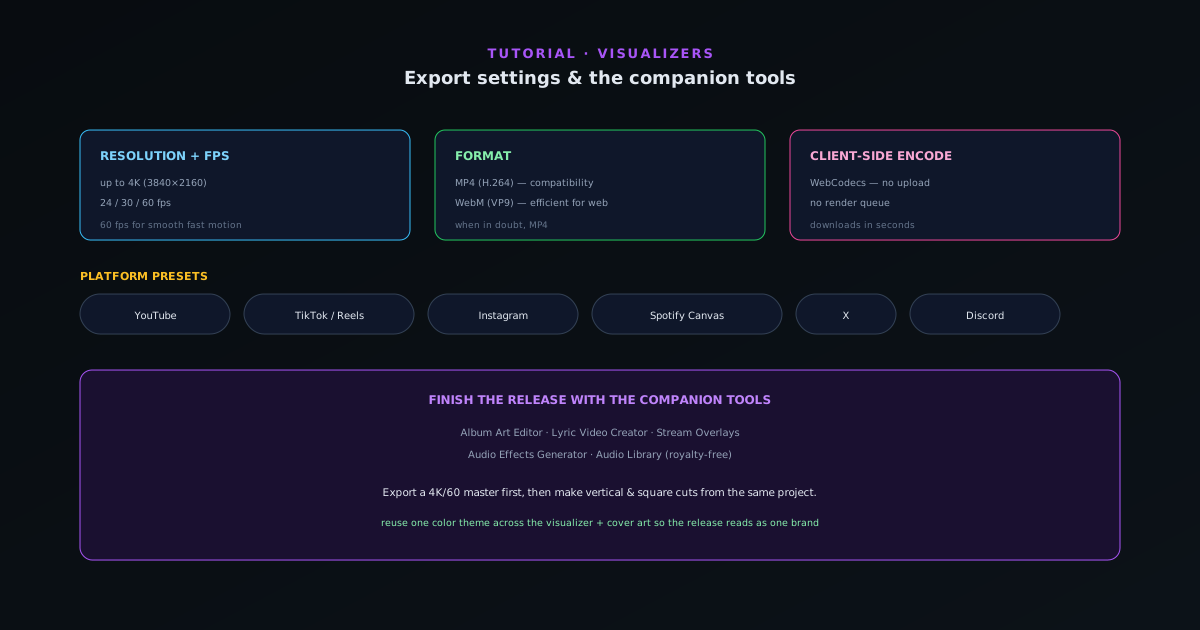 Export & release
Export settings and the companion tools
Pick the right export every time (resolution, fps, MP4 vs WebM, and the platform presets for YouTube, TikTok, Reels, Spotify Canvas, and more), then round out a release with the companion tools.
6 min · IntermediateStart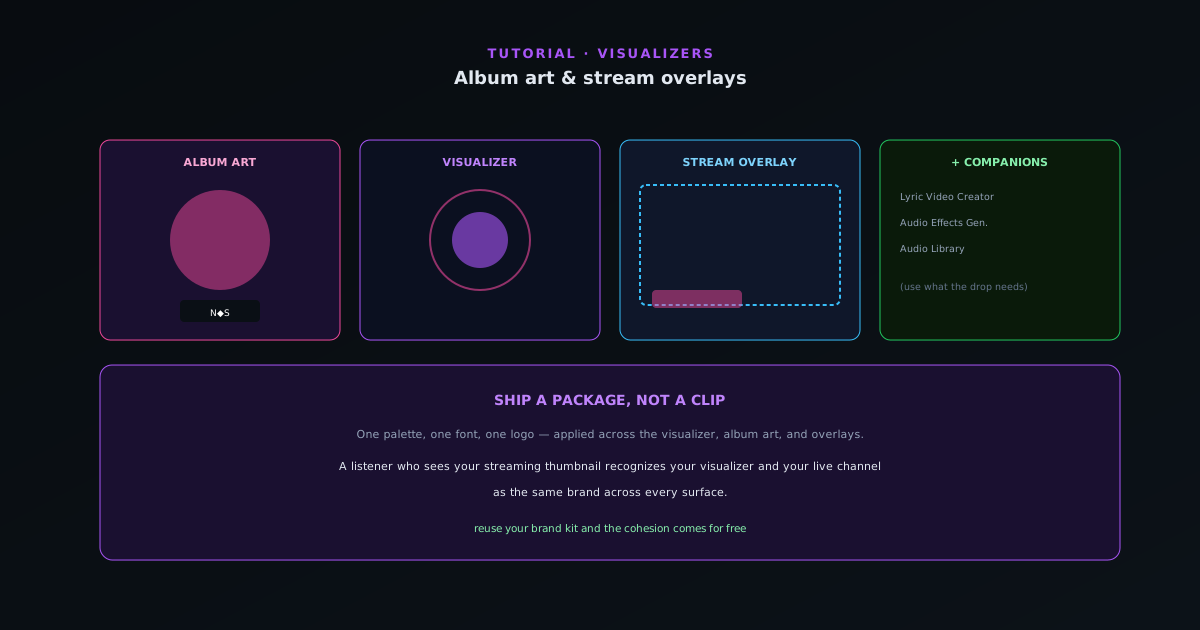 Export & release
Album art & stream overlays with the companion tools
A release is more than a video. How to use the Cover Art Studio and Stream Overlays companion tools to produce cover art and broadcast overlays that match your visualizer, one cohesive package.
6 min · BeginnerStart
 Export & release
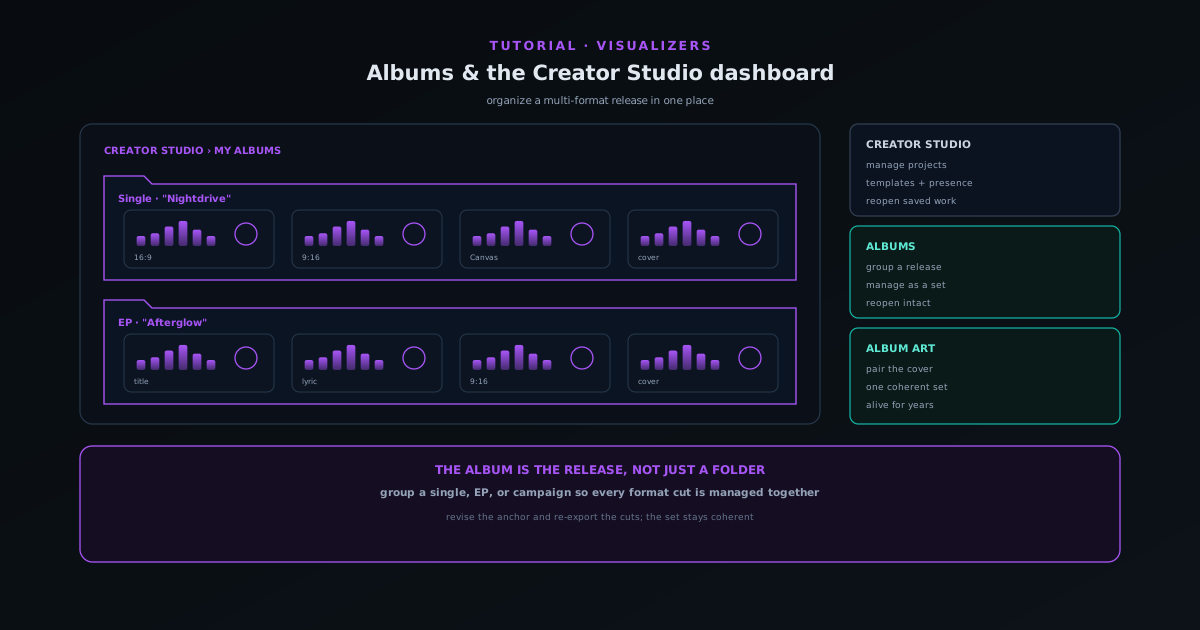
Organizing releases with albums and the Creator Studio dashboard
Use My Albums and the Creator Studio dashboard to group related visualizers into a release, manage drafts and projects in one place, and keep a multi-format launch organized.
6 min · BeginnerStart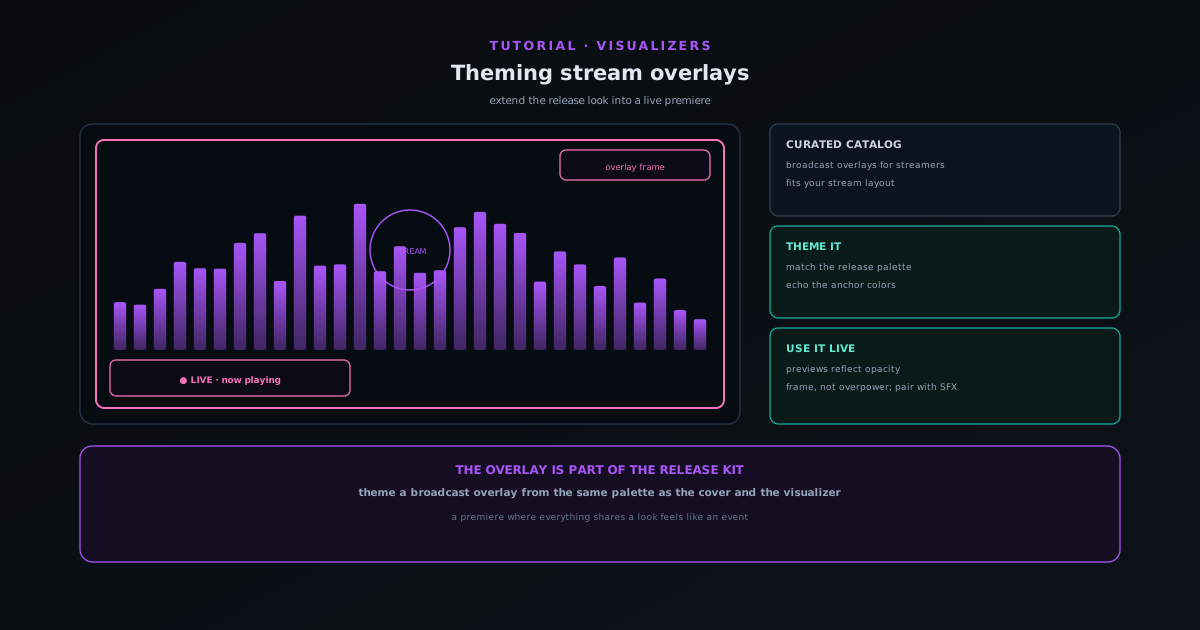 Export & release
Theming stream overlays for a live premiere
Use the Stream Overlays companion (a curated catalog of broadcast-oriented overlays) to extend your release look into a live stream so the premiere matches the rest of the kit.
5 min · BeginnerStart