Tutorials
Learn the Novus apps
Core, step-by-step guidance for the tools, grouped by app and written to stand on its own. Each app has a deeper library inside the product itself; these are the essentials.
For the full reference see the documentation, and for the stories behind the builds, the product blog.
Sonic Weaver
 Editing & layers
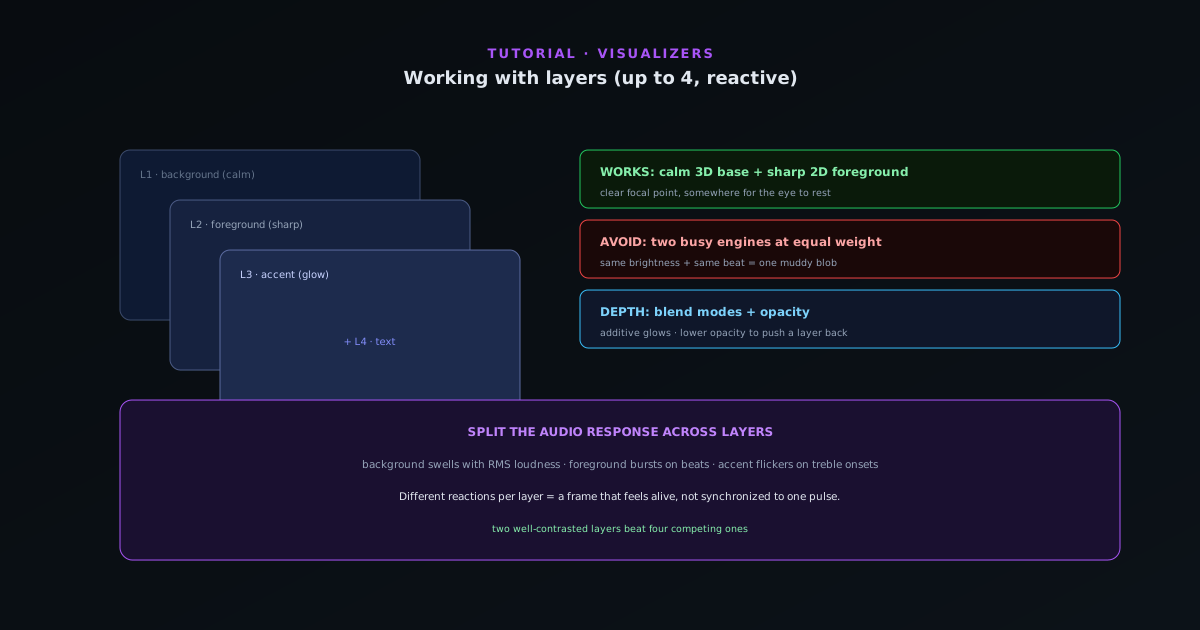
Working with layers in Sonic Weaver (and which combinations work best)
Stack ordered reactive layers with blend controls to build depth (a calm background engine, a sharp foreground, accents, and text) and learn the layer combinations that read well instead of turning to mush.
7 min · IntermediateStart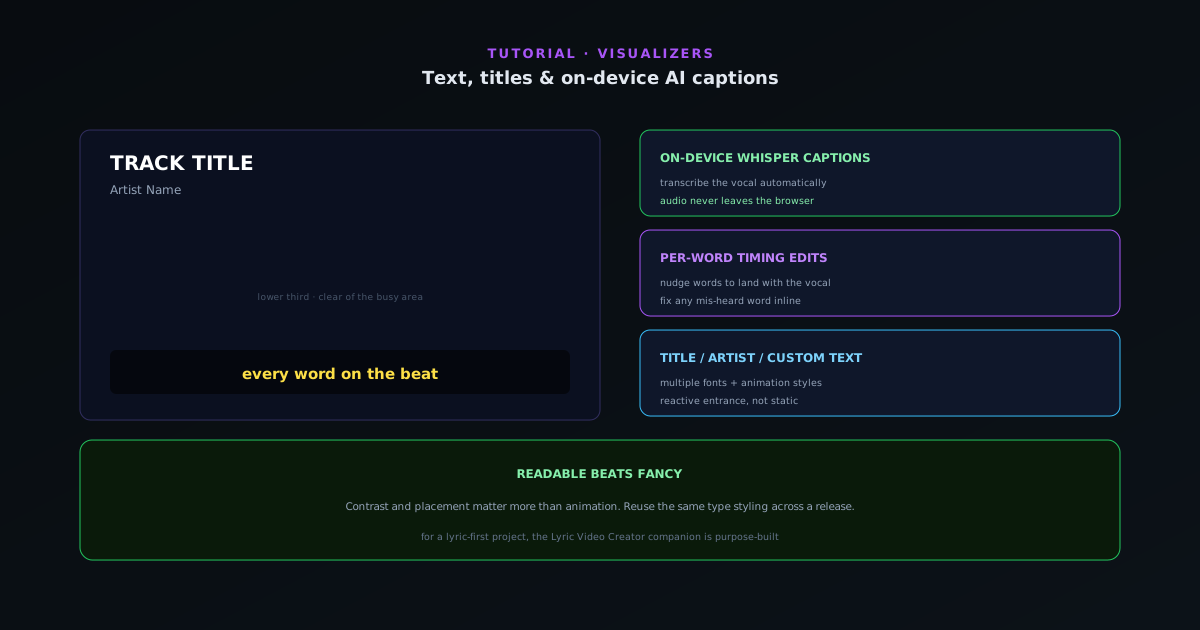 Editing & layers
Text, titles, and on-device AI captions in Sonic Weaver
Add a title and artist, choose fonts and animation styles, and turn audio into captions with on-device Whisper transcription and per-word timing, without your audio ever leaving the browser.
6 min · IntermediateStart
 Editing & layers
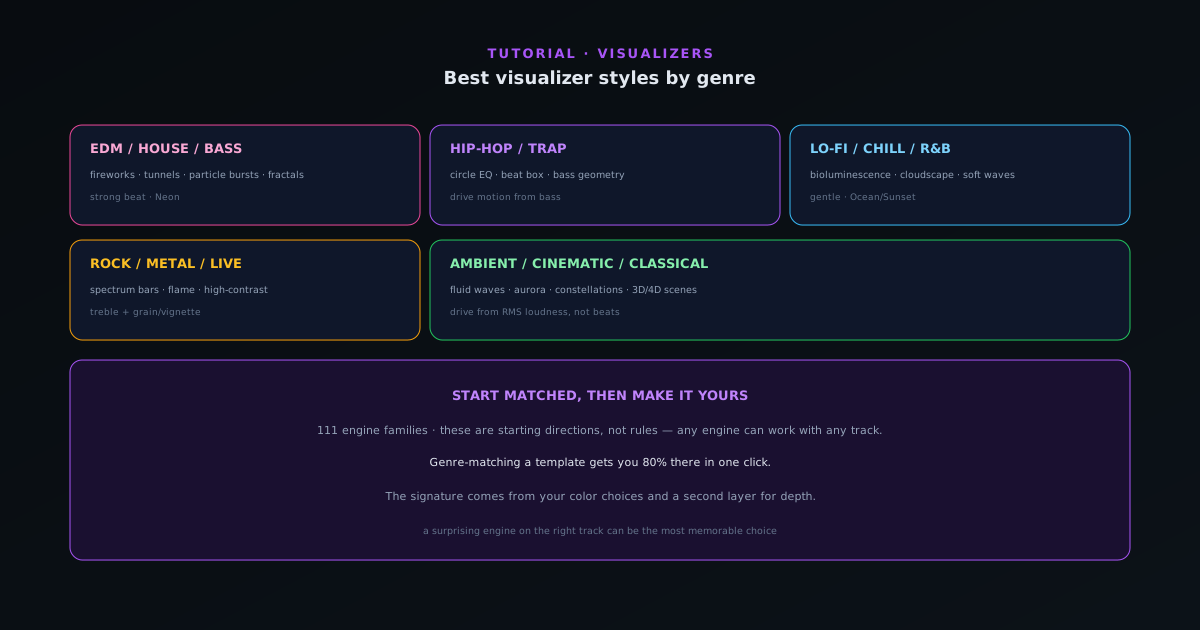
Best visualizer styles by genre
Which engines and modes tend to fit which genres (from hip-hop and EDM to lo-fi, rock, ambient, and classical) so you can pick an engine and mode that already feels right for your track.
7 min · BeginnerStart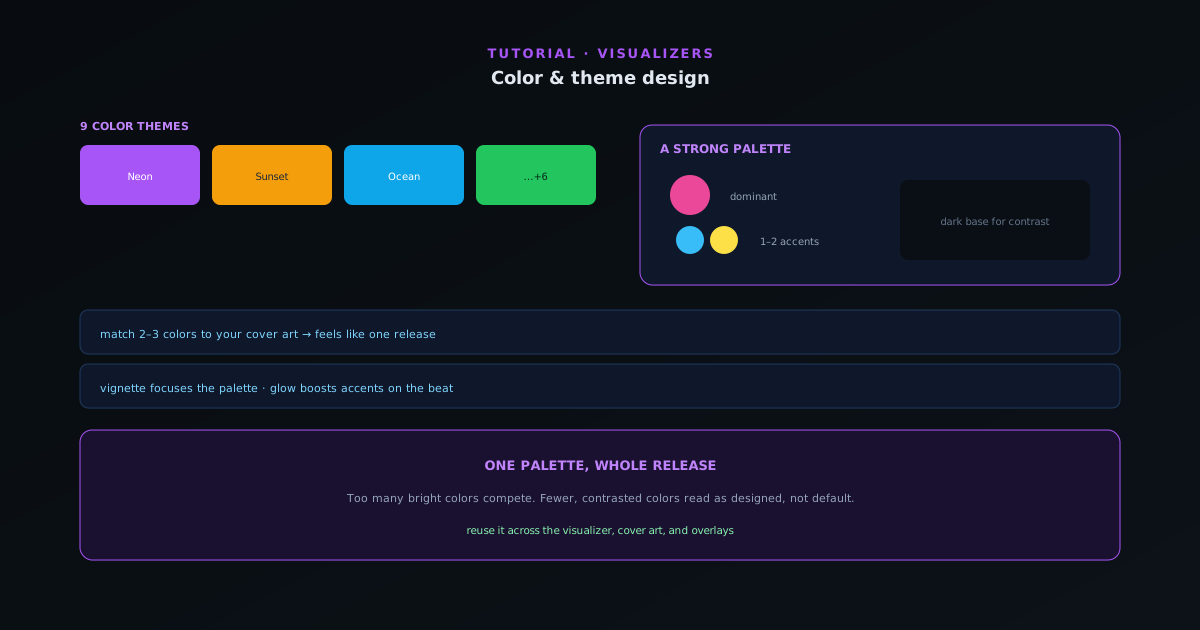 Editing & layers
Color & theme design for visualizers
Color is the fastest way to set a mood and match your release art. How to use the nine themes and per-element color control to design a look that feels intentional instead of default.
6 min · BeginnerStart
 Editing & layers
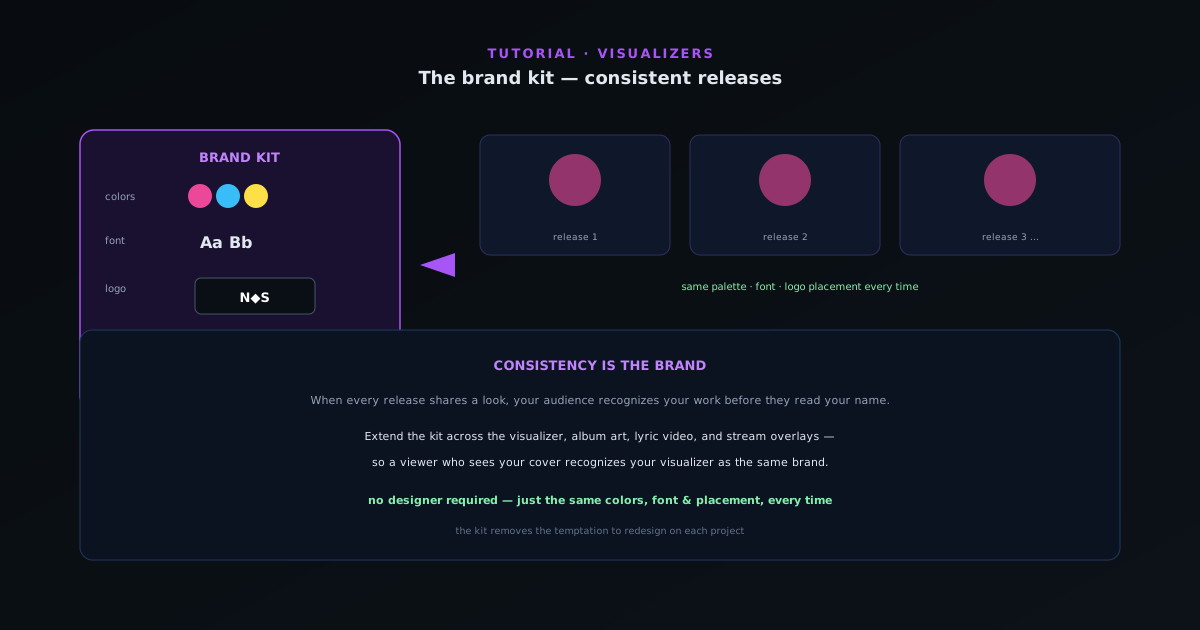
The brand kit: a consistent look across releases
Recognizable artists look the same release after release. How to use the brand kit to save your colors, fonts, and logo so every visualizer, cover, and overlay shares one identity, without redoing the work each time.
5 min · BeginnerStart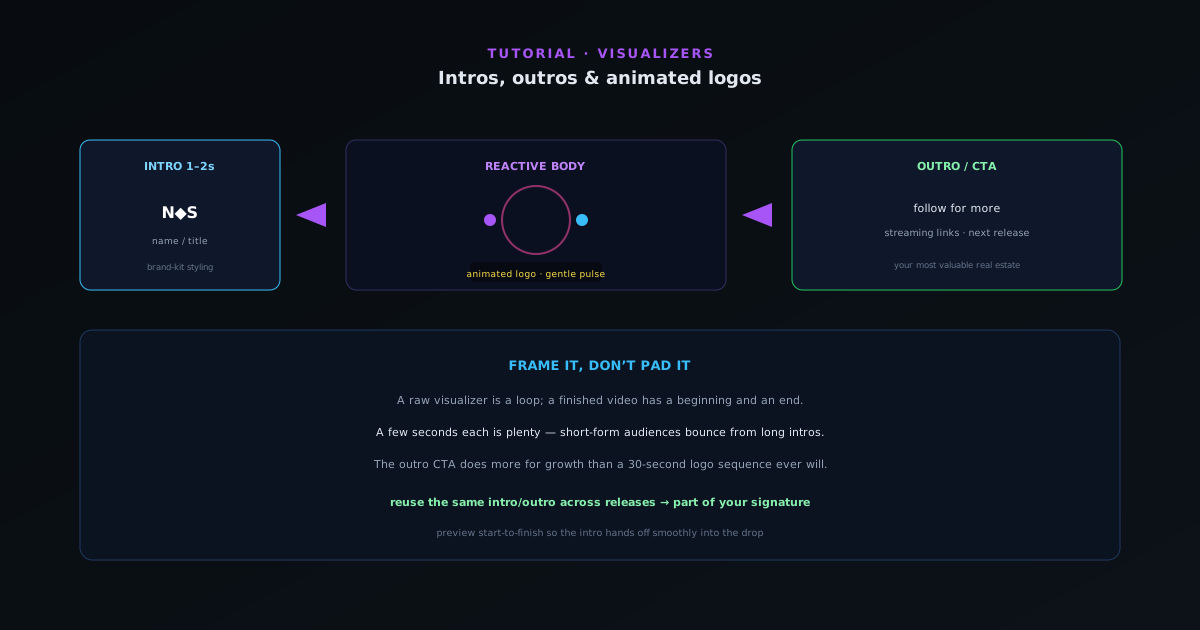 Editing & layers
Intros, outros & animated logos
A short branded intro and outro turns a loop into a finished video. How to add an animated logo, an intro card, and an end screen that drives follows and saves, without padding the runtime.
5 min · BeginnerStart
 Editing & layers
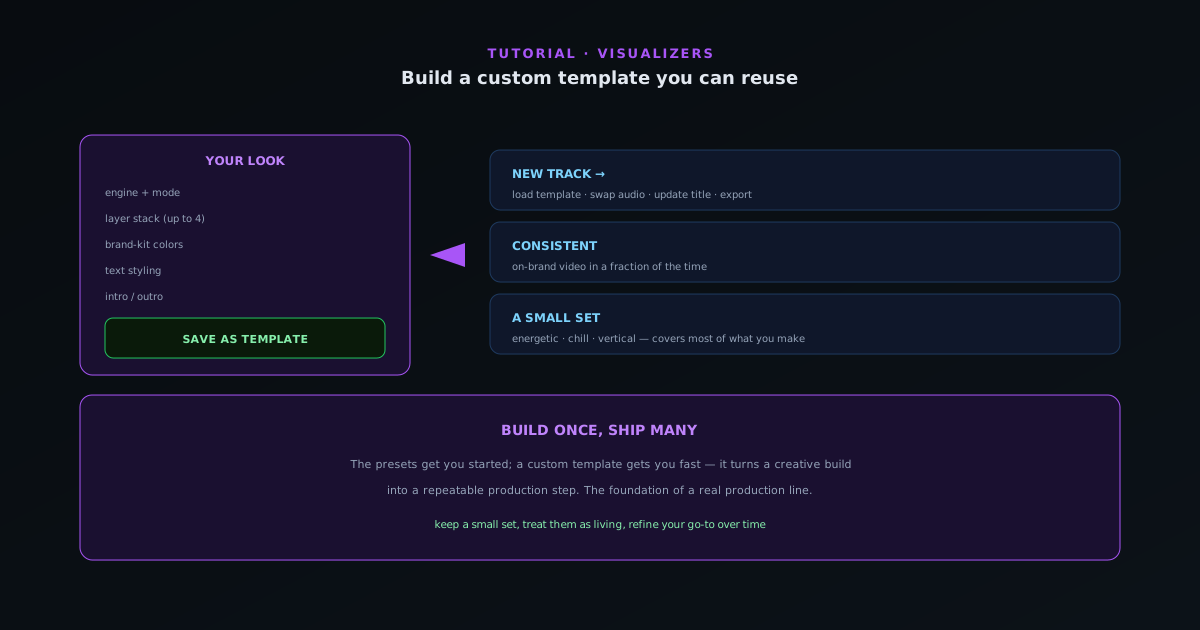
Saving a project you can reuse across tracks
Once you have dialed in a look you love, save it as a project so every future track starts there. How to build, save, and reopen a saved document for a fast, consistent production line.
6 min · IntermediateStart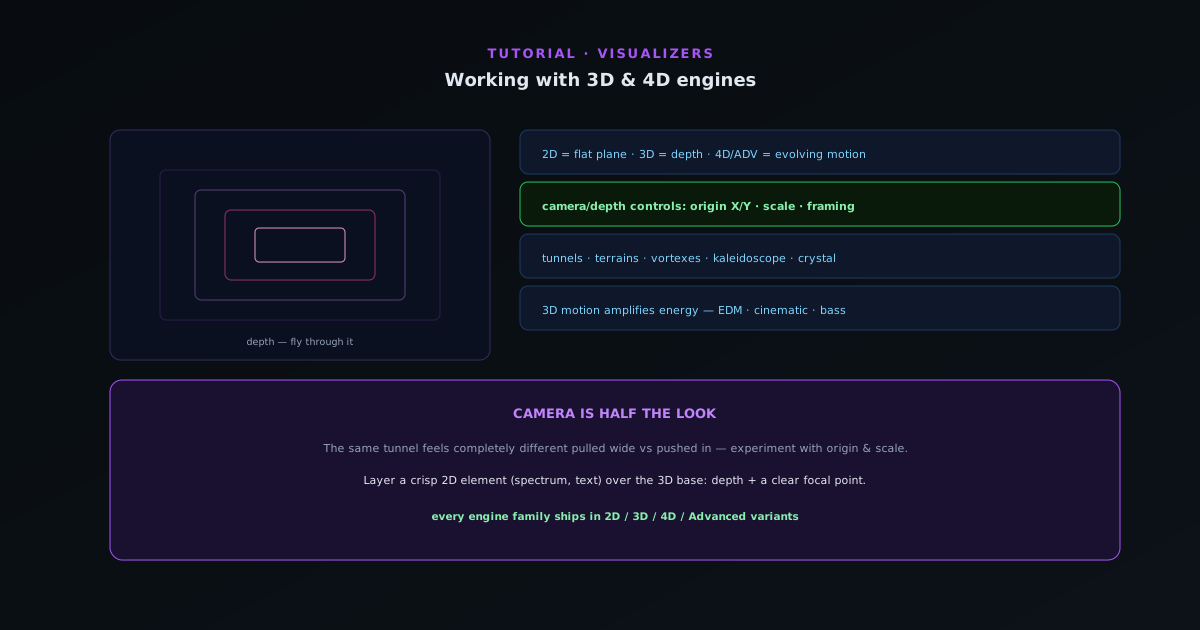 Editing & layers
Working with depth and 3D modes
Depth is not a separate engine; it lives inside specific modes. How to use the 3D modes (Bars 3D Columns, Spectrum Spectral Mesh, Waveform 3D Surface, Character Motion 3D Performer, and the Tunnel corridor and tube modes) plus the camera and depth controls that make them sing.
7 min · IntermediateStart
 Editing & layers
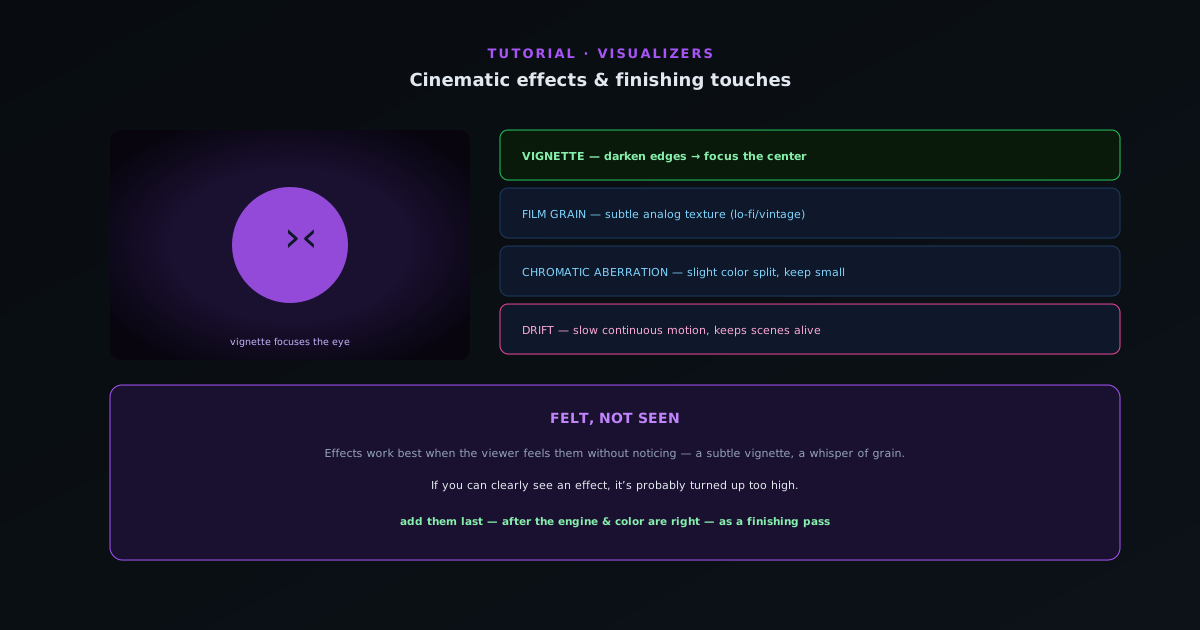
Cinematic effects and finishing touches
The post-processing layer that separates a polished visualizer from a raw one (vignette, film grain, and chromatic aberration, plus the drift reaction) and how to use them without overdoing it.
5 min · IntermediateStart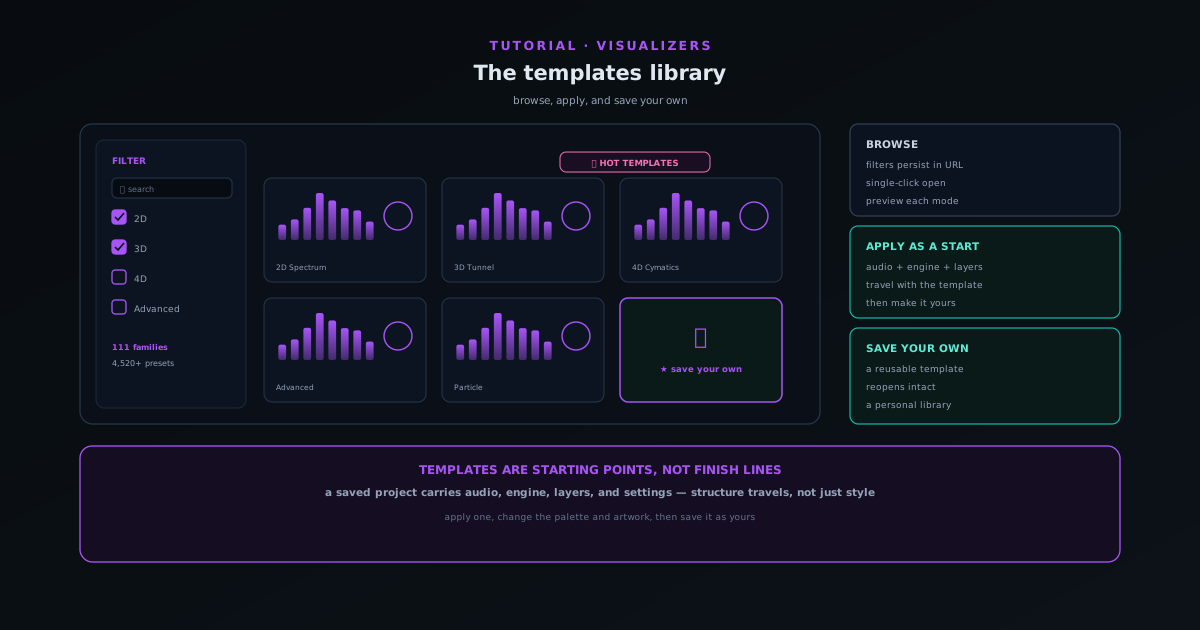 Editing & layers
Browsing the engines and modes in Sonic Weaver
Every visualizer starts from one of ten engines, each with six modes, 60 in total. Learn what each engine does, how to pick a mode that matches your track, and how depth lives inside specific modes rather than as a separate setting.
6 min · BeginnerStart