Tutorials
Learn the Novus apps
Core, step-by-step guidance for the tools, grouped by app and written to stand on its own. Each app has a deeper library inside the product itself; these are the essentials.
For the full reference see the documentation, and for the stories behind the builds, the product blog.
Sonic Weaver
 Audio & beat-sync
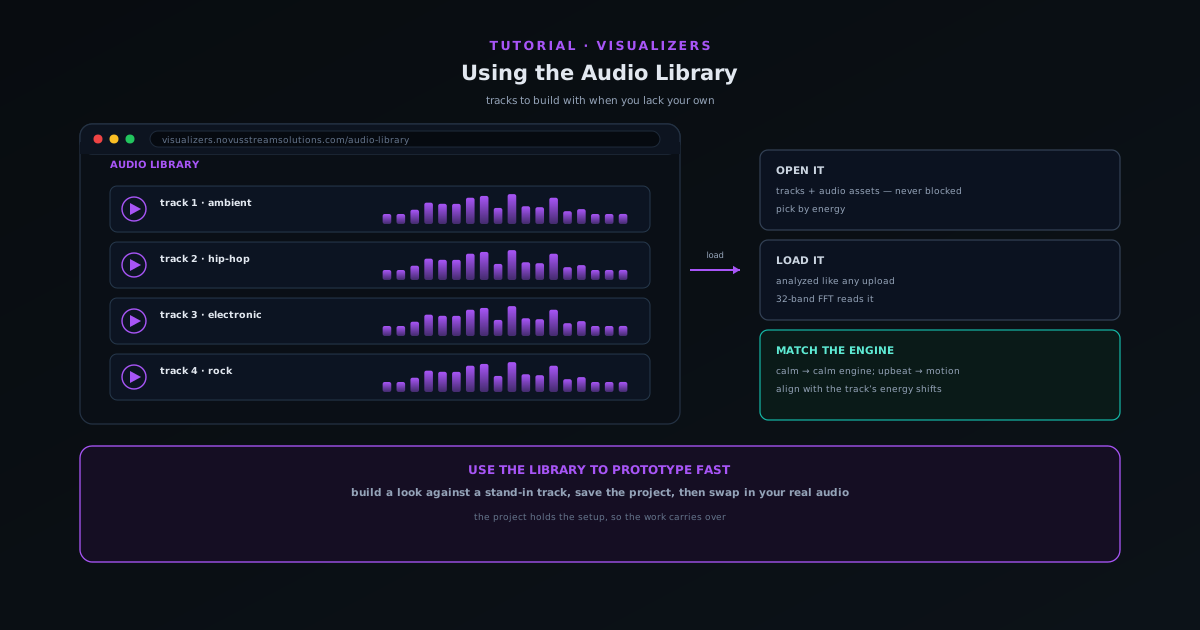
Using the Audio Library when you do not have your own track
Use the companion Audio Library to grab tracks and audio assets to build a visualizer with when you do not have your own music ready.
5 min · BeginnerStart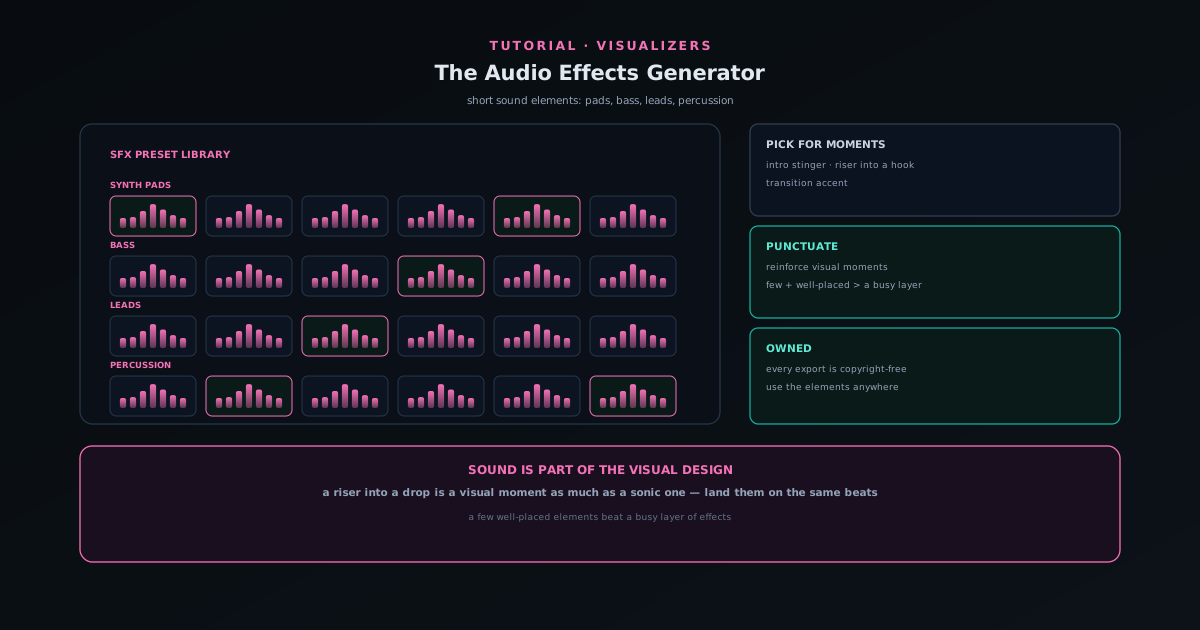 Audio & beat-sync
Adding sound elements with the Audio Effects Generator
Use the Audio Effects Generator (a preset library of synth pads, bass, leads, and percussion) to add short sound elements like stingers, risers, and transitions to a release.
5 min · BeginnerStart
 Export & release
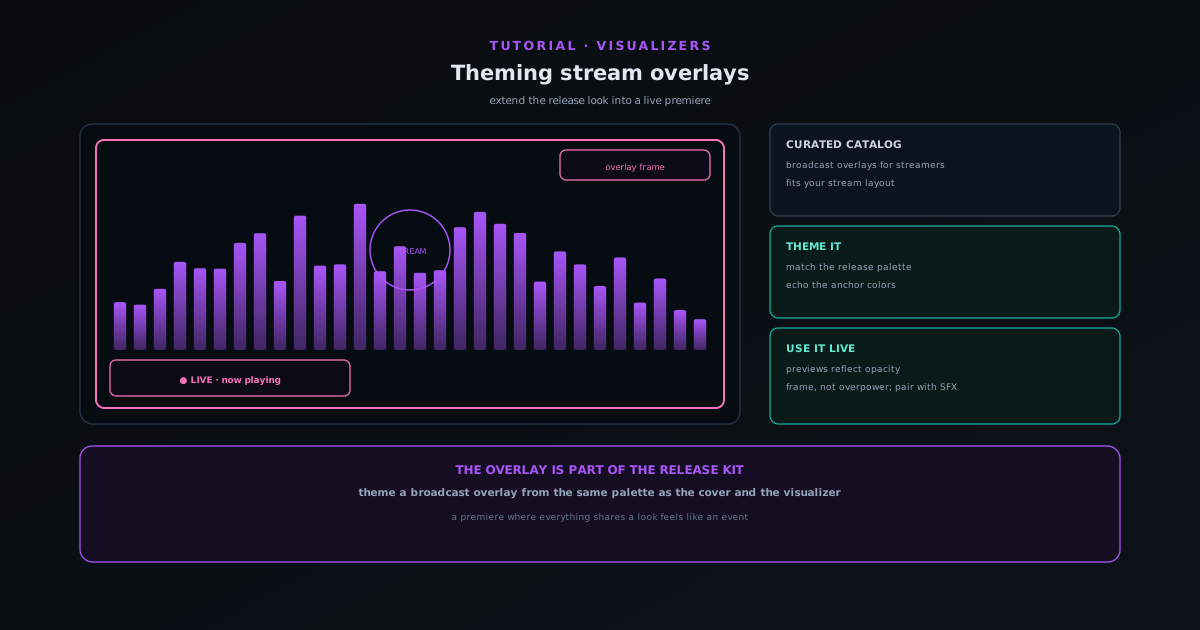
Theming stream overlays for a live premiere
Use the Stream Overlays companion (a curated catalog of broadcast-oriented overlays) to extend your release look into a live stream so the premiere matches the rest of the kit.
5 min · BeginnerStart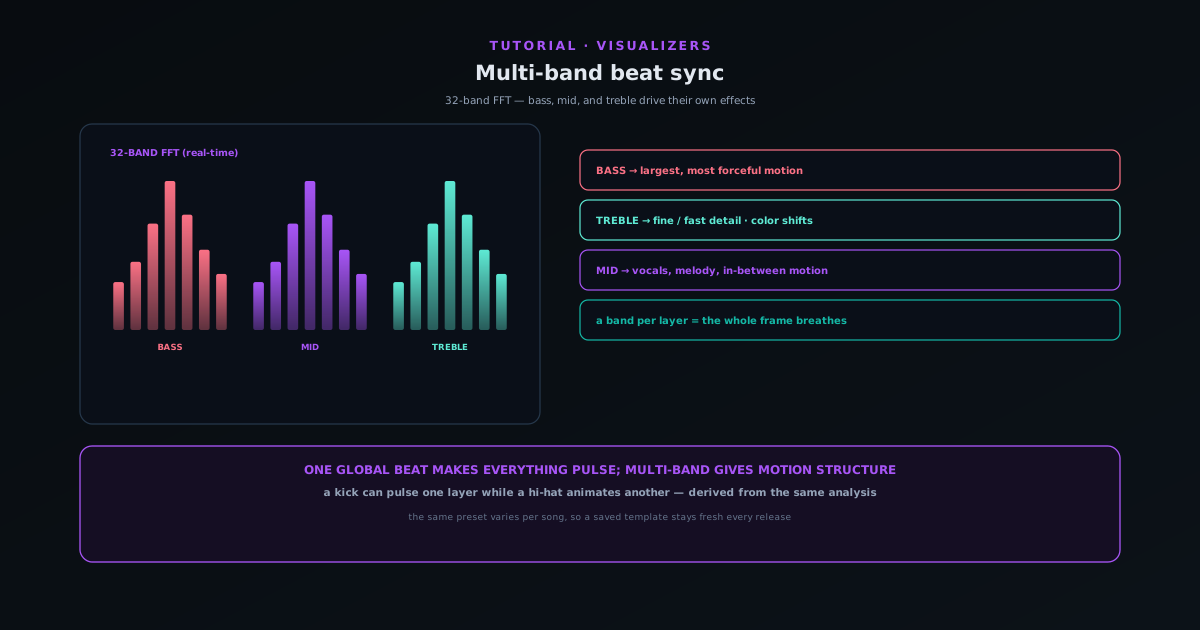 Audio & beat-sync
Multi-band beat sync: drive effects from bass, mid, and treble
Go beyond one global beat: route bass, mid, and treble energy to different elements so a kick pulses one layer while hi-hats animate another, and the same preset looks different on every song.
7 min · IntermediateStart
 Editing & layers
Classic Editor vs Studio Workstation: which to use when
Sonic Weaver has two editors over one saved document and one renderer: the guided Classic Editor and the direct-manipulation Studio Workstation. Learn what each is best at and when to switch.
6 min · IntermediateStart Getting started
Accounts, passkeys, and a cross-device library in Sonic Weaver
Creating and exporting still needs no account. A free one adds durable saved projects, albums, passkeys, recovery codes, and the ability to reopen a document on another device.
7 min · BeginnerStart
Testaroo
 Getting started
Getting started with Testaroo: find and download a sample file
Testaroo is a free library of 2,558 test files across 17 categories and 221 distinct extensions, generated by deterministic scripts rather than collected, so each one is copyright-clean and ships with an exact spec sheet. This guide covers what the catalog holds, how to find the right sample for the tool you are testing, and how to download it in your browser with no account.
7 min · BeginnerStart Use cases
Test a background remover with the right sample images
A background remover is only as good as the hardest image you test it on. This guide covers which sample images from Testaroo genuinely stress a cutout (solid versus busy backgrounds, hair and edge detail, transparency and grayscale) and how to run them through a background remover.
7 min · BeginnerStart
 Formats & batch
Test a file converter end to end with sample files
A converter can accept a file and still produce the wrong output. This guide covers grabbing sample files across formats from Testaroo (image to image, documents to PDF, audio, video, and archives), running them through a converter, and verifying the result actually holds up.
7 min · BeginnerStart Use cases
Sample file types explained: what each sample is for
A reference for the sample variants in Testaroo that are easy to misread: transparent versus opaque, grayscale versus color, CMYK versus sRGB, tiny versus oversized images, and the deliberate zero-byte, corrupt, and wrong-extension files built for error-handling tests.
8 min · BeginnerStart
 Getting started
Browse by purpose: find fixtures by what you are testing
The /for routes skip the format taxonomy entirely. Pick OCR, ASR, segmentation, CSV parsing, schema validation, or JWT and get the fixtures that exercise that specific thing.
6 min · BeginnerStart Use cases
Test with clean and noisy pairs
Paired fixtures (clean and noisy, colour and greyscale, source and scanned) differ in exactly one property, which is what makes a before/after test mean something.
6 min · BeginnerStart
 Getting started
Read a spec sheet and use what it tells you
Every file in the library ships with its exact properties: noise sigma, silence timestamps, form fields, encodings, dimensions, and the seed that produced it. Here is how to use them.
6 min · BeginnerStart Use cases
Test against the twelve live targets
Twelve live pages, each exhibiting exactly one behaviour (landmarks, nested modals, infinite scroll, cookie banners, frame nesting) for accessibility, scraper, and browser-automation testing.
7 min · IntermediateStart
 Use cases
Test forms with HTML and AcroForm fixtures
The Forms category holds 94 fixtures (live HTML forms and AcroForm PDFs with known field inventories) for testing form fillers, validators, scrapers, and PDF editors.
6 min · IntermediateStart Use cases
Test a video pipeline with the 401-file video set
The video category grew from 70 files to 401, and the point of the expansion is that degraded clips now name the pristine clip they came from. This guide covers choosing codec, container, streaming, caption, and AI-video fixtures, and using the ground-truth pairing to turn "looks better" into a number.
9 min · IntermediateStart