Novus Visualizers · product blog
Novus Visualizers: every article
Turn a track into a beat-synced video: 138 modes, in the browser. Everything the hub has published about this product, newest first, plus its own RSS feed. The documentation and tutorials cover how to use it.
Featured
Field guide · July 24, 2026
A field guide to the ten Novus Visualizers engines
An opinionated tour of all ten engines and their sixty modes: what each looks like, the music it suits, and when to reach for it.
Novus VisualizersField guide · July 23, 2026
Why we render 4K in your browser, and why there is no export quota
The export button is where most free video tools reveal their business model. Here is why ours has no watermark, no quota, and no server bill behind it.
Novus VisualizersMore articles41 total · page 1 of 5
 Read
ReadField guide · July 22, 2026 · updated August 1, 2026
The Character Motion engine: turning words into performance
A focused tour of the Character Motion engine and its six typographic and character-driven modes.
- Typographic and figural modes
- Six modes, one engine
- Depth lives in 3D Performer
Novus Visualizers · Visualizers
 Read
ReadField guide · July 22, 2026 · updated August 1, 2026
From one track to vertical shorts, Canvas loops, and lyric videos
A single Visualizers project, reframed into a 9:16 short, a seamless Spotify Canvas loop, and a lyric video with on-device captions.
- One project, reframed not rebuilt
- 9:16 short + Spotify Canvas loop
- On-device lyric captions
Novus Visualizers · Visualizers
 Read
ReadField guide · July 20, 2026
Animating parameters with keyframes and graph curves
How the Studio Workstation timeline lets you keyframe any parameter, curve its motion, and lock changes to the beat and bar grid, moving past a single static reactive setting.
- Keyframe any parameter over time
- Shape motion with graph curves
- Anchor changes to beat and bar markers
Novus Visualizers · Visualizers
 Read
ReadField guide · July 20, 2026 · updated August 1, 2026
A repeatable release look: brand kit and saved projects
Build a look once (palette, type, and logo), save it as a project, and duplicate it per track so a whole release reads as one family.
- Lock palette, type, logo once
- Duplicate a saved project per track
- Different engine, same family
Novus Visualizers · Visualizers
 Read
ReadField guide · July 19, 2026 · updated August 1, 2026
Mixing engines across ordered layers for a signature look
Layering strategy for the Studio Workstation: pair a slow, wide base with a sharp, transient-driven accent so two engines build one recognizable look.
- Calm base plus sharp accent
- Blend modes without fighting
- Ranges give each layer a job
Novus Visualizers · Visualizers
 Read
ReadField guide · July 19, 2026 · updated August 1, 2026
Depth without a 3D headache: the visualizer depth modes
Where depth actually lives across the ten engines, how to use it tastefully, and what it costs at export.
- Depth lives inside modes
- Five depth-bearing modes
- Taste and performance tradeoffs
Novus Visualizers · Visualizers
 Read
ReadField guide · July 17, 2026 · updated August 1, 2026
Classic Editor or Studio Workstation: which one to open
A practical guide to choosing between the guided Classic Editor and the frame-precise Studio Workstation, and why the choice is never permanent.
- Classic for a fast guided result
- Studio for frame-level control
- One document, two doors
Novus Visualizers · Visualizers
 Read
ReadField guide · July 17, 2026 · updated August 1, 2026
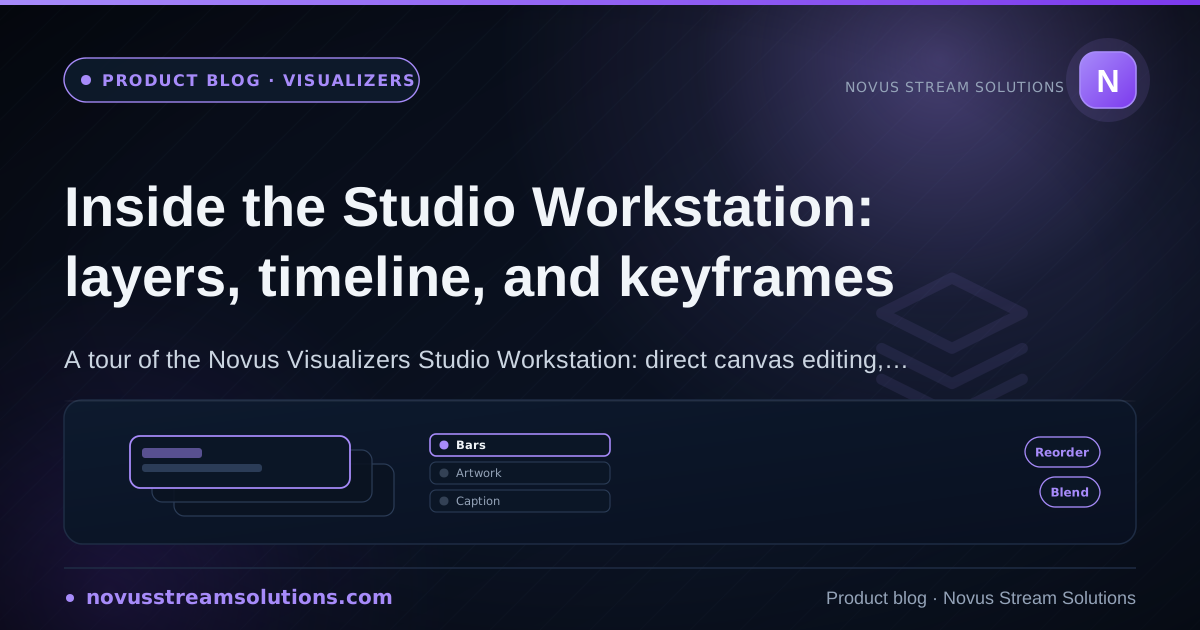
Inside the Studio Workstation: layers, timeline, and keyframes
The Studio Workstation is the direct-manipulation side of Novus Visualizers, built on the same saved document and the same renderer as the guided Classic Editor.
- Ordered layers, no fixed max
- Beat-aware timeline & keyframes
- One document, one renderer
Novus Visualizers · Visualizers
 Read
ReadField guide · July 16, 2026
Seamless visual loops for streaming platforms
How to design visual loops that survive infinite repetition on 24/7 streams: beat-grid loop lengths, whole-cycle motion, seam hunting, export settings, and bandwidth math.
- Loop length lives on the beat grid
- Motion must close its cycles
- Test three loops end to end
Novus Visualizers · Visualizers
 Read
ReadField guide · July 16, 2026
Matching visualizer styles to music genres: a working guide
How to translate genre conventions into visualizer decisions: reading energy profiles, four worked genre cases, layer budgets, and when platform norms override everything.
- Read the energy profile first
- Four genres, four languages
- Platforms bend genre rules
Novus Visualizers · Visualizers
Browse by month
Every product also has its own feed and index: see NSS Background Remover, Novus Visualizers, Novus PDF Studio, Novus Convert, Novus Learn, Novus Examples, Novus Striker, Novus AI Stats, Novus Restaurant.