Category
Sonic Weaver
Building and using Sonic Weaver: reading audio with the Web Audio API, the twenty-nine engines and their 180 modes, the Classic editor and node-based Studio, beat-synced rendering, and exporting release-ready video in the browser with WebCodecs.
29 articles
About the Sonic Weaver thread
Turning a track into video is a rendering problem wearing a music-theory costume. This cluster covers both halves: how audio is analysed in the browser with the Web Audio API and FFT, and how that analysis is turned into motion across the 29 engines in Sonic Weaver (Particles, Trails, Bloom, Character Motion, Radial, Spectrum, Bars, Tunnel, Waveform, Logo, Lattice, Terrain, Stage Lights, Harmonic Constellation, Chladni Resonance Plate, Voronoi Stained Glass, Procedural Night City, Spectral Topography, Fluid Ink Feedback, Arrangement Tunnel, Cover-Art Relief, Kinetic Lyric Typescape, Stereo Phase Garden, Horizon Scenes, Disco, Liquid, Portal, Now Playing, and Sketchbook), each carrying 6 or 7 modes, for 180 in total.
The recurring theme is that beat sync is not one thing. Locking every element to the same kick drum produces something that pulses uniformly and reads as cheap. The articles on multi-band sync work through splitting bass, mid, and treble onto different layers so a visualizer responds to the actual arrangement, which is the single change that most reliably separates an amateur result from a releasable one.
Export is treated as a first-class topic rather than a footnote. Rendering happens locally via WebCodecs, which means no queue and no upload, but it also means the constraints are your device's, and knowing where they bite is the difference between a finished video and a stalled tab.
What this topic covers
- Reading audio in the browser: FFT, frequency bands, onset detection, and what the numbers actually represent
- The 29 engines and their 180 modes: what each is good at, and how to mix them across layers
- Classic Editor vs the node-based Studio Workstation, and which one suits which job
- Multi-band beat sync: driving separate layers from bass, mid, and treble
- Release formats (vertical shorts, Spotify Canvas, lyric videos) and exporting with WebCodecs
Who it's for
Musicians and labels producing release assets, video editors who want audio-reactive motion without After Effects, and anyone interested in real-time graphics on the web platform.
29 articles in this thread, newest first. Every one is free to read with no signup.
Beyond the articles: Sonic Weaver
Turn a track into a beat-synced video: 180 modes, in the browser. The articles above are commentary; the pages below are the reference material, documentation for how the app works, a tool map listing every surface in it, and step-by-step tutorials.
- Documentation →The full technical reference for Sonic Weaver: what it does, how it works, and its limits.
- Tool map →Every tool and page in the app, each with a description and a direct link.
- Tutorials →Step-by-step walkthroughs, from a first run through to the advanced workflows.
- Open the app →Free, in your browser, with no signup for the core workflow.
19 articles in this threadReset filters
Sonic Weaver · Jul 17, 2026
Inside the Studio Workstation: layers, timeline, and keyframes
The Studio Workstation is the direct-manipulation side of Sonic Weaver, built on the same saved document and the same renderer as the guided Classic Editor.
Sonic Weaver
Sonic Weaver · Jul 17, 2026
Classic Editor or Studio Workstation: which one to open
A practical guide to choosing between the guided Classic Editor and the frame-precise Studio Workstation, and why the choice is never permanent.
Sonic Weaver
Sonic Weaver · Jul 16, 2026
Matching visualizer styles to music genres: a working guide
How to translate genre conventions into visualizer decisions: reading energy profiles, four worked genre cases, layer budgets, and when platform norms override everything.
Sonic Weaver
Sonic Weaver · Jul 16, 2026
Seamless visual loops for streaming platforms
How to design visual loops that survive infinite repetition on 24/7 streams: beat-grid loop lengths, whole-cycle motion, seam hunting, export settings, and bandwidth math.
Sonic Weaver
Sonic Weaver · Jun 11, 2026
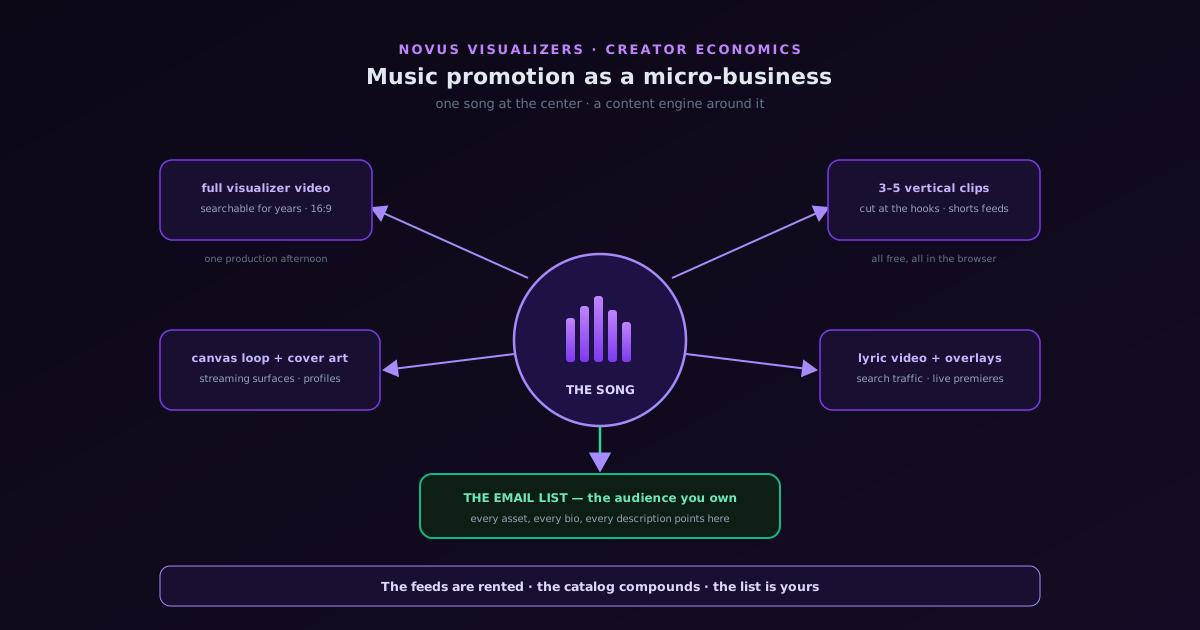
Music promotion as a micro-business: a zero-budget content engine for independent artists
Treating a music project like the small business it is: the asset mindset versus the post mindset, why every song should ship as a family of visual assets, building the engine around Sonic Weaver and its companion tools, and the owned-audience discipline that survives algorithm changes.
Sonic Weaver
Sonic Weaver · Jun 9, 2026
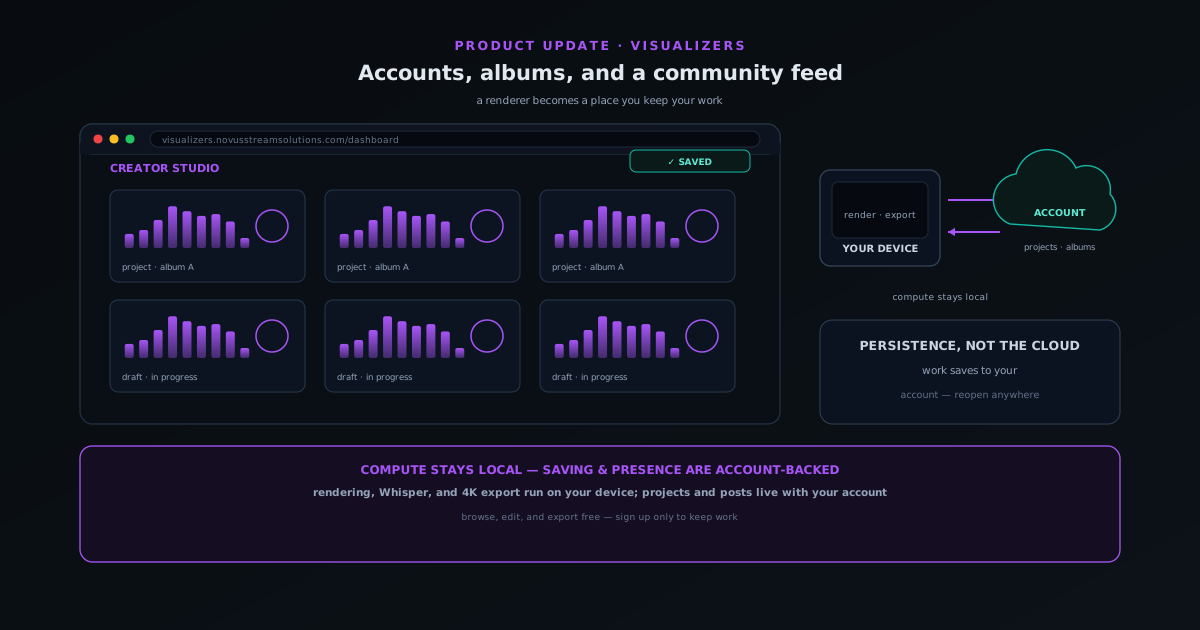
Sonic Weaver grows up: accounts, albums, and a community feed
A walkthrough of the Sonic Weaver account era: signing up, saving drafts and projects, grouping albums, the community feed, and the companion tools, plus why the rendering still runs on your own device.
Sonic Weaver
Sonic Weaver · Jun 8, 2026
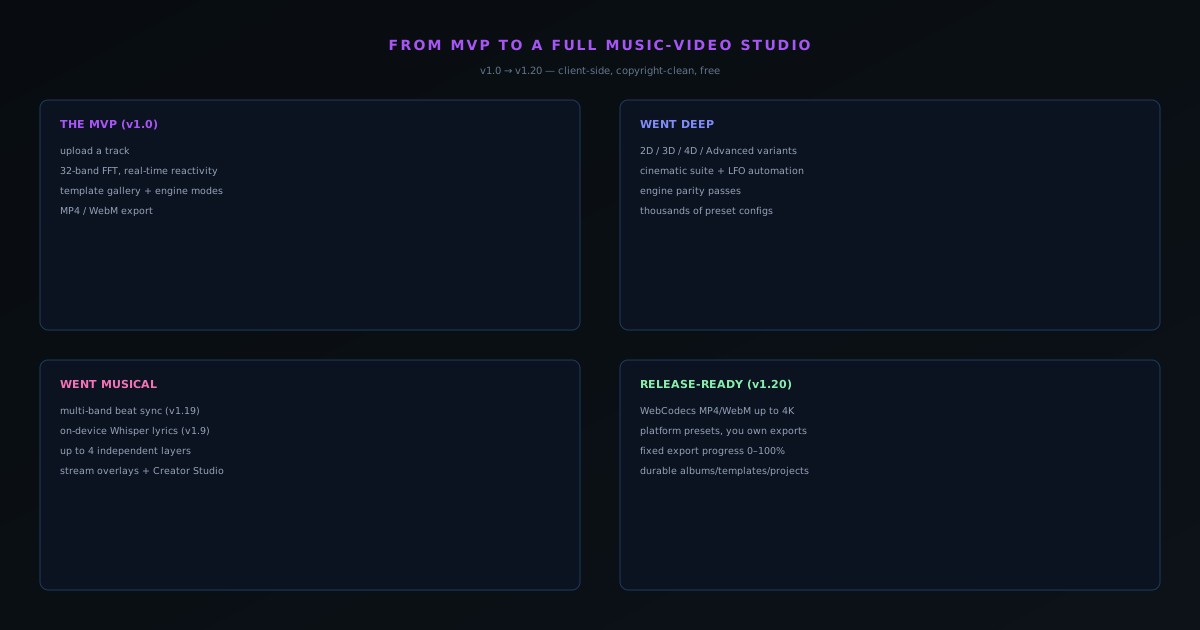
From MVP to a two-editor studio: the Sonic Weaver enterprise-grade build
A product update on how Sonic Weaver grew from a launch-day MVP into a full in-browser music-video studio, while staying free, client-side, and copyright-clean.
Sonic Weaver
Sonic Weaver · Jun 7, 2026
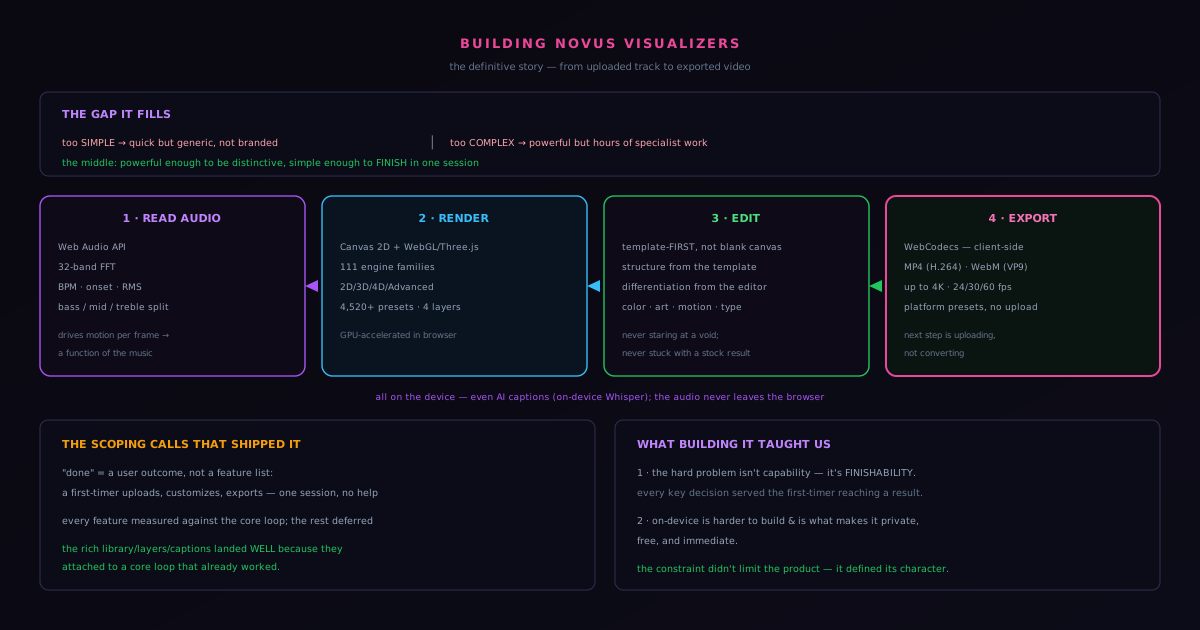
Building Sonic Weaver: from uploaded track to exported video
The complete story of turning a music file into a finished video in the browser: audio analysis, rendering, Classic and Studio editing, WebCodecs export, and the scoping discipline behind it.
Sonic Weaver