Sonic Weaver tutorials
Sonic Weaver tutorials
The definitive, step-by-step guides for Sonic Weaver: from your first export to layers, beat-sync, the audio engine, captions, and common release tasks. These cover the essentials as general guidance; the app itself holds a deeper, always-current library, and you can see every tool on the tool map.
Sonic Weaver
 Editing & layers
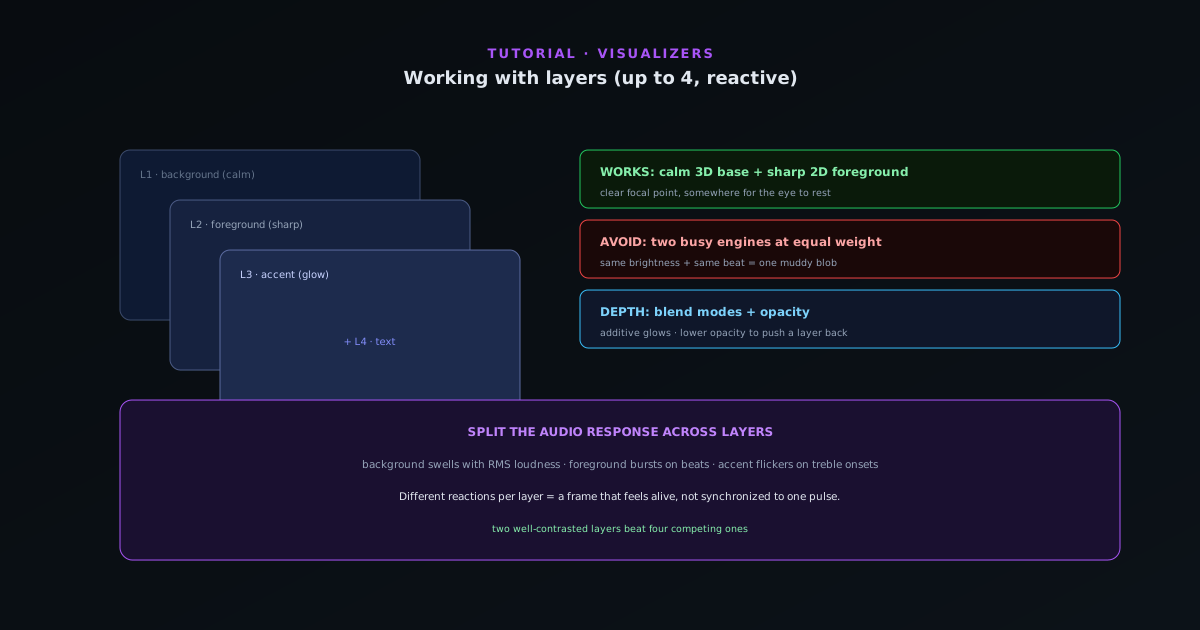
Working with layers in Sonic Weaver (and which combinations work best)
Stack ordered reactive layers with blend controls to build depth (a calm background engine, a sharp foreground, accents, and text) and learn the layer combinations that read well instead of turning to mush.
7 min · IntermediateStart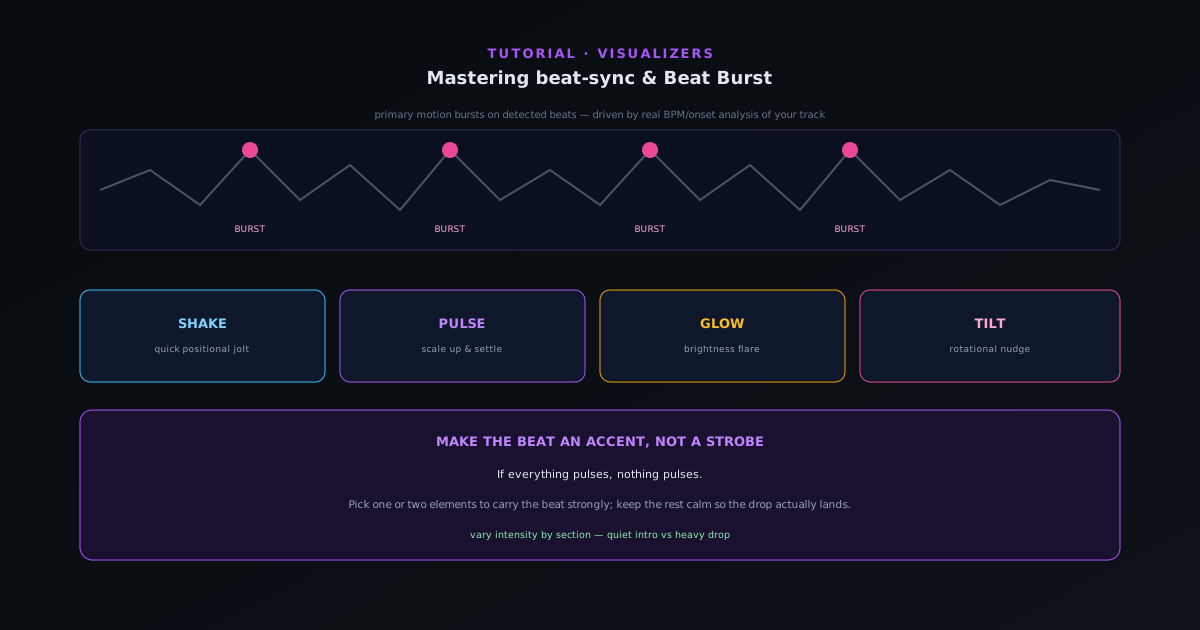 Audio & beat-sync
Mastering beat-sync: Beat Burst and beat-reactive properties
Make the visuals move with the music, not just under it. How Beat Burst drives primary motion on detected beats, and how to layer beat-reactive properties (shake, pulse, glow, tilt) so the hits land where you want them.
6 min · IntermediateStart
 Audio & beat-sync
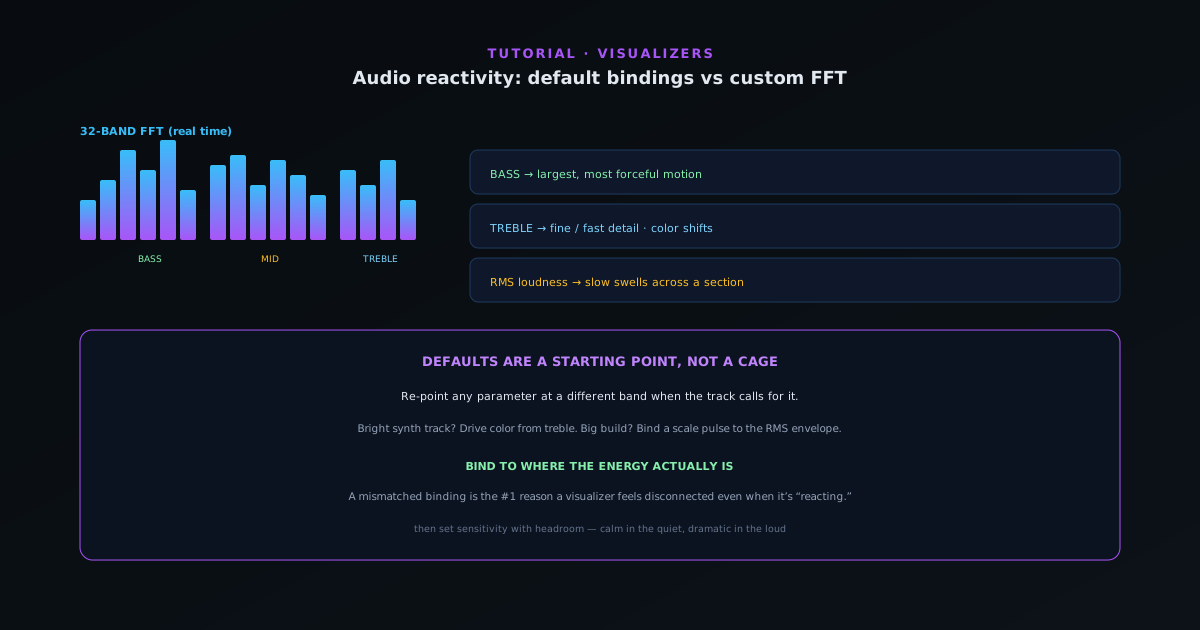
Audio reactivity in depth: default bindings vs customizing the FFT mapping
Go past the defaults: understand the 32-band FFT and how bass, mid, treble, RMS loudness, and onset detection map to motion, then customize which audio signal drives which visual parameter.
8 min · IntermediateStart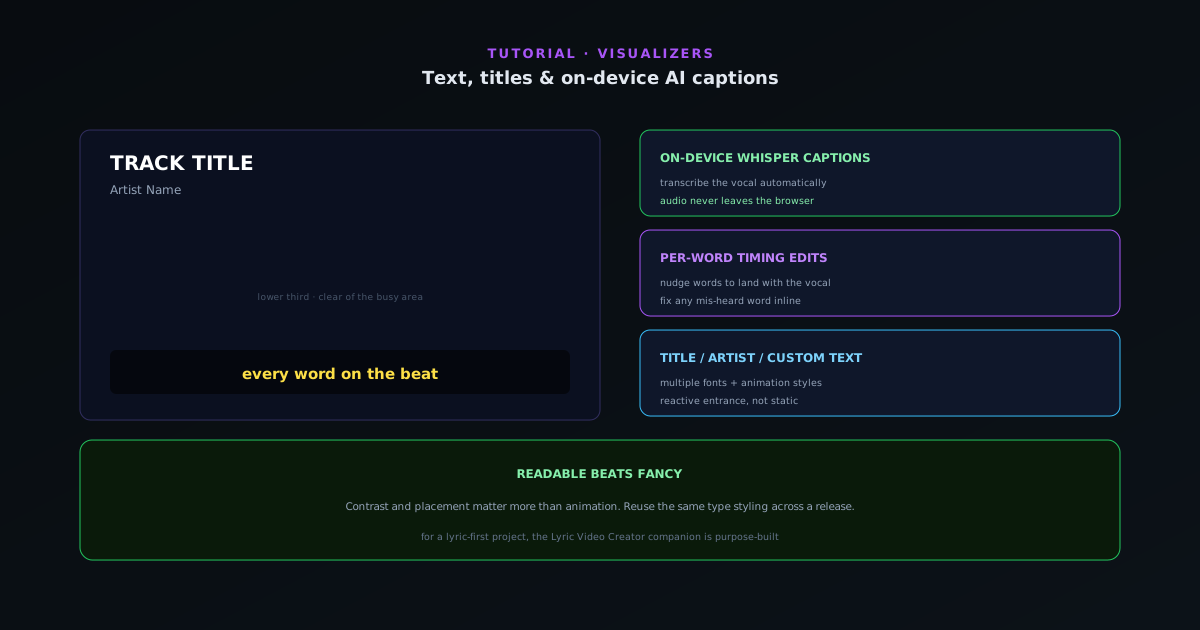 Editing & layers
Text, titles, and on-device AI captions in Sonic Weaver
Add a title and artist, choose fonts and animation styles, and turn audio into captions with on-device Whisper transcription and per-word timing, without your audio ever leaving the browser.
6 min · IntermediateStart
 Export & release
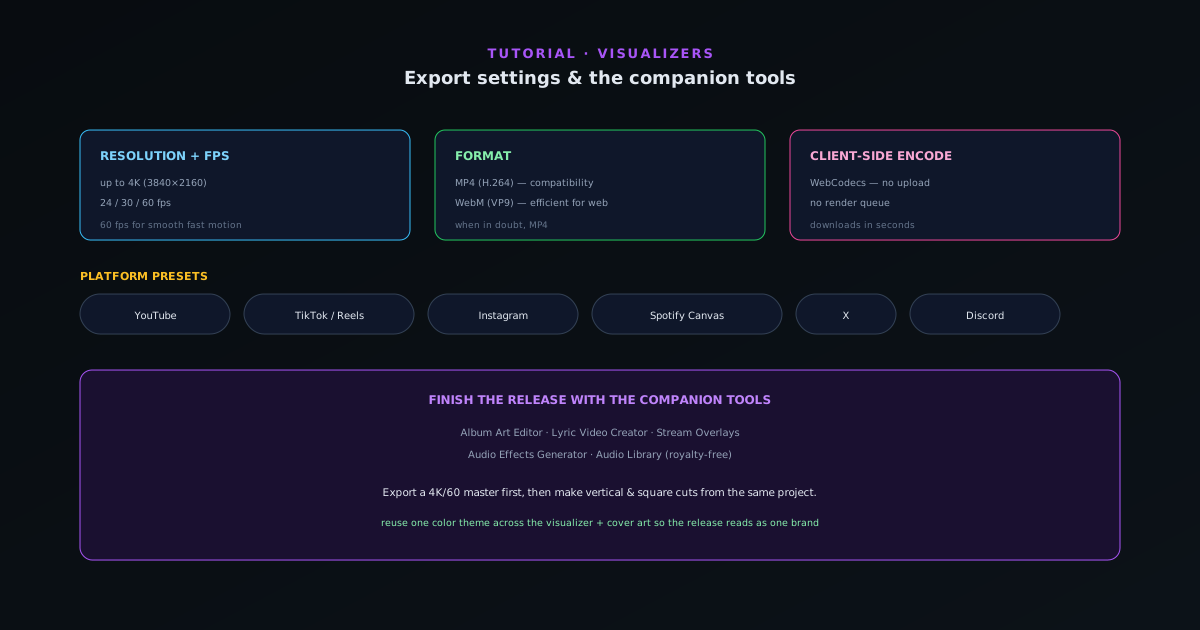
Export settings and the companion tools
Pick the right export every time (resolution, fps, MP4 vs WebM, and the platform presets for YouTube, TikTok, Reels, Spotify Canvas, and more), then round out a release with the companion tools.
6 min · IntermediateStart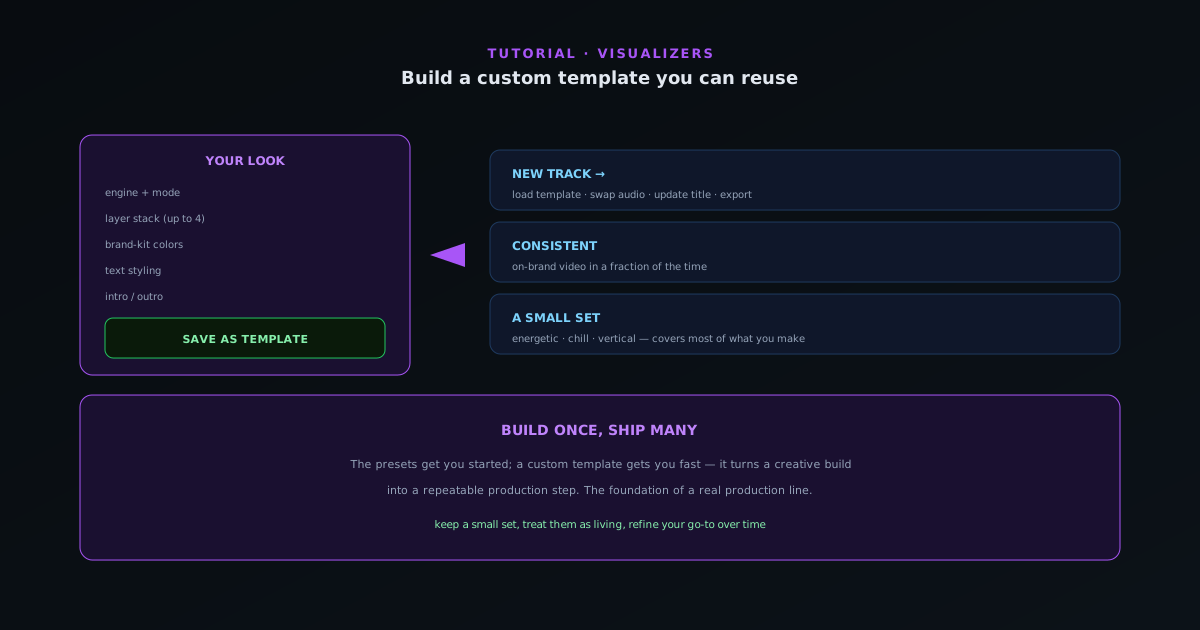 Editing & layers
Saving a project you can reuse across tracks
Once you have dialed in a look you love, save it as a project so every future track starts there. How to build, save, and reopen a saved document for a fast, consistent production line.
6 min · IntermediateStart
 Editing & layers
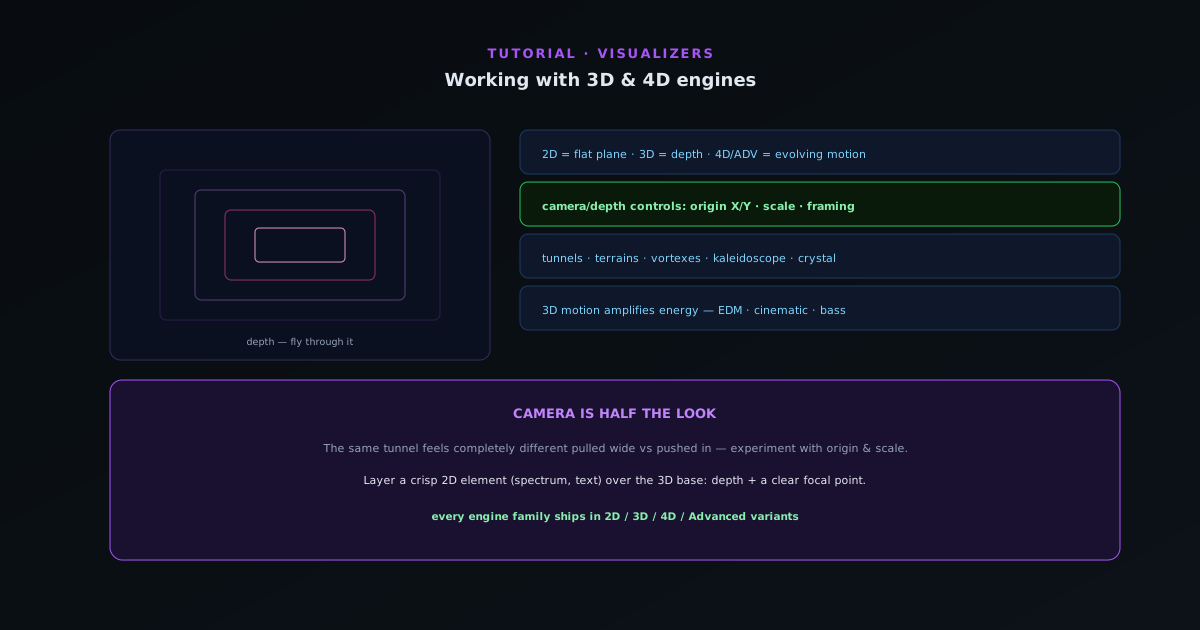
Working with depth and 3D modes
Depth is not a separate engine; it lives inside specific modes. How to use the 3D modes (Bars 3D Columns, Spectrum Spectral Mesh, Waveform 3D Surface, Character Motion 3D Performer, and the Tunnel corridor and tube modes) plus the camera and depth controls that make them sing.
7 min · IntermediateStart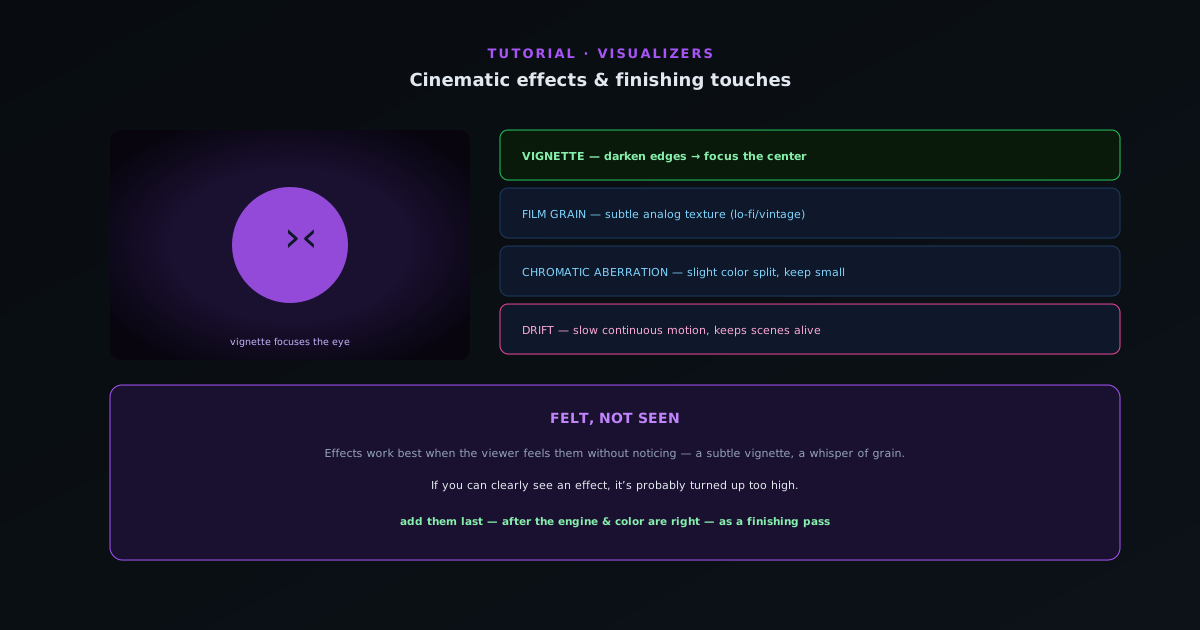 Editing & layers
Cinematic effects and finishing touches
The post-processing layer that separates a polished visualizer from a raw one (vignette, film grain, and chromatic aberration, plus the drift reaction) and how to use them without overdoing it.
5 min · IntermediateStart
 Audio & beat-sync
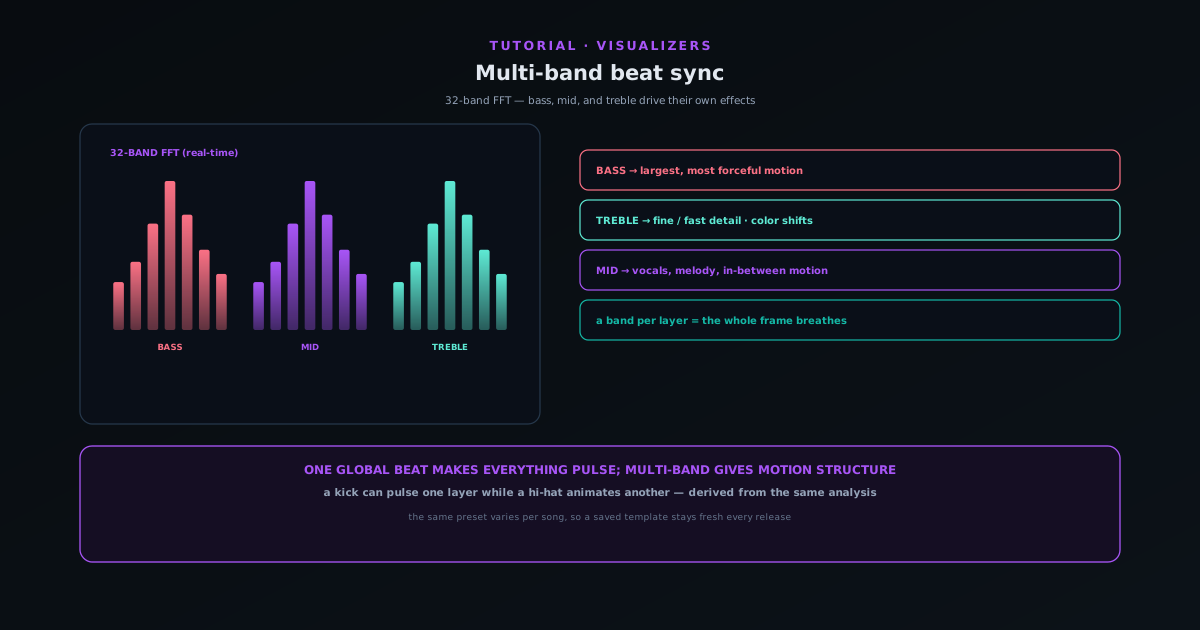
Multi-band beat sync: drive effects from bass, mid, and treble
Go beyond one global beat: route bass, mid, and treble energy to different elements so a kick pulses one layer while hi-hats animate another, and the same preset looks different on every song.
7 min · IntermediateStart Editing & layers
Classic Editor vs Studio Workstation: which to use when
Sonic Weaver has two editors over one saved document and one renderer: the guided Classic Editor and the direct-manipulation Studio Workstation. Learn what each is best at and when to switch.
6 min · IntermediateStart