Category
PDF Studio
Launch notes, workflows, and documentation for Novus PDF Studio: uploading PDF forms, scanning likely fields with AI, refining editable layers manually, drawing signatures, and exporting finished documents from the browser editor.
6 articles
About the PDF Studio thread
PDFs are where otherwise-digital workflows fall back to paper. A contract arrives, it needs a name, a date, a signature, and a return, and the obvious free tools want an upload. That is a genuine problem, because the documents people most often need to fill are the ones they should least want on an unfamiliar server: tax forms, medical paperwork, leases, employment agreements. Novus PDF Studio does the work in the browser instead, with twelve page tools plus a fill-and-sign editor.
These articles cover the practical mechanics (how field detection works and where it needs correcting by hand, which field type to use for dates versus checkboxes, and what a scanned document changes about the whole process) alongside the workflow pieces on getting from a photograph of a page to a signed PDF using nothing but a phone and a browser.
What this topic covers
- Filling and signing a form without uploading it anywhere
- AI field scanning: what it detects reliably, and where you still place fields manually
- PDF form field types (text, number, checkbox, date) and choosing the right one
- The twelve page tools: merge, split, organize, rotate, number, protect, unlock, compress, flatten, PDF-to-images, images-to-PDF, and OCR
- Scan-to-signed workflows starting from a phone camera
Who it's for
Freelancers and small businesses handling contracts and invoices, anyone dealing with sensitive paperwork, and people who have hit a "download requires an account" wall.
6 articles in this thread, newest first. Every one is free to read with no signup.
Beyond the articles: Novus PDF Studio
One private hub for every PDF job: twelve page tools plus a fill-and-sign editor. The articles above are commentary; the pages below are the reference material, documentation for how the app works, a tool map listing every surface in it, and step-by-step tutorials.
- Documentation →The full technical reference for Novus PDF Studio: what it does, how it works, and its limits.
- Tool map →Every tool and page in the app, each with a description and a direct link.
- Tutorials →Step-by-step walkthroughs, from a first run through to the advanced workflows.
- Open the app →Free, in your browser, with no signup for the core workflow.
6 articles in this threadReset filters
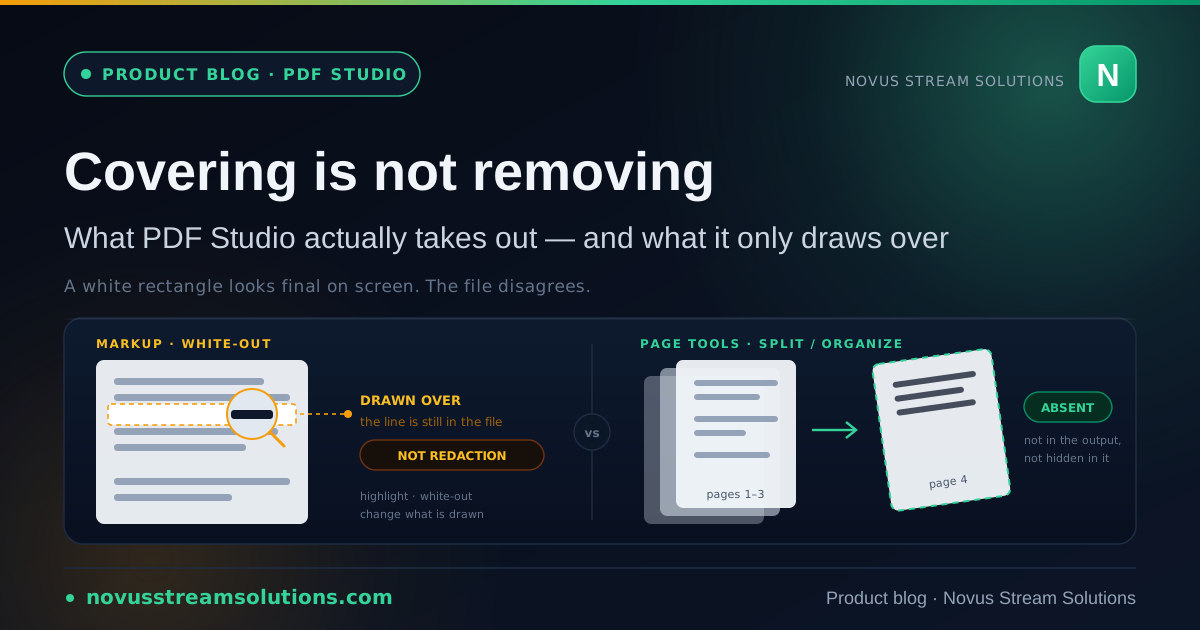
PDF Studio · Aug 8, 2026
Covering is not removing: what Novus PDF Studio can actually take out of a document
The most dangerous thing a document tool can do is make you believe something is gone. Here is exactly where the line sits in PDF Studio, and why a button called Redact would have been the wrong feature to ship.
Novus PDF Studio
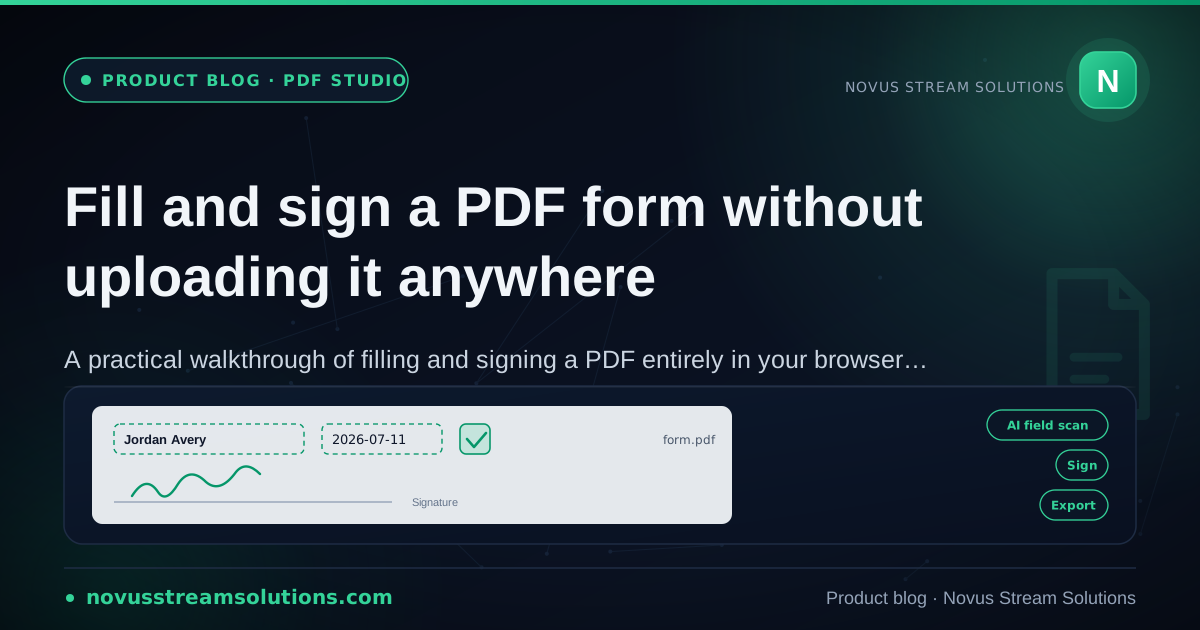
PDF Studio · Jul 19, 2026
Fill and sign a PDF form without uploading it anywhere
The full local fill-and-sign loop in Novus PDF Studio, from opening a form to exporting it, with the seven page tools that live beside the editor, and why the document is never sent to a server.
Novus PDF Studio
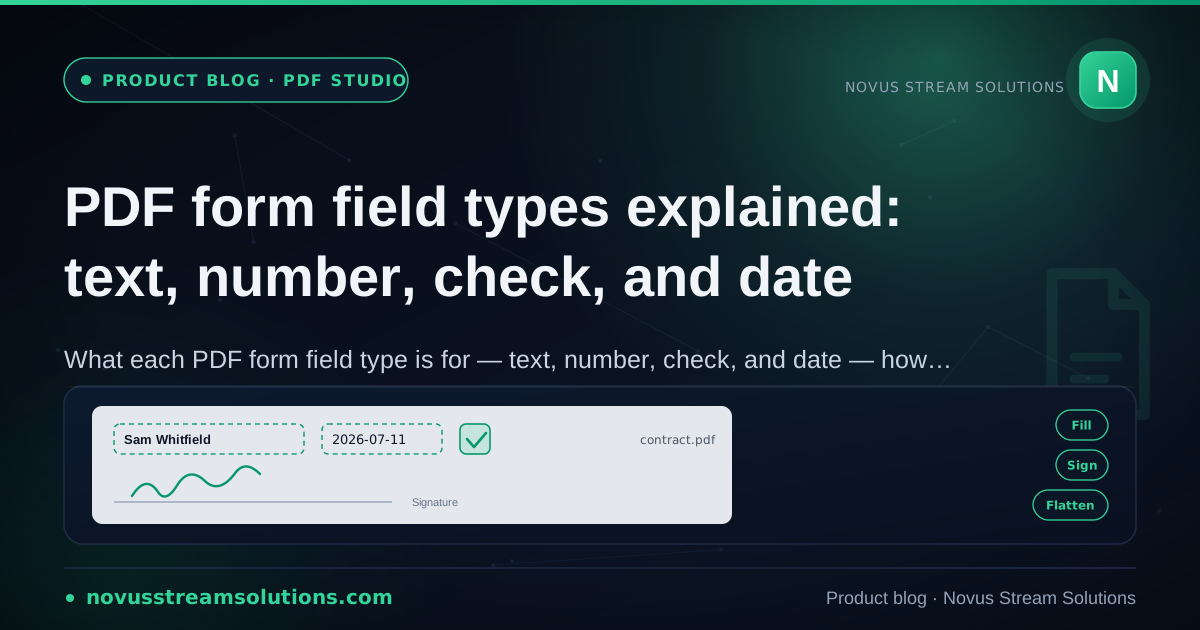
PDF Studio · Jul 16, 2026
PDF form field types explained: text, number, check, and date
A working tour of the field types in Novus PDF Studio: what each one is for, how the AI scan classifies blanks, when to place fields by hand, and what flattening on export actually does.
Novus PDF Studio
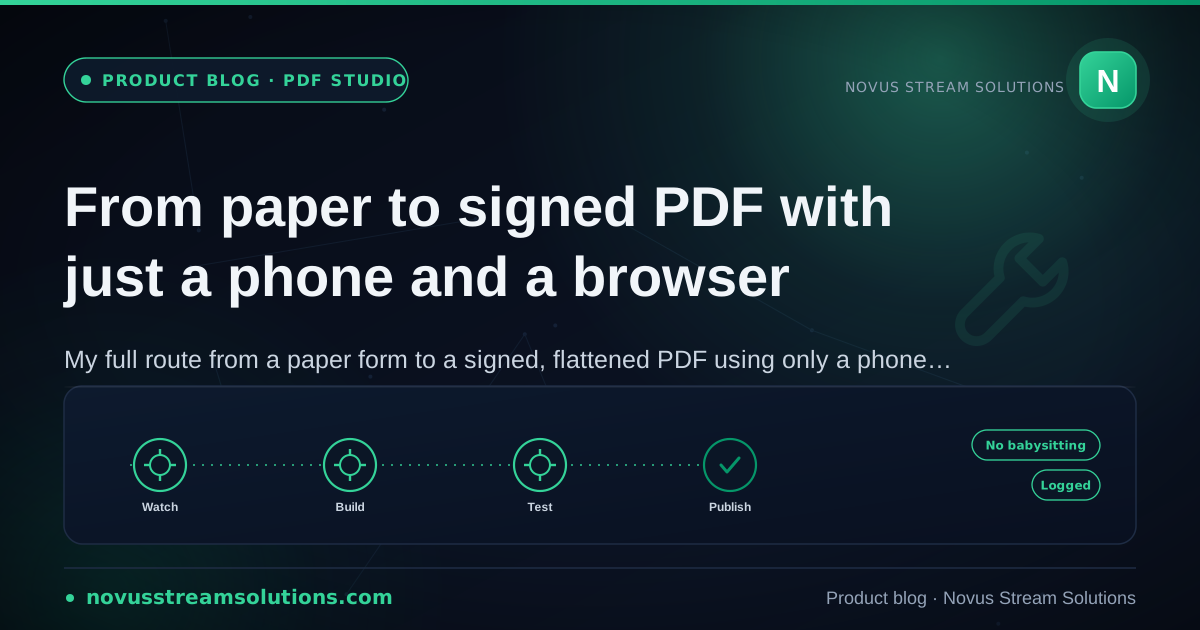
PDF Studio · Jul 16, 2026
From paper to signed PDF with just a phone and a browser
A complete paper-to-signed-PDF workflow using only a phone and a browser: good capture technique, importing the scan into Novus PDF Studio, hand-placed fields over the image, a drawn signature, and a flattened export.
Novus PDF Studio
PDF Studio · Jul 10, 2026
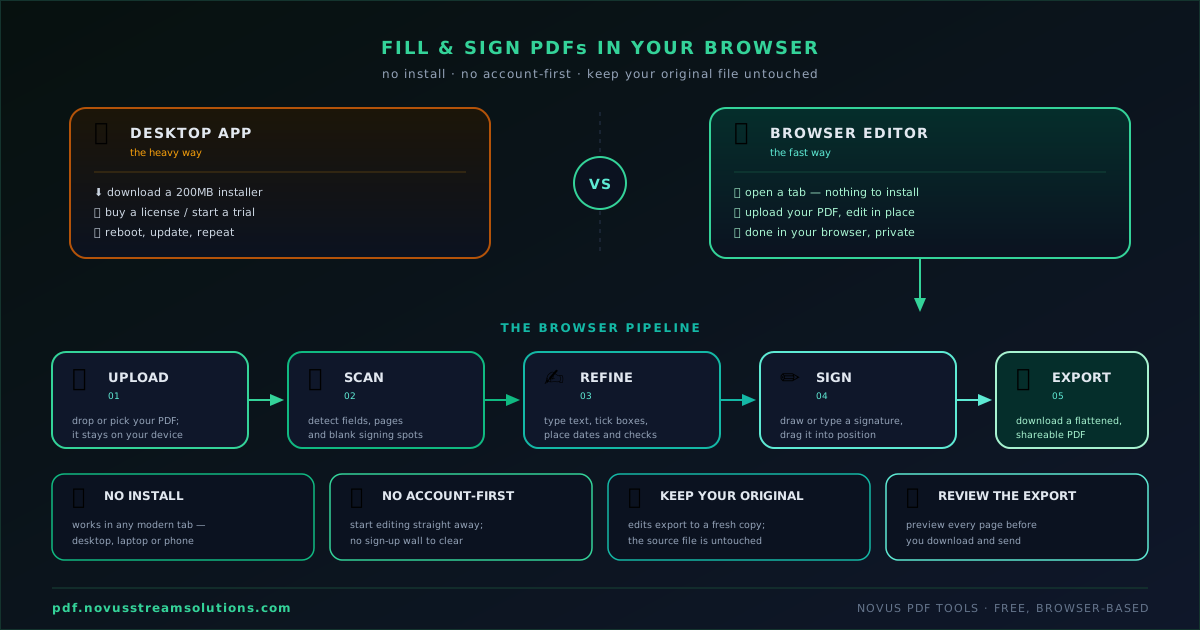
How to fill and sign PDFs in your browser without a desktop app
Skip the print-sign-scan ritual. Learn the full browser fill-and-sign loop, where the AI scan helps, where your own review still matters, and how to export a finished PDF.
Novus PDF Studio
PDF Studio · Jul 7, 2026
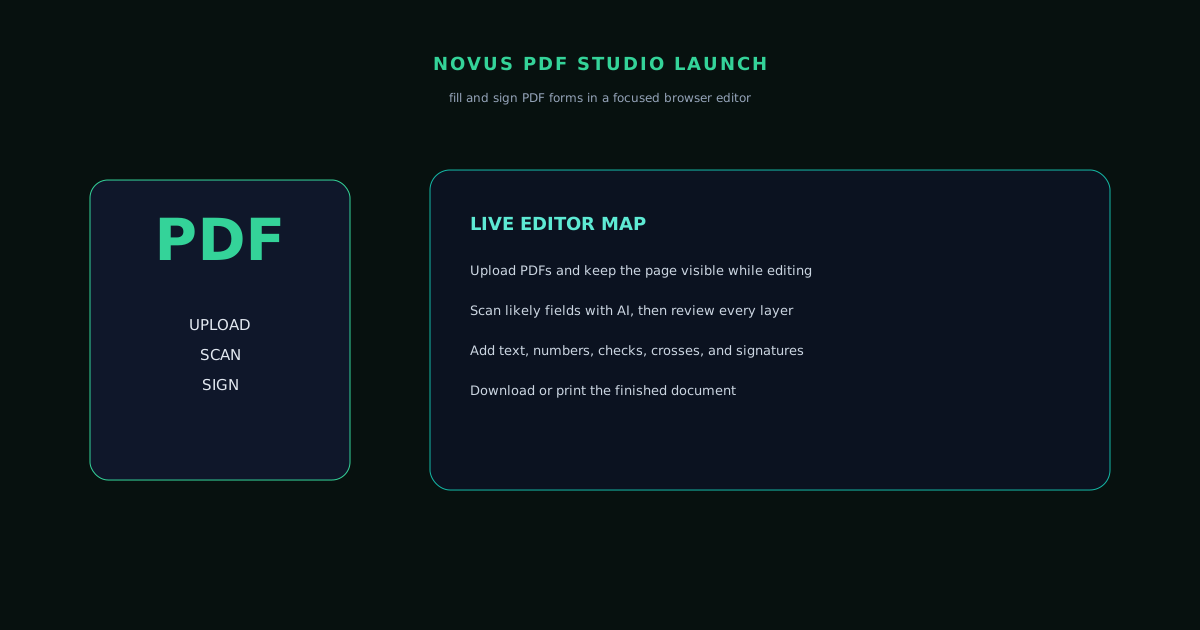
Novus PDF Studio is live: fill, sign, scan, and export PDF forms
The launch note for Novus PDF Studio: why a focused fill-and-sign editor belongs next to image and video tools, what the live tool map covers, and what future PDF utilities are not yet claiming.
Novus PDF Studio