Tutorials
Learn the Novus apps
Core, step-by-step guidance for the tools, grouped by app and written to stand on its own. Each app has a deeper library inside the product itself; these are the essentials.
For the full reference see the documentation, and for the stories behind the builds, the product blog.
Sonic Weaver
 Use cases
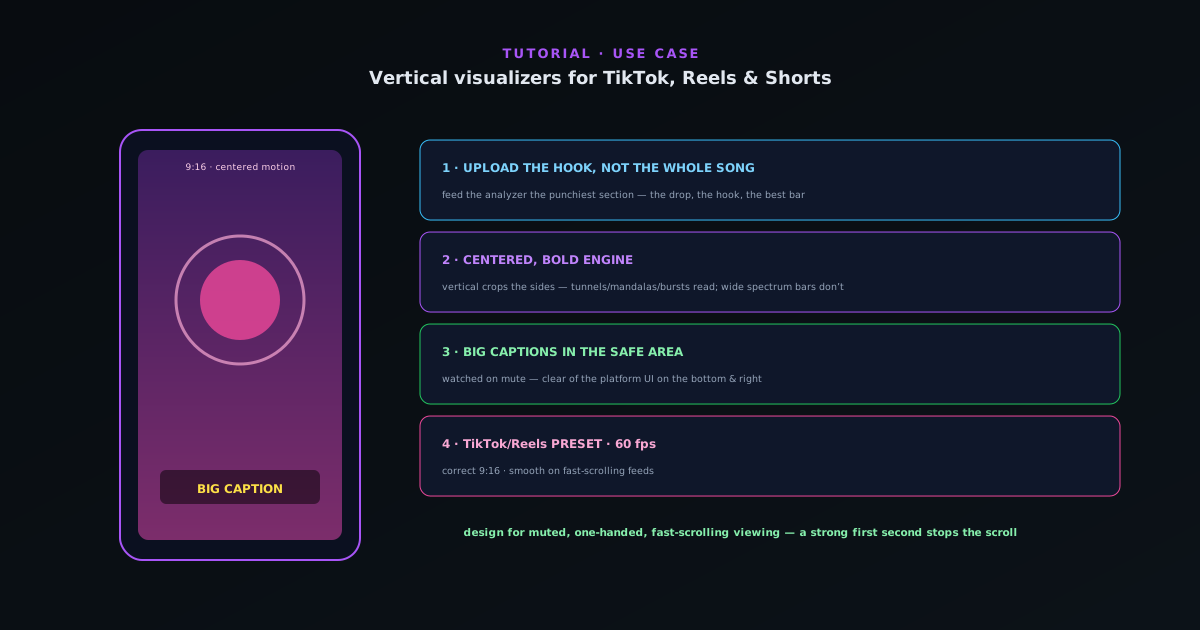
Making a vertical visualizer for TikTok, Reels & Shorts
A focused workflow for short-form vertical video: pick an engine and mode that reads at 9:16, keep the motion centered and punchy, add captions, and export with the TikTok/Reels preset.
5 min · BeginnerStart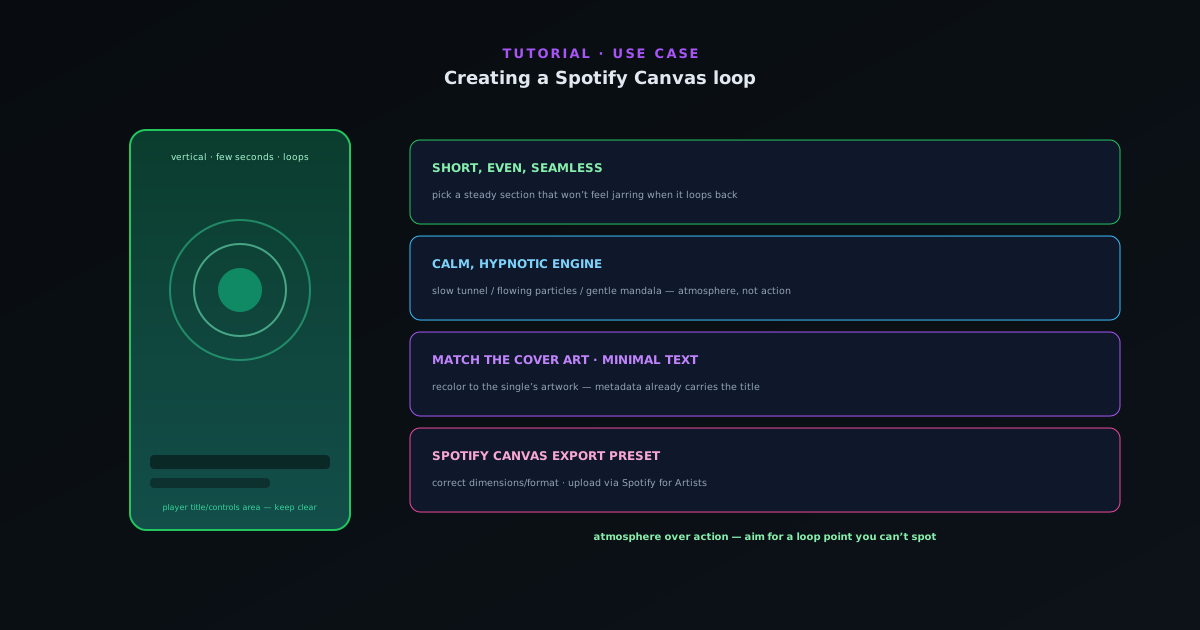 Use cases
Creating a Spotify Canvas loop
Make a short, seamless looping visual for Spotify Canvas: a vertical clip that reads at a glance, loops cleanly, and uses the Spotify Canvas export preset.
5 min · BeginnerStart
 Use cases
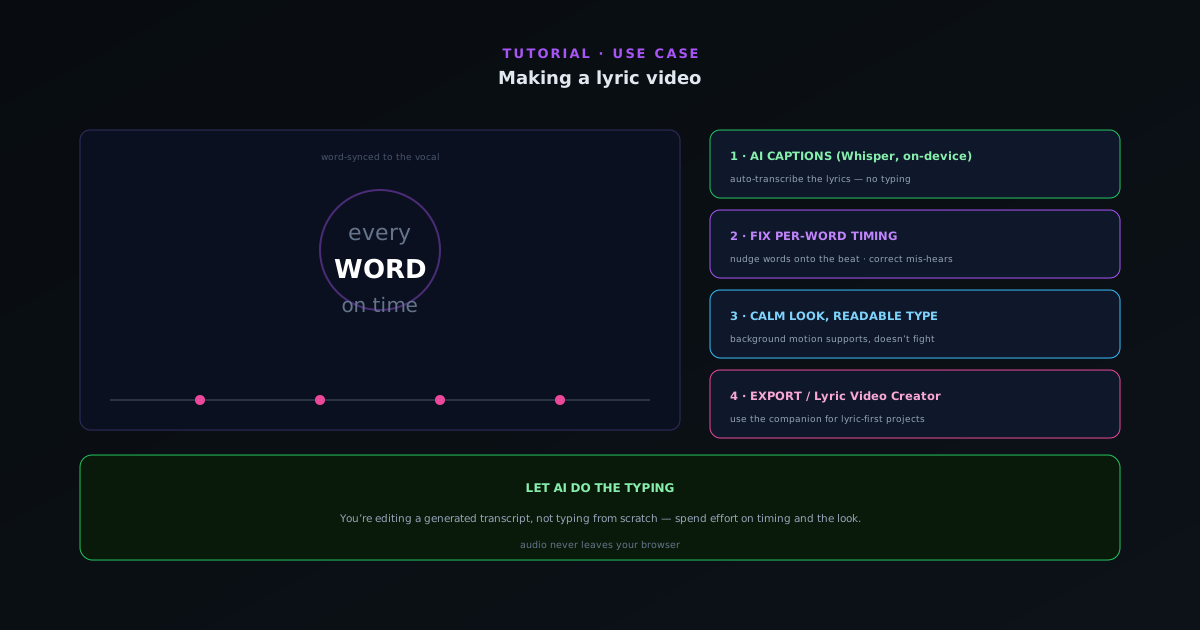
Making a lyric video
Turn a track into a word-synced lyric video: use on-device AI captions for the transcript, fix per-word timing so lines land with the vocal, set a readable look, and export. Plus when to reach for the Lyric Video Creator.
6 min · BeginnerStart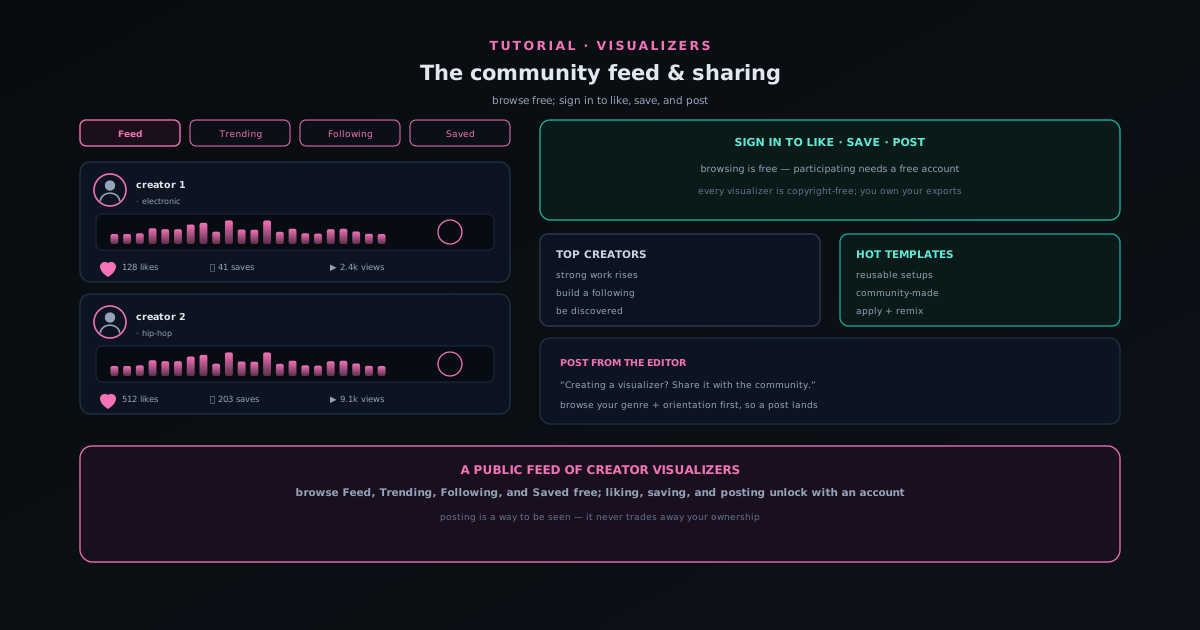 Use cases
Sharing your work on the Sonic Weaver community feed
Browse the public community feed, then sign in to like, save, and post your own visualizers, all copyright-free, so publishing never trades away ownership of your exports.
6 min · BeginnerStart
Testaroo
 Use cases
Test a background remover with the right sample images
A background remover is only as good as the hardest image you test it on. This guide covers which sample images from Testaroo genuinely stress a cutout (solid versus busy backgrounds, hair and edge detail, transparency and grayscale) and how to run them through a background remover.
7 min · BeginnerStart Use cases
Sample file types explained: what each sample is for
A reference for the sample variants in Testaroo that are easy to misread: transparent versus opaque, grayscale versus color, CMYK versus sRGB, tiny versus oversized images, and the deliberate zero-byte, corrupt, and wrong-extension files built for error-handling tests.
8 min · BeginnerStart
 Use cases
Test with clean and noisy pairs
Paired fixtures (clean and noisy, colour and greyscale, source and scanned) differ in exactly one property, which is what makes a before/after test mean something.
6 min · BeginnerStart Use cases
Build an OBS scene from a broadcast template
The 48 templates in the four broadcast categories each ship an OBS-compatible scene collection: a JSON file you import to get a scene already wired to the overlay you just downloaded. This guide covers downloading the pair, importing, and the one relink step OBS requires, and why it cannot be avoided.
7 min · BeginnerStart