Sonic Weaver tutorials
Sonic Weaver tutorials
The definitive, step-by-step guides for Sonic Weaver: from your first export to layers, beat-sync, the audio engine, captions, and common release tasks. These cover the essentials as general guidance; the app itself holds a deeper, always-current library, and you can see every tool on the tool map.
Sonic Weaver
 Audio & beat-sync
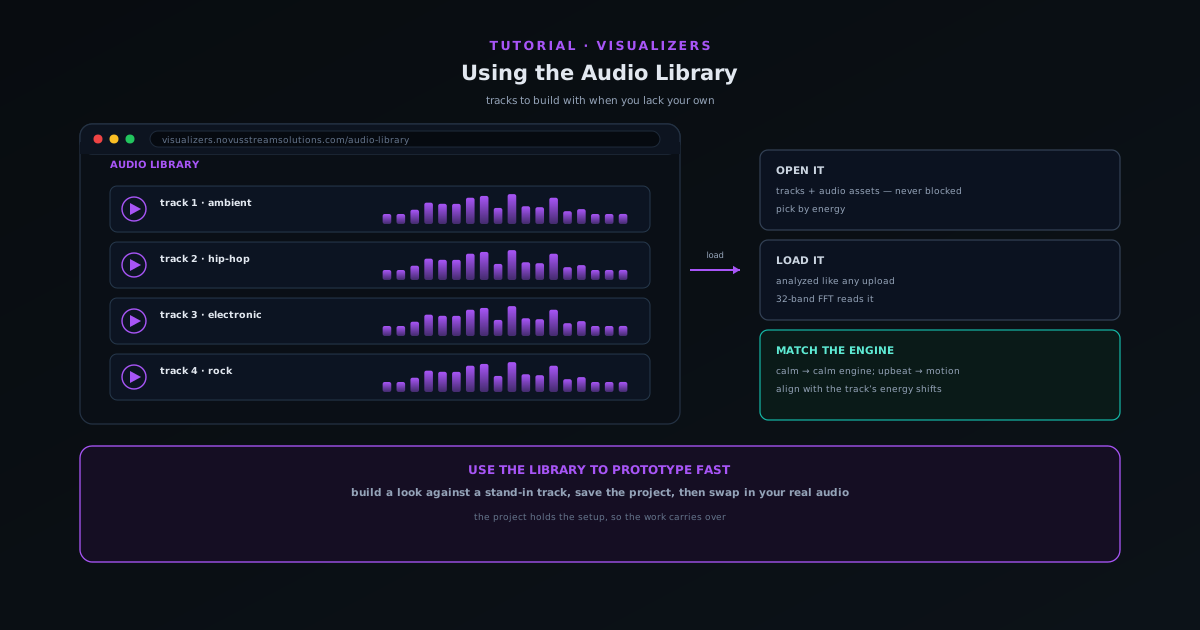
Using the Audio Library when you do not have your own track
Use the companion Audio Library to grab tracks and audio assets to build a visualizer with when you do not have your own music ready.
5 min · BeginnerStart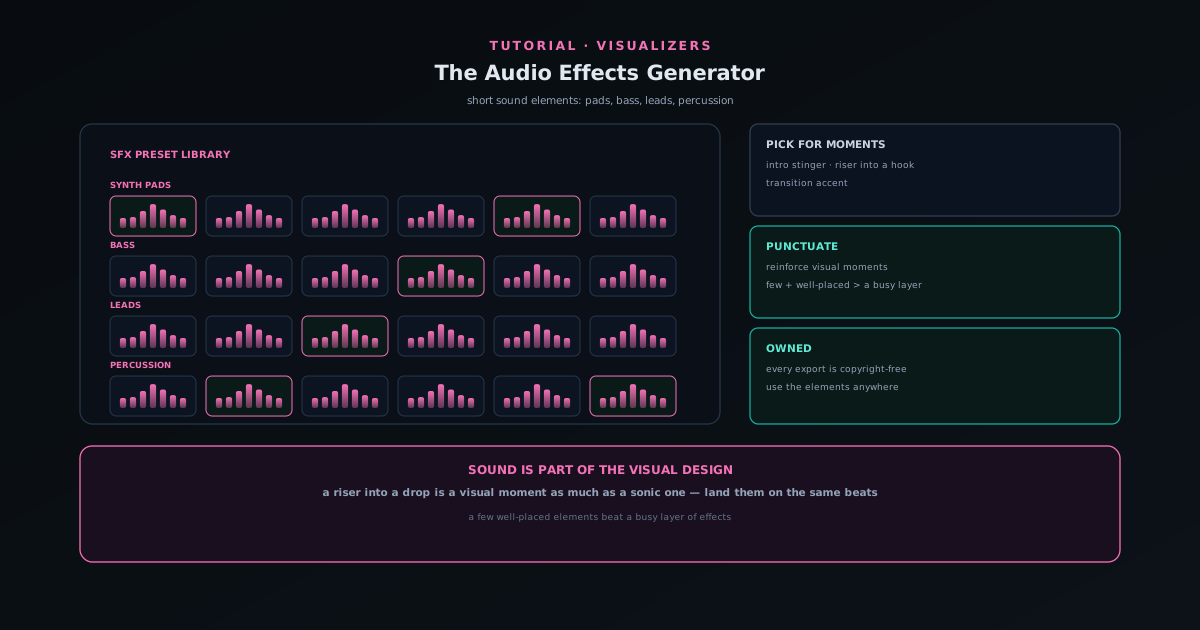 Audio & beat-sync
Adding sound elements with the Audio Effects Generator
Use the Audio Effects Generator (a preset library of synth pads, bass, leads, and percussion) to add short sound elements like stingers, risers, and transitions to a release.
5 min · BeginnerStart
 Export & release
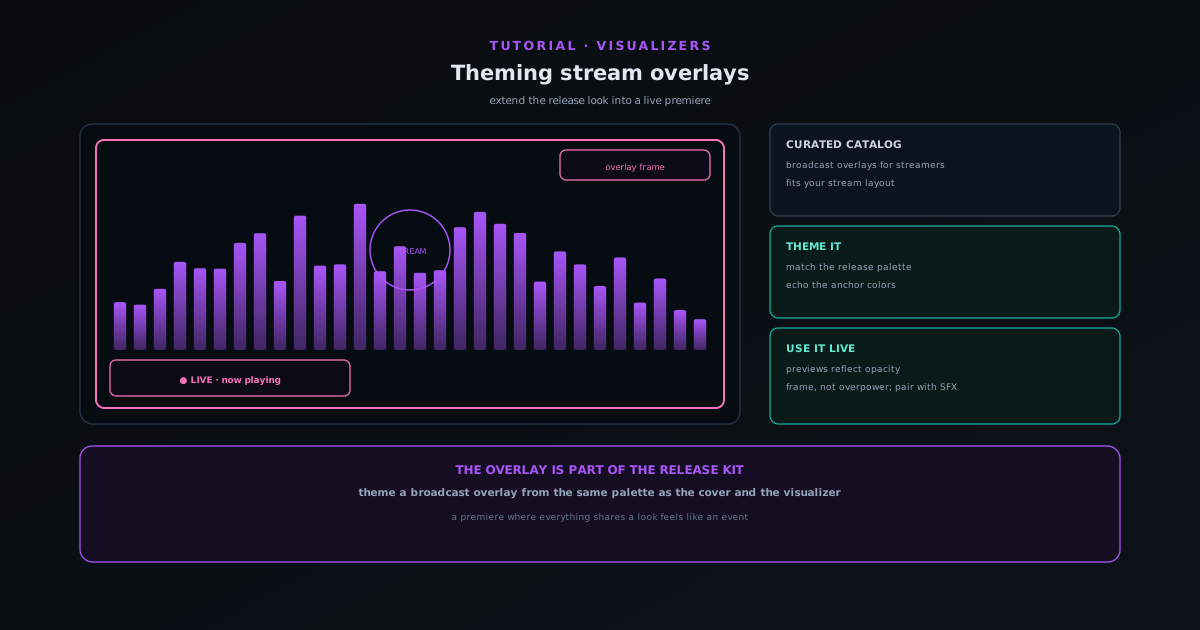
Theming stream overlays for a live premiere
Use the Stream Overlays companion (a curated catalog of broadcast-oriented overlays) to extend your release look into a live stream so the premiere matches the rest of the kit.
5 min · BeginnerStart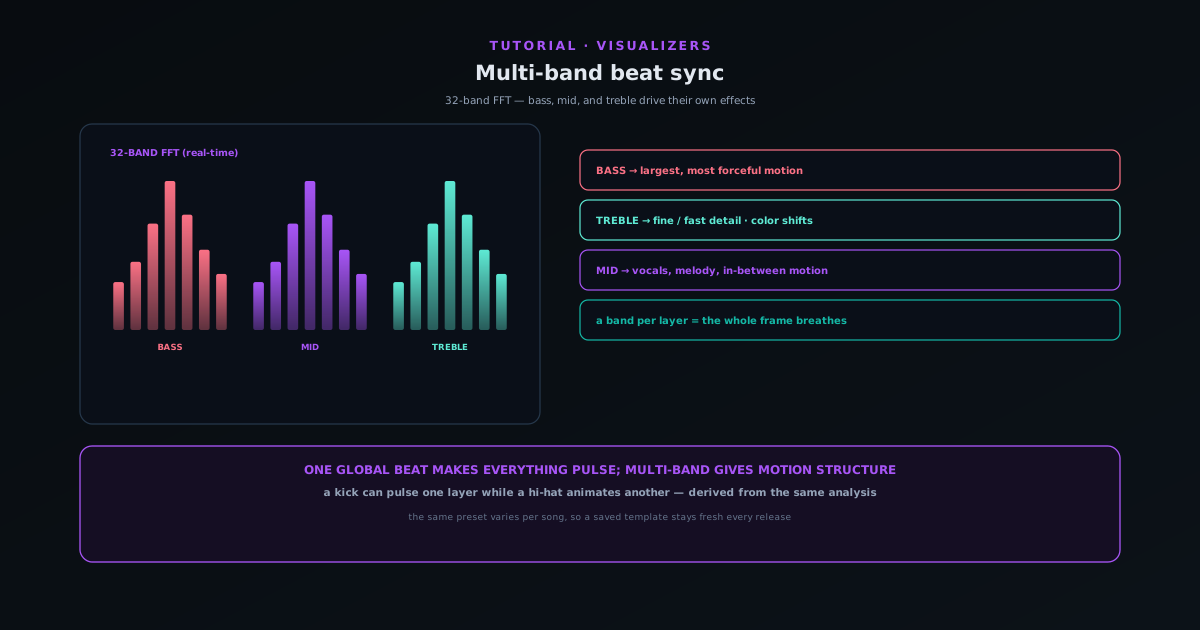 Audio & beat-sync
Multi-band beat sync: drive effects from bass, mid, and treble
Go beyond one global beat: route bass, mid, and treble energy to different elements so a kick pulses one layer while hi-hats animate another, and the same preset looks different on every song.
7 min · IntermediateStart
 Editing & layers
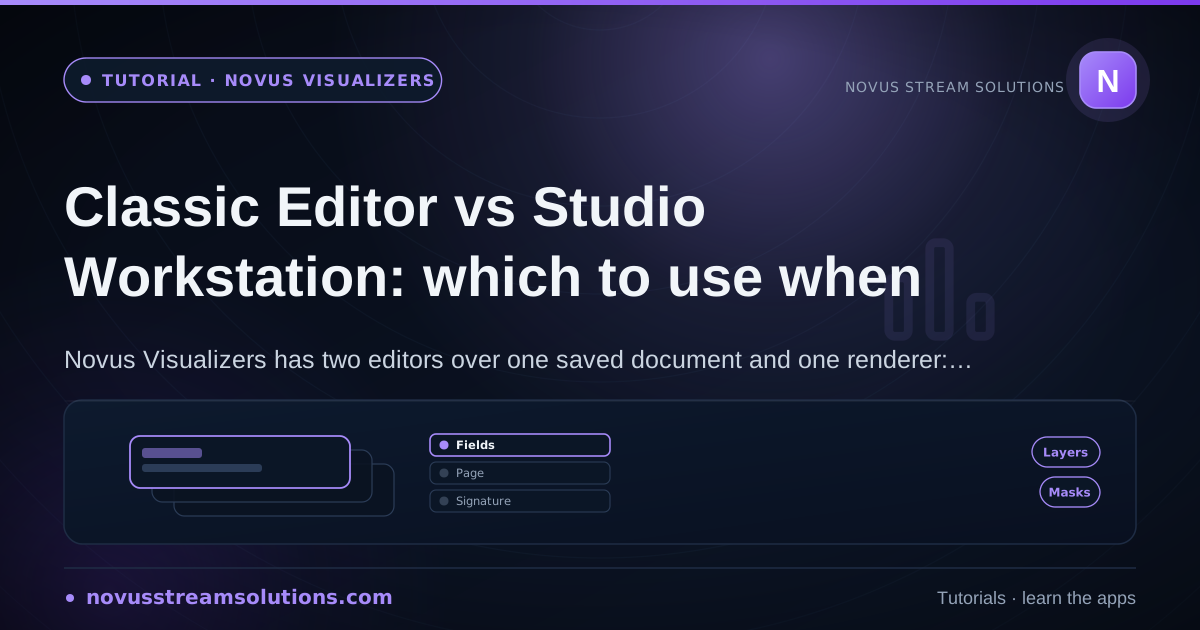
Classic Editor vs Studio Workstation: which to use when
Sonic Weaver has two editors over one saved document and one renderer: the guided Classic Editor and the direct-manipulation Studio Workstation. Learn what each is best at and when to switch.
6 min · IntermediateStart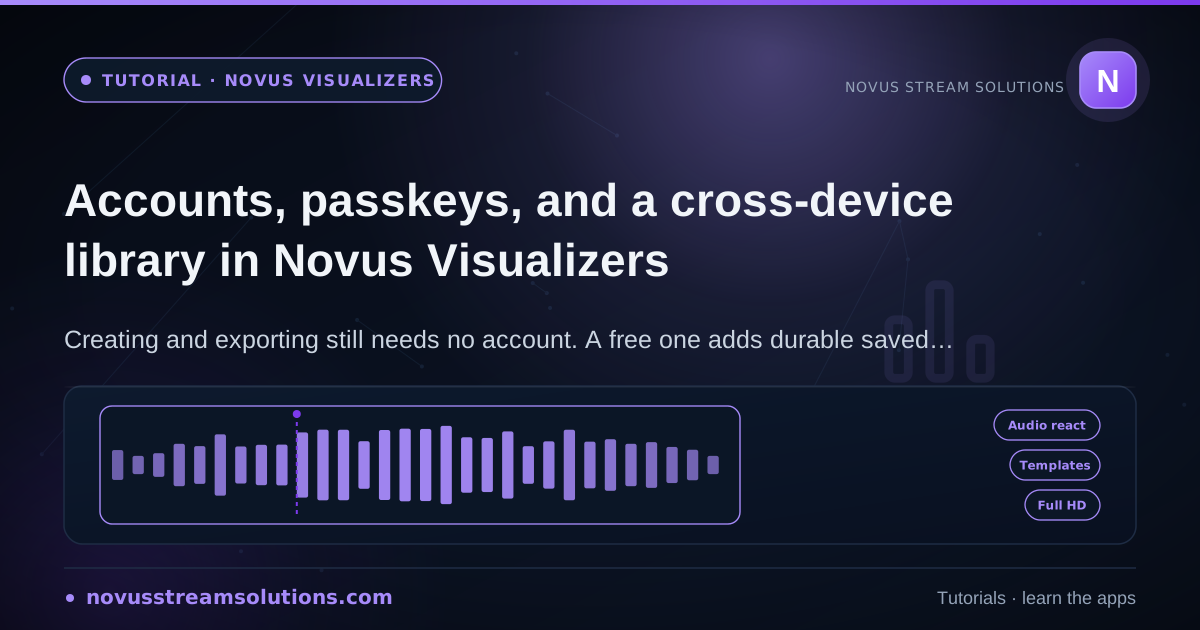 Getting started
Accounts, passkeys, and a cross-device library in Sonic Weaver
Creating and exporting still needs no account. A free one adds durable saved projects, albums, passkeys, recovery codes, and the ability to reopen a document on another device.
7 min · BeginnerStart