Category
How-to guides
Straightforward, search-friendly how-to guides for the most common tasks (making a transparent PNG, upscaling an image, making a music visualizer, and adding captions), done free and in the browser with the Novus apps.
12 articles
About the How-to guides thread
Task-first guides. Each one answers a single question a person actually typed into a search box (how do I make a transparent PNG, how do I add captions, how do I get a video into the right format), and answers it completely, free, without asking anyone to install or sign up for anything.
The house rule for this cluster is that a how-to must survive contact with the failure cases. Anyone can list the happy path; these guides say what to do when the edge comes out ragged, when the file is too large, when the output looks wrong in one app and fine in another. That is usually where the reader actually is by the time they search.
What this topic covers
- Image tasks: transparent PNGs, upscaling, resizing, and format choice
- Video and audio: trimming, captioning, transcoding, and compressing for a platform
- Making a music visualizer from an uploaded track, start to export
- Multi-tool workflows that chain two or three apps to finish one job
- What to do when a step fails: the failure cases, not just the happy path
Who it's for
Anyone with a specific job to finish today and no budget or patience for a software purchase.
12 articles in this thread, newest first. Every one is free to read with no signup.
6 articles in this threadReset filters
How-to guides · Jun 14, 2026
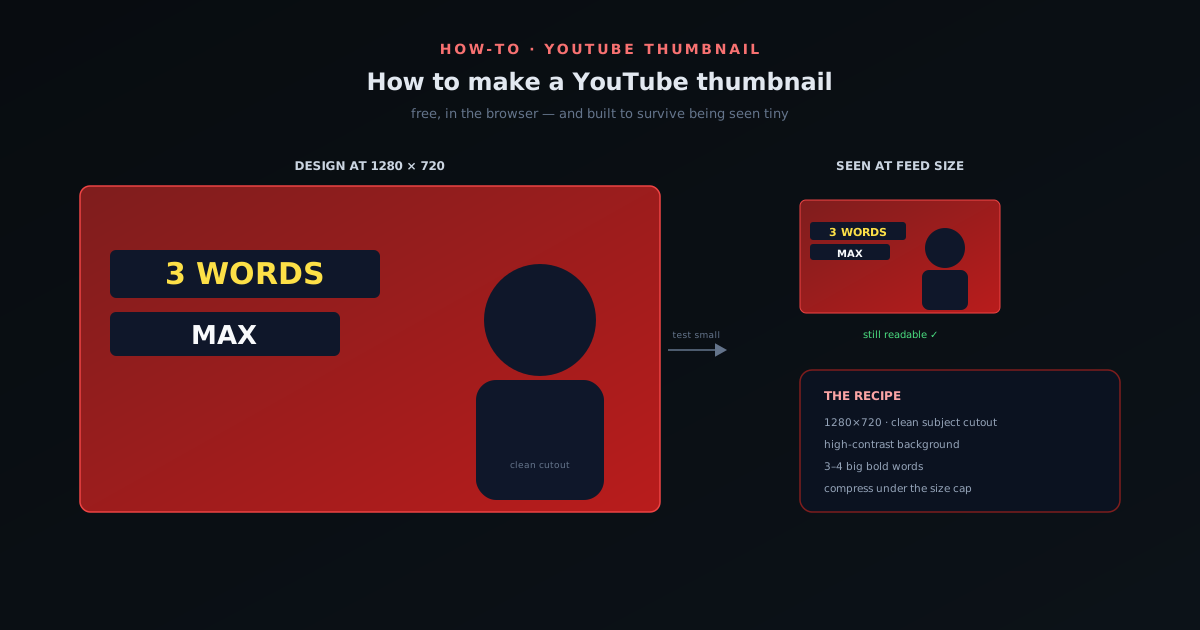
How to make a YouTube thumbnail (free, in your browser)
Why the thumbnail matters more than the title, the exact size to use, cutting out your subject cleanly, choosing a background, writing text that survives being tiny, and keeping a consistent look across a channel, all free and in the browser.
Novus Stream Solutions (hub)
How-to guides · Jun 10, 2026
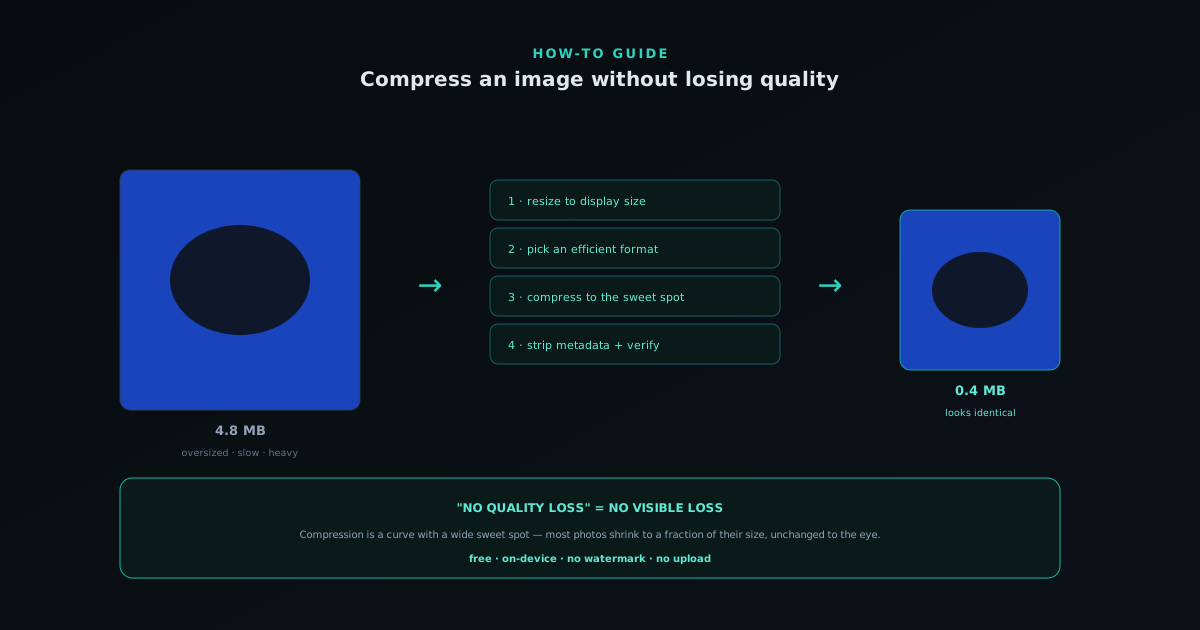
How to compress an image without losing quality
What "losing quality" really means, lossy vs lossless, resizing before compressing, and the format and settings that shrink an image with no visible loss.
NSS Background Remover
How-to guides · Jun 8, 2026
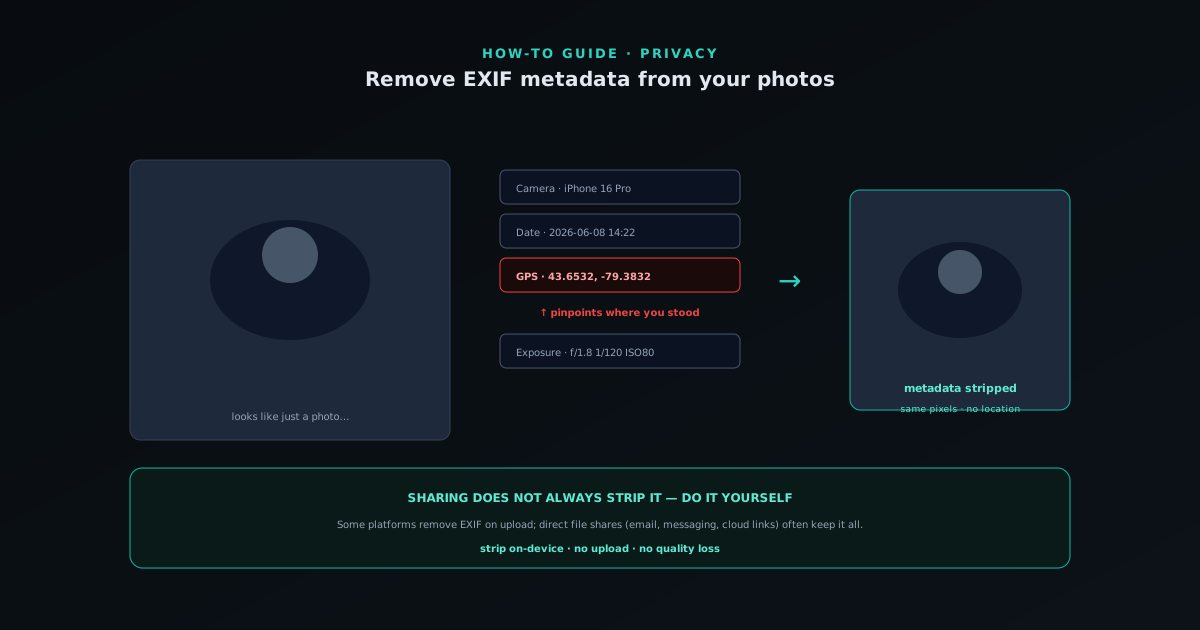
How to remove EXIF metadata from your photos (and why)
What EXIF metadata is, the privacy risk of embedded GPS, when platforms strip it (and when they do not), and how to remove it yourself without uploading your photos.
NSS Background Remover
How-to guides · Jun 7, 2026
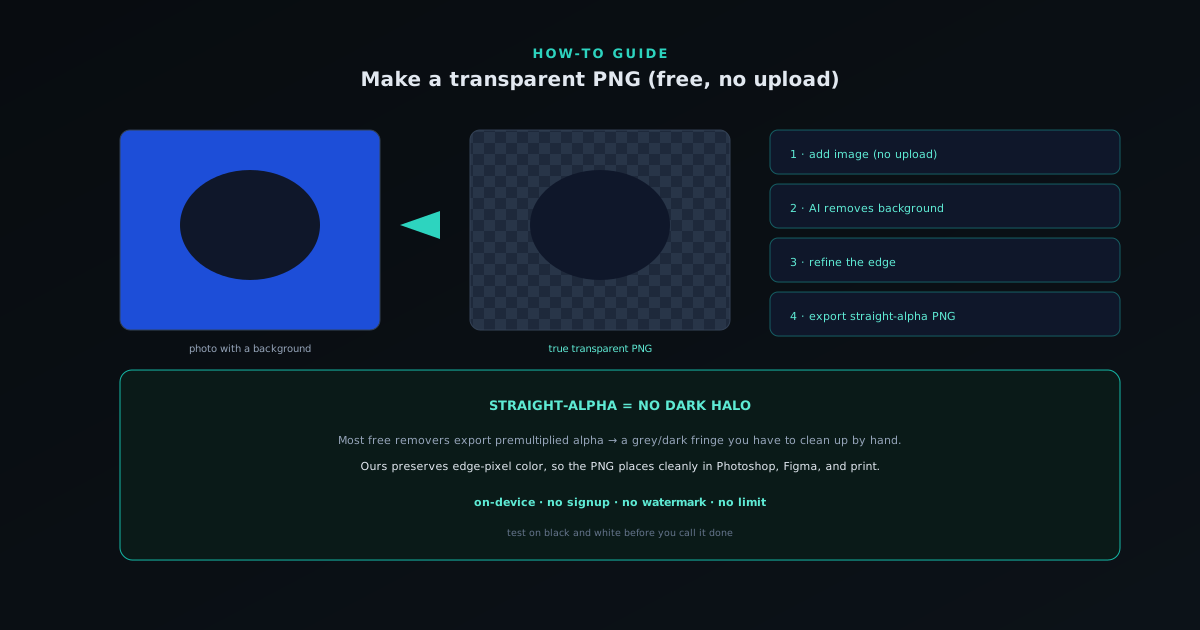
How to make a transparent PNG (free, no upload)
A step-by-step guide to exporting a true transparent PNG with NSS Background Remover, and why straight-alpha export matters.
NSS Background Remover
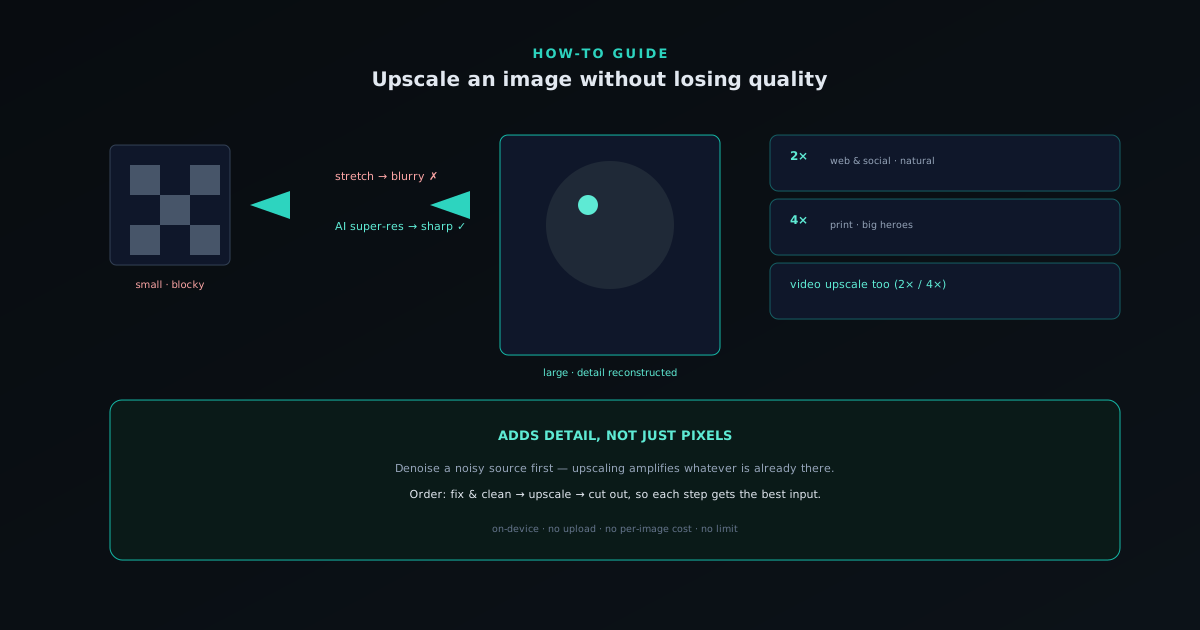
How-to guides · Jun 7, 2026
How to upscale an image without losing quality
How AI upscaling adds real detail (not just pixels) and how to use 2× / 4× super-resolution in NSS Background Remover.
NSS Background Remover
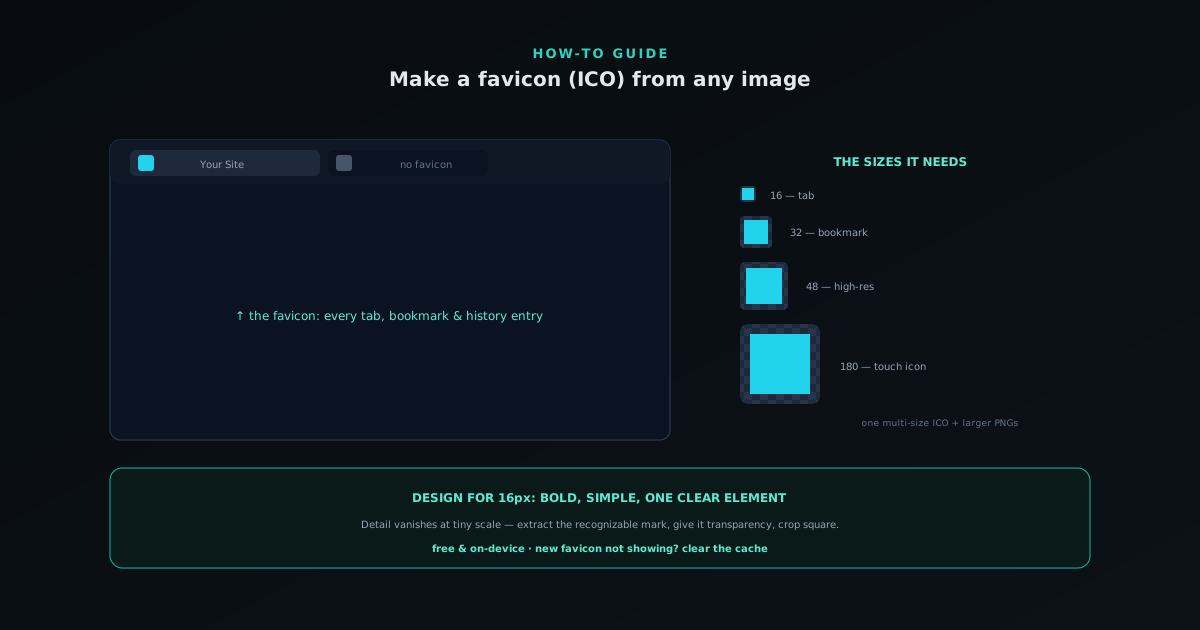
How-to guides · Jun 4, 2026
How to make a favicon (ICO) from any image
What a favicon is, the sizes that matter, designing for tiny scale, transparency, and making a multi-size ICO from any image, free and on-device.
NSS Background Remover