Background Remover tutorials
NSS Background Remover tutorials
The definitive, step-by-step guides for NSS Background Remover: from your first cutout to the editors, upscaling, the utility tools, and common tasks. These cover the essentials as general guidance; the app itself holds a deeper, always-current library, and you can see every tool on the tool map.
NSS Background Remover
 Getting started
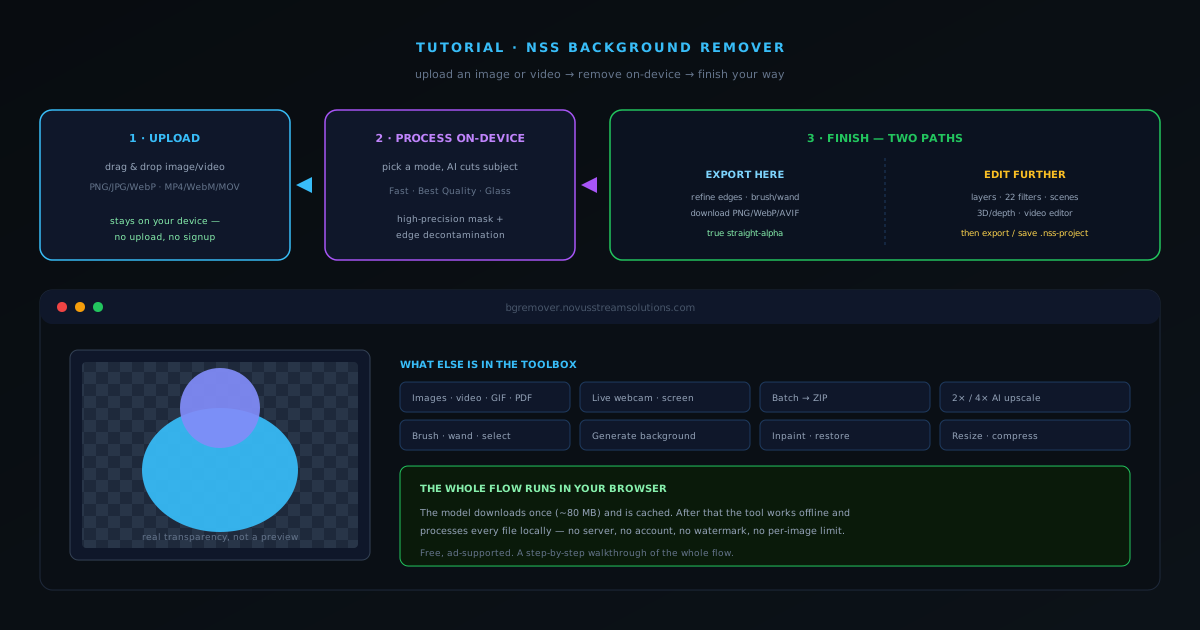
How to remove a background from an image with NSS Background Remover
A complete walkthrough of NSS Background Remover: upload an image, let the on-device AI cut the subject, then either refine and export right on the tool page or open the full editor for layers, filters, upscaling, and more.
7 min · BeginnerStart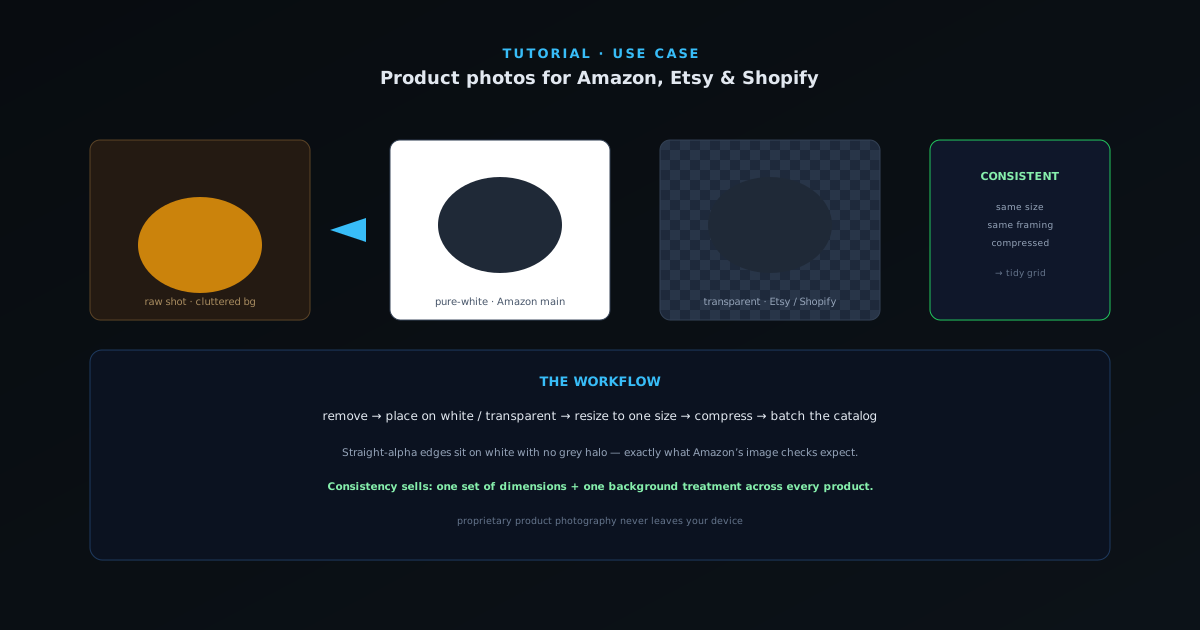 Use cases
Prepping product photos for Amazon, Etsy, and Shopify
A practical workflow for turning raw product shots into clean, marketplace-ready images: pure-white or transparent backgrounds, consistent sizing, and compressed files, across a single product or a whole set.
6 min · BeginnerStart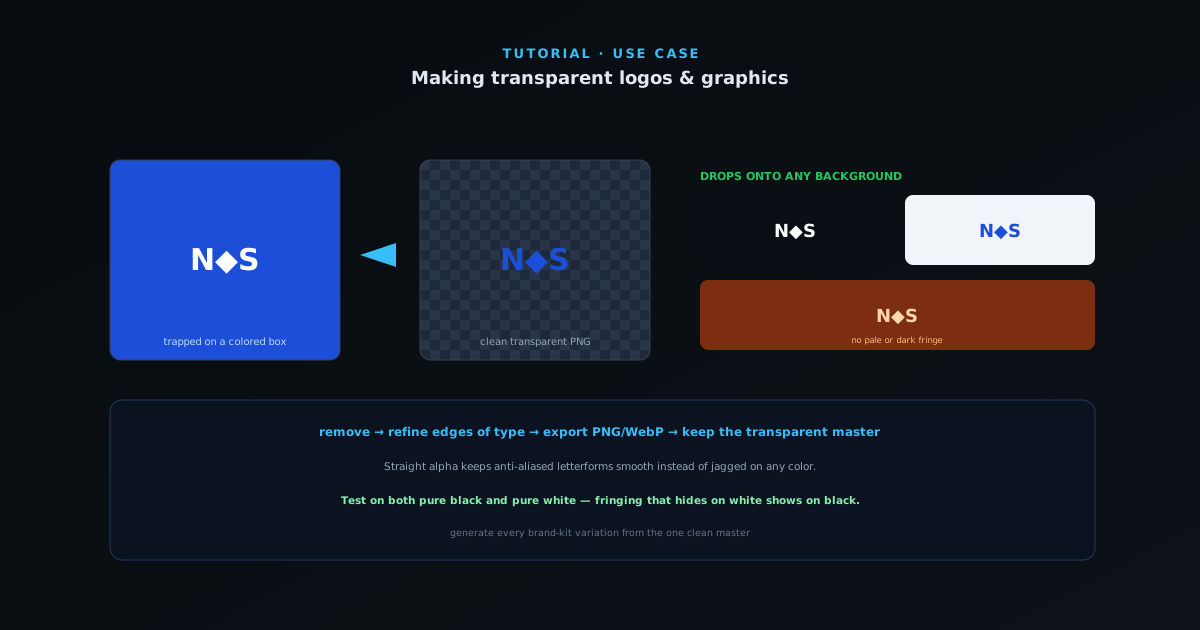 Use cases
Making transparent logos and graphics
Turn a logo on a solid or busy background into a clean transparent PNG that drops onto any color: the right mode, edge refinement for crisp type, and an export that won’t halo.
5 min · BeginnerStart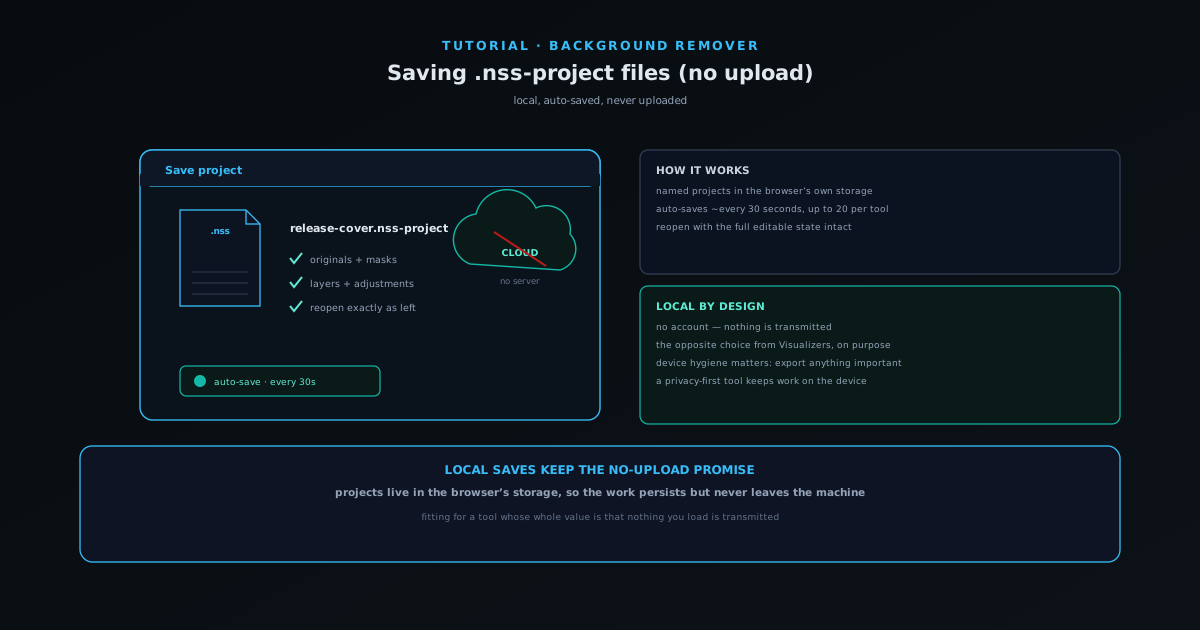 Editing & layers
Saving your work as .nss-project files (locally, no upload)
Save a composition as a named .nss-project in your browser's own storage (preserving originals, masks, layers, and adjustments) with auto-save every 30 seconds and no upload.
5 min · BeginnerStart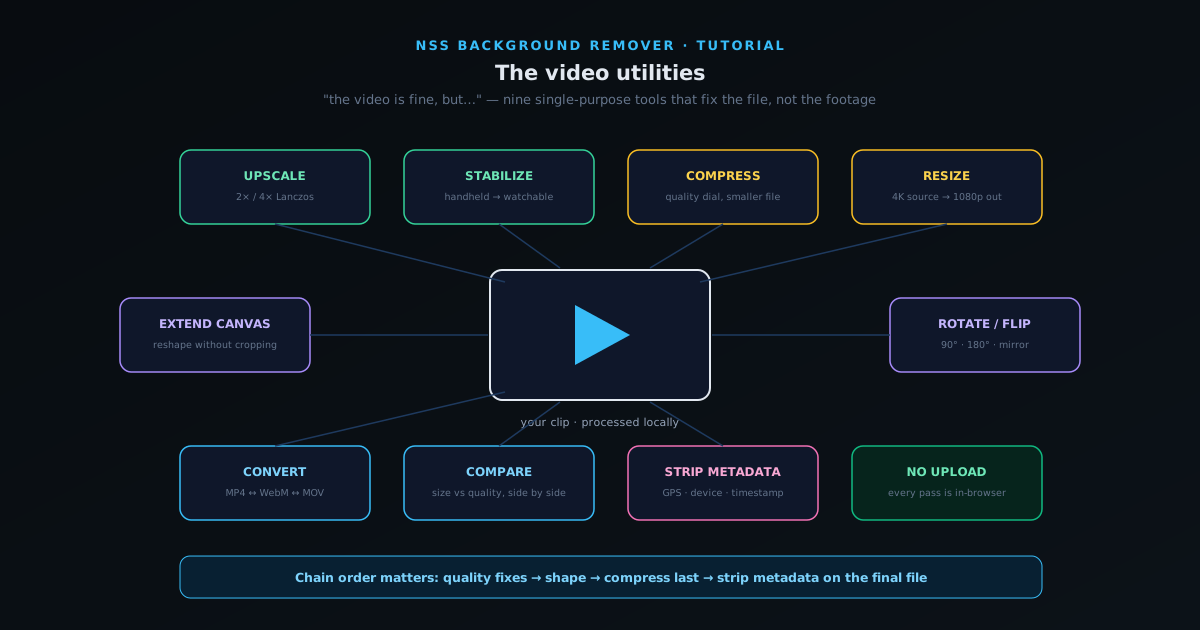 Formats & batch
The video utilities: upscale, stabilize, compress, convert, and clean metadata
Nine single-purpose video tools that fix delivery problems in the browser: 2×/4× upscaling, stabilization for handheld footage, compression, resizing, canvas extension, rotation, format conversion, side-by-side comparison, and metadata removal.
7 min · BeginnerStart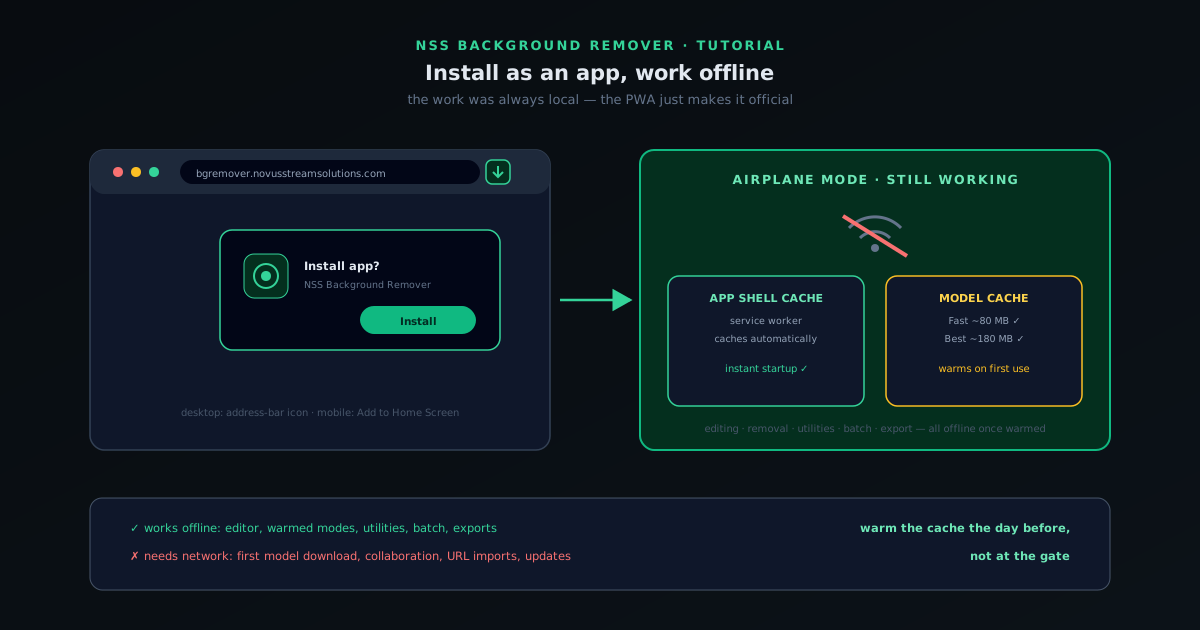 Getting started
Install NSS Background Remover as an app and use it offline
NSS Background Remover is a progressive web app: install it from the browser in two clicks, pre-download the AI models you use, and keep removing backgrounds with no internet connection at all.
5 min · BeginnerStart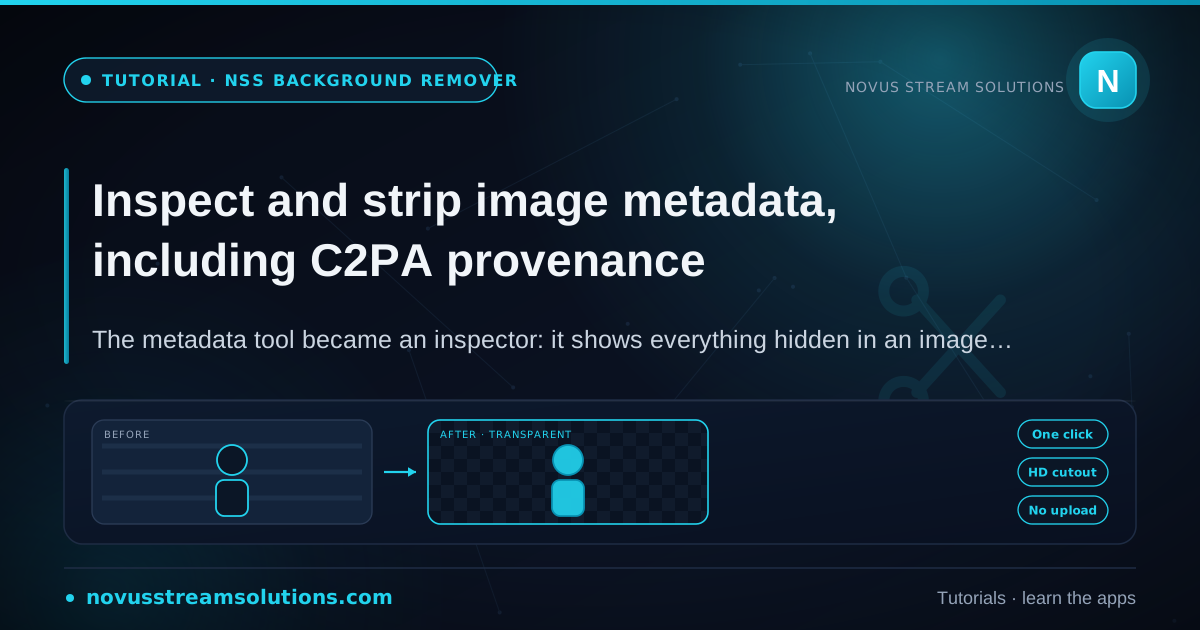 AI tools
Inspect and strip image metadata, including C2PA provenance
The metadata tool became an inspector: it shows everything hidden in an image (EXIF, GPS, camera details, and C2PA AI-generation provenance) before you decide what to strip.
6 min · BeginnerStart