Tutorials
Learn the Novus apps
Core, step-by-step guidance for the tools, grouped by app and written to stand on its own. Each app has a deeper library inside the product itself; these are the essentials. For the full reference see the documentation, and for the stories behind the builds, the product blog.
Novus PDF Studio
 Page tools
Reorder, duplicate, and remove PDF pages
Use the Organize tool in Novus PDF Studio to reorder, rotate, duplicate, and remove PDF pages from a thumbnail grid so a document reads cleanly, and learn when Rotate, Split, or Merge is the better tool instead.
9 min · IntermediateStart Use cases
Assemble a client intake packet: merge, fill, sign, protect
Build a complete client intake packet in Novus PDF Studio end to end: merge the separate forms at /tools, organize and rotate the pages, fill and sign every field in the editor, stamp page numbers, and lock the finished document with an AES-256 password before you send it.
9 min · IntermediateStart Use cases
Prepare a form for multiple signatures and witnesses
Set up a Novus PDF Studio form that needs more than one signature, such as two parties plus a witness, by placing a labeled signature field and a date beside each signer, letting everyone draw their own visual mark, and routing a flattened copy to each in turn.
9 min · IntermediateStart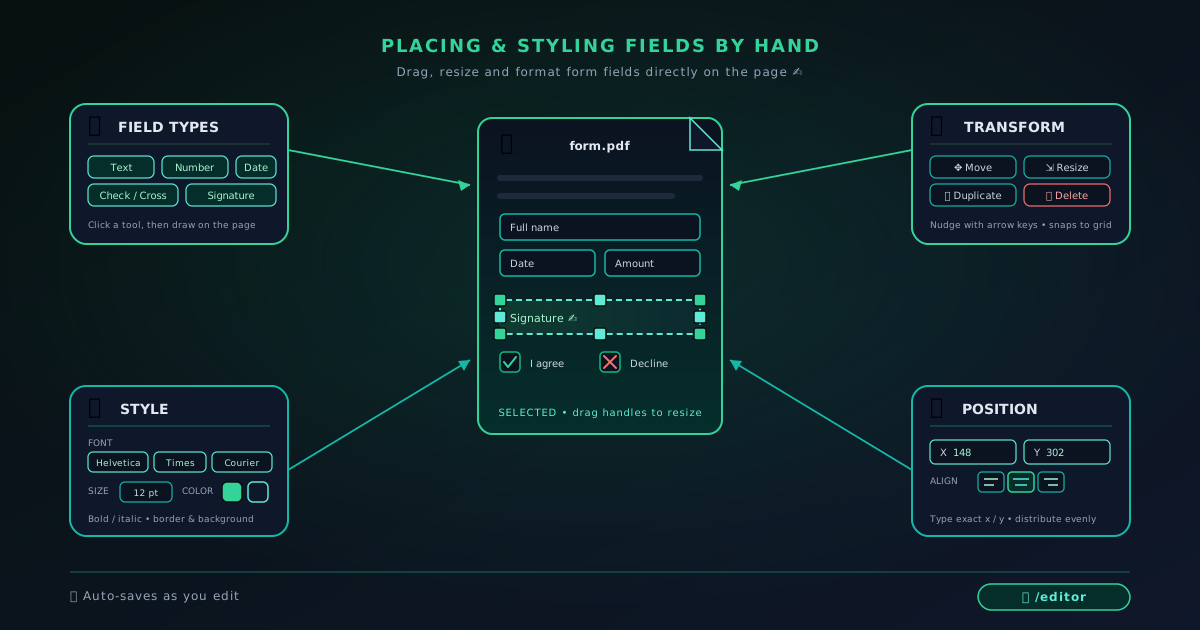 Editing & layers
Placing and styling PDF fields by hand: text, numbers, checks, dates
A hands-on guide to placing and styling PDF fields yourself in Novus PDF Studio: text, number, check or cross, and date-style layers, with precise position, font, size, and color control.
10 min · IntermediateStart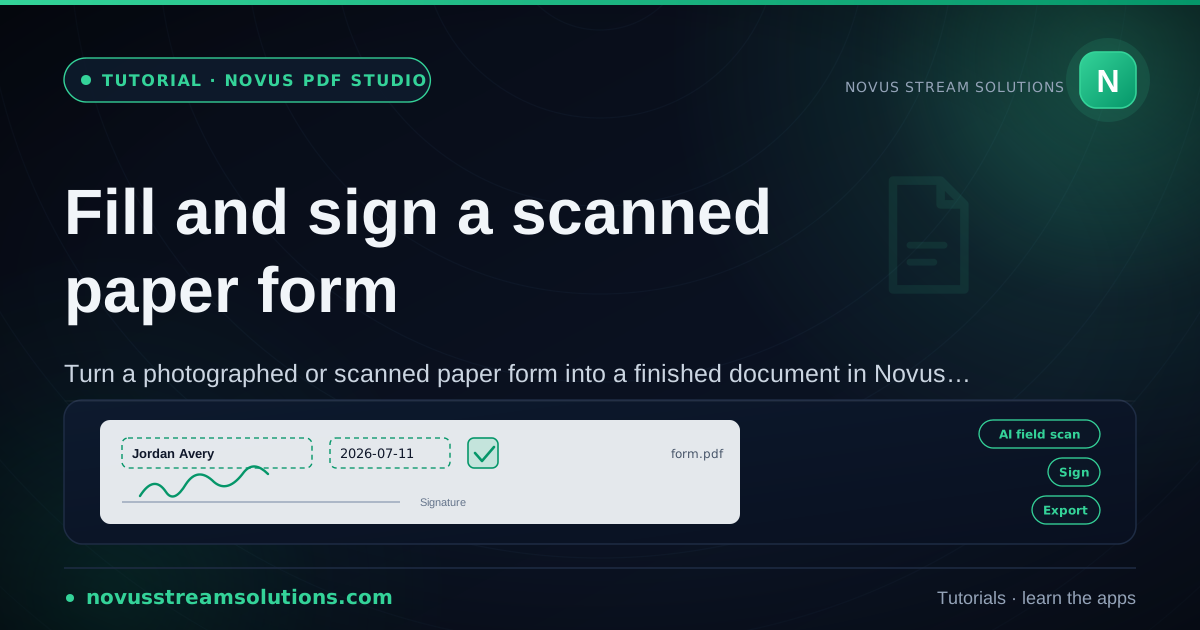 Use cases
Fill and sign a scanned paper form
Turn a photographed or scanned paper form into a finished document in Novus PDF Studio: capture the page well, import it as a PDF, align fields by hand over the printed lines, draw a signature, and export a flattened copy that reads like ink on the page.
10 min · IntermediateStart