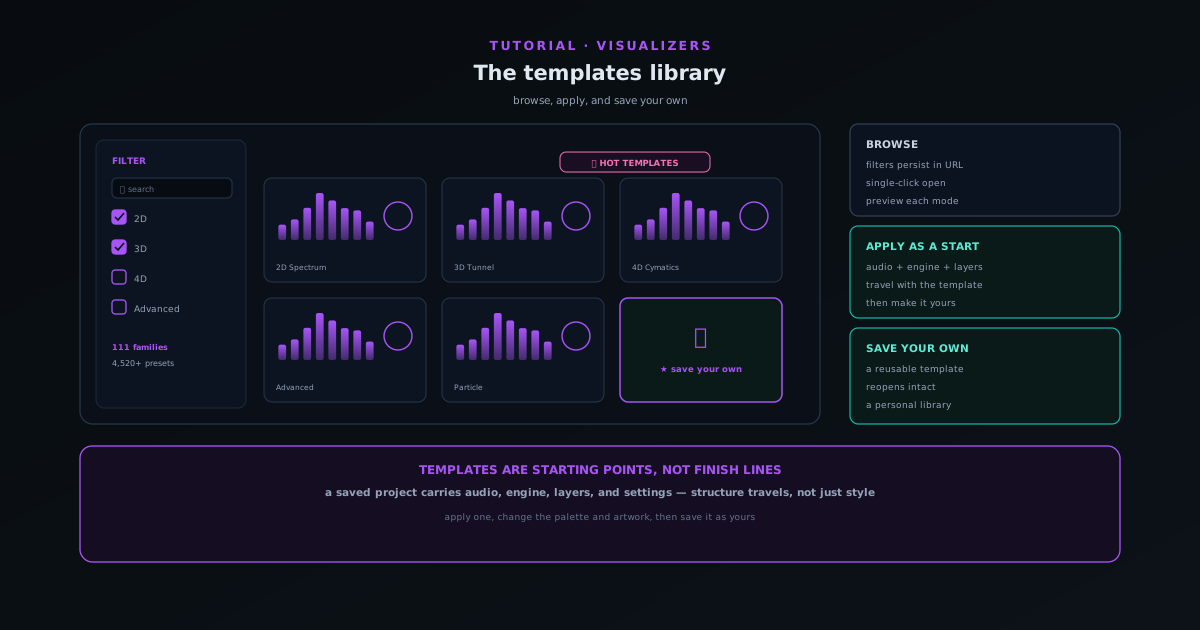
Sonic Weaver tutorials
Sonic Weaver tutorials
The definitive, step-by-step guides for Sonic Weaver: from your first export to layers, beat-sync, the audio engine, captions, and common release tasks. These cover the essentials as general guidance; the app itself holds a deeper, always-current library, and you can see every tool on the tool map.
Sonic Weaver
 Editing & layers
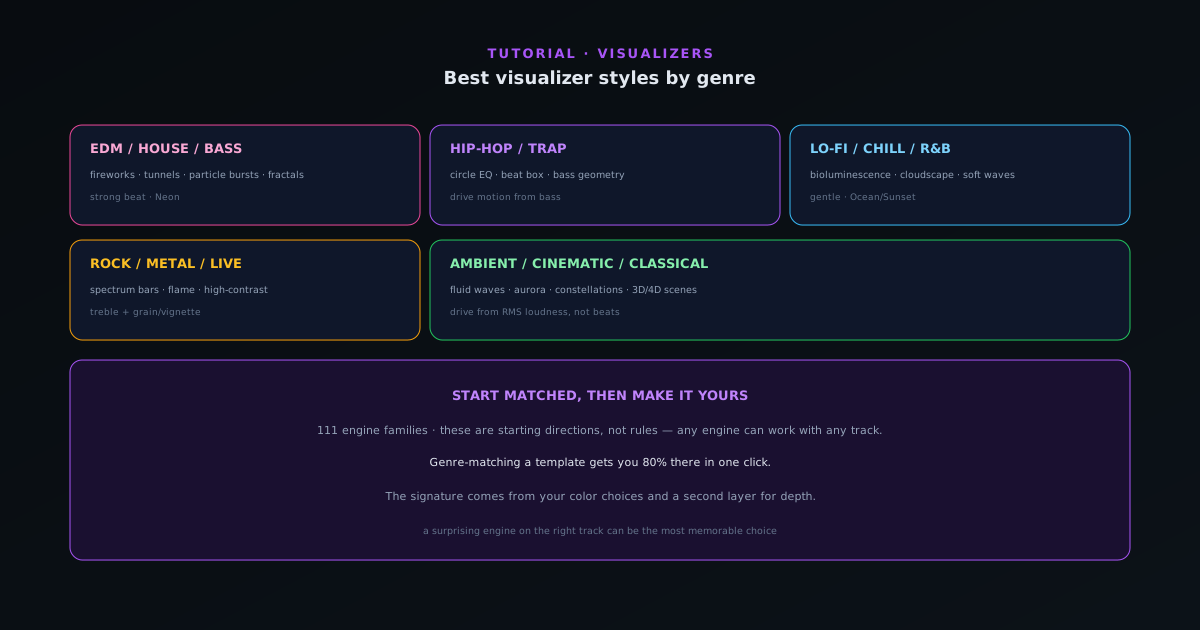
Best visualizer styles by genre
Which engines and modes tend to fit which genres (from hip-hop and EDM to lo-fi, rock, ambient, and classical) so you can pick an engine and mode that already feels right for your track.
7 min · BeginnerStart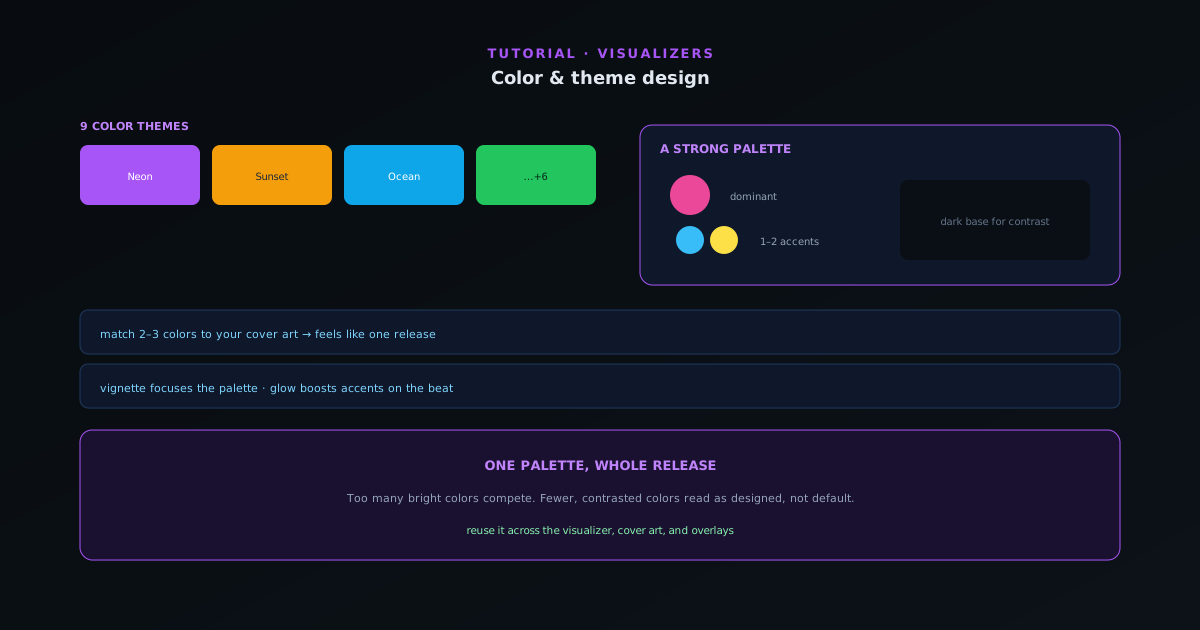 Editing & layers
Color & theme design for visualizers
Color is the fastest way to set a mood and match your release art. How to use the nine themes and per-element color control to design a look that feels intentional instead of default.
6 min · BeginnerStart
 Editing & layers
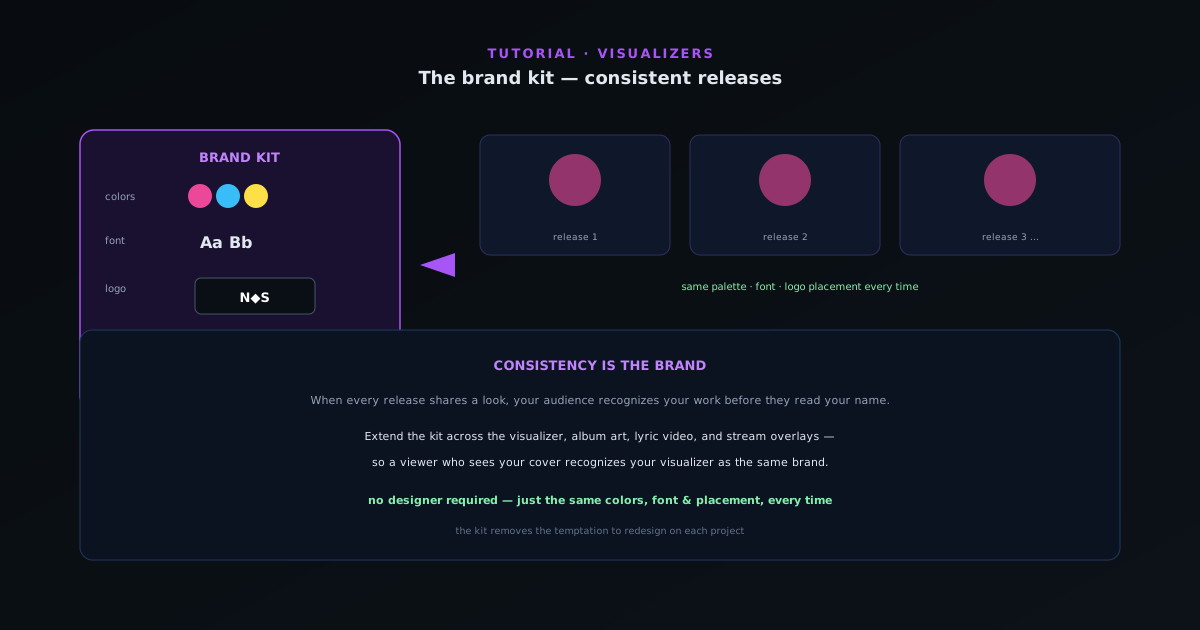
The brand kit: a consistent look across releases
Recognizable artists look the same release after release. How to use the brand kit to save your colors, fonts, and logo so every visualizer, cover, and overlay shares one identity, without redoing the work each time.
5 min · BeginnerStart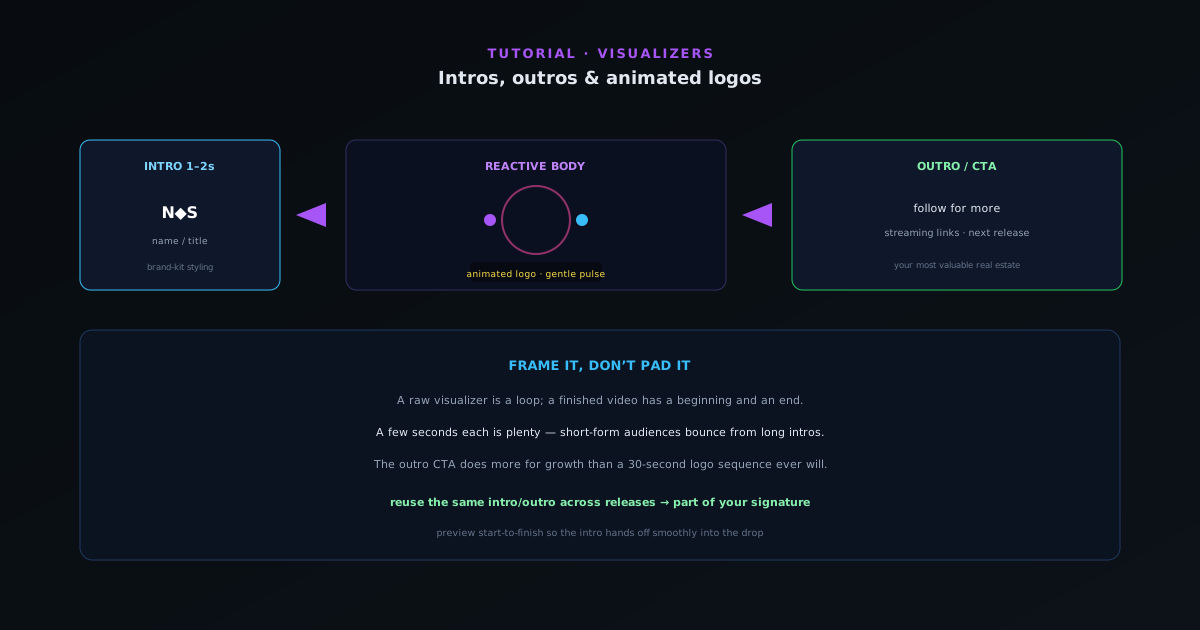 Editing & layers
Intros, outros & animated logos
A short branded intro and outro turns a loop into a finished video. How to add an animated logo, an intro card, and an end screen that drives follows and saves, without padding the runtime.
5 min · BeginnerStart