Novus AI Stats
Getting started with Novus AI Stats: demo to dashboard
Open the Novus AI Stats PWA, explore demonstration data, understand local-first imports across all seven supported sources, and set up an account, free, with no payment information required.
Novus AI Stats is a privacy-first PWA that turns your AI history into a readable constellation. Import ChatGPT, Claude, Gemini, Claude Code, Codex CLI/Desktop, Gemini CLI, and Cursor history from user-approved exports and files, then track time, sessions, agents, tokens, projects, and streaks in one dashboard.
The product is live and still in progress. This tutorial opens the site with honest expectations, walks the demo, and gets you to an account without pretending every polish pass already shipped.
Contents
Two ways to finish
Explore the demo
Walk demonstration data before importing your own history.
Create an account
Free, with no payment information required; check the sign-up page for current availability.
- 1
1. Open AI Stats with the right expectations
Go to aistats.novusstreamsolutions.com. The site leads with a clear pitch: see everything you build with AI, web chats and coding agents in the same frame. Treat “live and in progress” as literal: the dashboard is usable, and imports, metrics, and share cards continue to expand.
If you expected silent background monitoring of every AI app on your machine, recalibrate. AI Stats focuses on transparent, user-approved imports, not hidden scanning.
- Free to use, no payment info required, installable as a PWA.
- Advertising stays off authenticated analytics pages.
- 2
2. Explore the demo before you import
Use Explore the demo to walk demonstration data. You will see how ChatGPT chats, Claude sessions, and coding-agent tool runs land in one constellation without touching your own exports yet.
The demo is the zero-commitment path: learn the layout, metric cards, and share-card idea before you create an account or select any local files.
Demonstration data first; your exports stay optional until you choose them. - 3
3. Create an account when you are ready
Create an account when you want to keep imports across sessions. The site is free to use and asks for no payment information. Sign-up availability is set per deployment, so open the sign-up page to see whether it is accepting new members, and use the contact form if it is not.
Authenticated analytics pages keep advertising off, a deliberate product boundary, not a temporary footer note.
- 4
4. Know where hub coverage lives
Canonical docs are at Novus AI Stats; the current surface map is Tool maps. Deeper walkthroughs cover provider imports, metric quality labels, and privacy-safe share cards.
For the product story and status framing, read Novus AI Stats launch: local-first AI history dashboard.
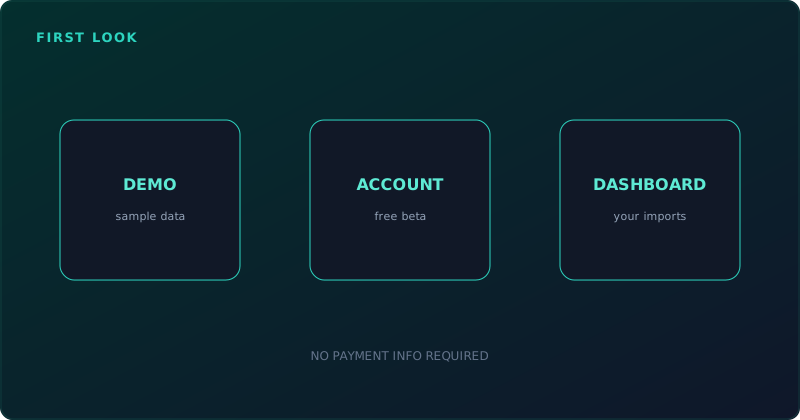
Demo first, import second
Judge AI Stats on whether the demo makes the constellation readable, whether local-first imports are explained clearly, and whether metric labels keep estimates from looking like facts. Feature checklists can wait while the product keeps shipping.
Frequently asked questions
Quick answers to common questions about this topic.
Is Novus AI Stats finished?
It is live and still in progress. You can explore the demo without an account, and (where sign-up is open on the deployment you are using) create one to keep imports while features continue to ship.
Is it free?
Yes. No payment information is required at any point, and advertising stays off authenticated analytics pages.
Do I have to import my history immediately?
No. Explore the demo with demonstration data first, then import when you are ready.
Related workflow
Turn your AI work into a report you can actually show someone
Measure what you built with AI assistants over a period, then package the numbers into a document with the caveats attached.
- Import your history and read the quality labelsNovus AI Stats: Token and session figures differ in how reliably each provider reports them; the labels say which numbers can carry an argument and which cannot.
- Assemble and protect the reportNovus PDF Studio: Merge the exported pages into one document and apply a password before it leaves your device.
Related troubleshooting
Was this page helpful?
Your answer stays in this browser, it is not sent anywhere and no account or cookie is involved.