Novus AI Stats
Import AI providers into Novus AI Stats
Import ChatGPT, Claude, Gemini, Claude Code, Codex CLI/Desktop, Gemini CLI, and Cursor history into Novus AI Stats from user-approved exports and files, with local-first parsing and no silent folder scanning.
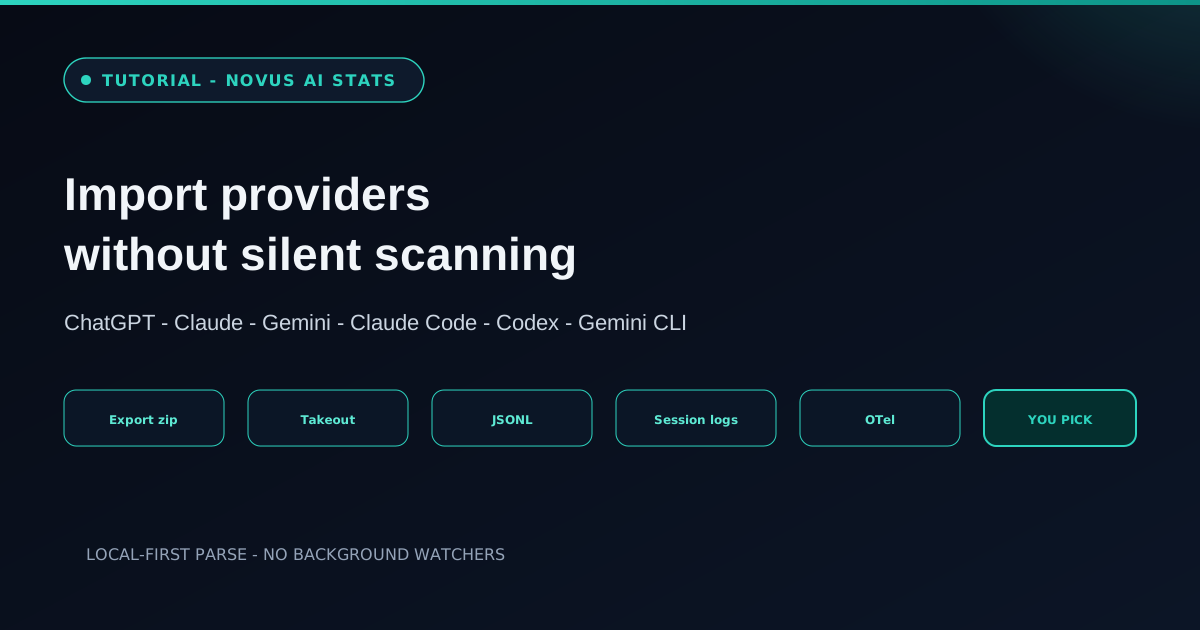
AI Stats focuses on transparent imports, not hidden monitoring. The first release works from user-approved exports, folders, and telemetry files. Exports and logs are parsed in the browser; raw prompts, responses, code, attachments, and full transcripts stay local by default.
This tutorial maps each of the seven supported providers and the no-silent-scanning rule so you know exactly what you are selecting before a parse begins.
Contents
Two ways to finish
Web chat exports
ChatGPT, Claude, and Gemini official takeouts.
Coding agents
Claude Code, Codex CLI/Desktop, Gemini CLI, and Cursor local logs and exports.
- 1
1. Remember: every import starts with you
The PWA cannot watch local folders in the background. Imports always begin with an explicit user file or folder selection. That is the product’s privacy contract, not an unfinished permission prompt.
If a flow ever felt like ambient monitoring, stop and re-check the site; silent scanning is out of scope on purpose.
- Local-first parsing in the browser.
- Raw transcripts stay on your device by default.
- 2
2. Import web chat providers
ChatGPT accepts an official account export zip or conversations.json. Claude uses an official account ZIP or JSON export with shape detection. Gemini uses a Google Takeout export, including Gemini Apps and My Activity records; Takeout shapes vary, and an unrecognized shape fails closed rather than guessing.
Use the provider’s own export path rather than scraping UI. Official exports are what the parsers are built for, and they keep the import story auditable.
Web chats and coding agents land in the same frame: different files, one dashboard. - 3
3. Import coding-agent providers
Claude Code accepts user-selected local JSONL transcripts or documented telemetry. Codex CLI/Desktop accepts persisted rollout JSONL, recording the product surface separately from the vendor. Gemini CLI accepts local OpenTelemetry output; disable prompt logging before you capture it. Cursor accepts exported Markdown, or a local SQLite snapshot whose signature the parser explicitly recognizes; unknown SQLite versions are rejected rather than parsed on a guess.
Select only the folders or files you intend to analyze. Because there is no background watcher, a quieter machine is a conscious choice; leave agent logs out until you want them in the constellation.
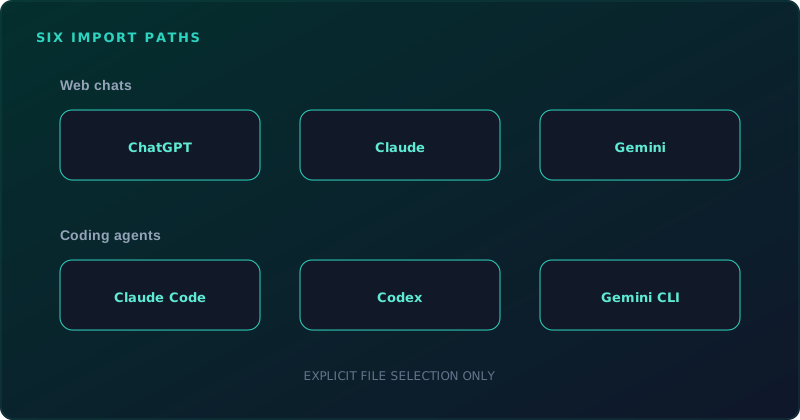
Select narrowly, label honestly
Import the smallest set of files that answers your question. Broader dumps make noisier dashboards and harder quality judgments, especially once estimated metrics appear next to exact ones.
Frequently asked questions
Quick answers to common questions about this topic.
Can AI Stats scan my folders silently?
No. The PWA cannot watch local folders in the background. Every import starts with an explicit file or folder selection.
Which providers are supported?
Seven sources: ChatGPT, Claude, Gemini, Claude Code, Codex CLI/Desktop, Gemini CLI, and Cursor, via official exports or user-selected local logs and telemetry. Anything else you see named is roadmap only, and a roadmap entry is not an ingestion claim.
Do my prompts leave the device on import?
Imports are local-first by default. Raw prompts, responses, code, attachments, and full transcripts stay on your device unless you later choose share-card fields you control.
Related workflow
Turn your AI work into a report you can actually show someone
Measure what you built with AI assistants over a period, then package the numbers into a document with the caveats attached.
- Import your history and read the quality labelsNovus AI Stats: Token and session figures differ in how reliably each provider reports them; the labels say which numbers can carry an argument and which cannot.
- Assemble and protect the reportNovus PDF Studio: Merge the exported pages into one document and apply a password before it leaves your device.
Related troubleshooting
Was this page helpful?
Your answer stays in this browser, it is not sent anywhere and no account or cookie is involved.