Novus AI Stats
Create Novus AI Stats share cards safely
Build an AI Wrapped-style share card in Novus AI Stats: choose fields, visibility, and expiration, with unlisted-by-default sharing, revocable links, dedicated OG images, and no raw transcripts.
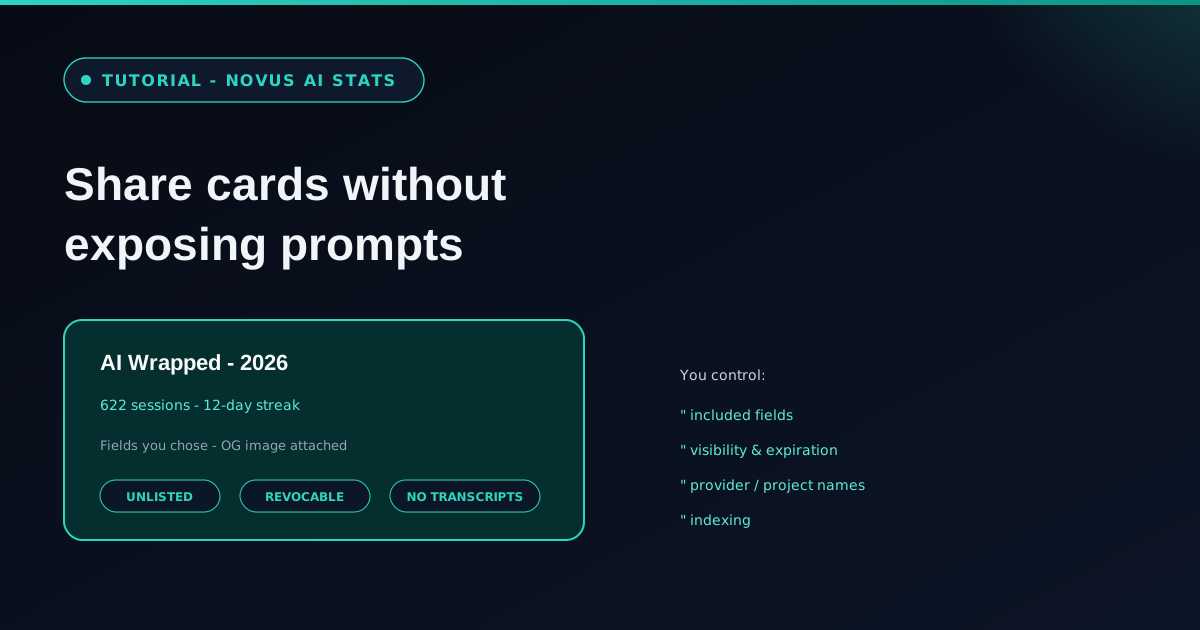
Share cards are snapshots. You choose included fields, visibility, expiration, provider names, project names, and indexing. The product promise is an AI Wrapped without exposing private prompts.
This tutorial walks the privacy defaults (unlisted by default, revocable links, no raw transcripts, dedicated OG images) so a published milestone stays a milestone, not a chat dump.
Contents
Two ways to finish
Choose the snapshot
Pick fields and names you are willing to show.
Publish safely
Unlisted links, expiration, and revocation.
- 1
1. Decide what the card is allowed to say
Start from a milestone you would put on a slide: sessions, streaks, provider mix, project names you are comfortable naming. Leave out anything that needs a transcript to make sense.
Cross-check metric quality labels from Read Novus AI Stats metric quality labels before you promote a number onto a public card.
- 2
2. Use the privacy defaults on purpose
Links are unlisted by default. You control visibility, expiration, provider names, project names, and indexing. Revocable links mean a mistake does not have to live forever.
Raw transcripts stay out of the share path. If a preview ever looked like a chat dump, that is a bug relative to the product contract; stop and report it.
Snapshots you approve, not private prompts in a link preview. - 3
3. Rely on dedicated OG images
Share cards ship with dedicated Open Graph images so a link preview matches the snapshot you approved. That is part of the privacy design: previews should not invent a richer private view than the card.
Before you paste a link into Slack or social, open the preview yourself and confirm the fields match what you selected.
- 4
4. Revoke when the moment passes
Milestones age. When a card no longer represents how you want to present your work, revoke the link and regenerate a tighter snapshot if you still want something public.
Docs at Novus AI Stats and the tool map at Tool maps stay the hub sources of truth as share surfaces keep expanding.
Publish less than you imported
Imports can be rich; share cards should be sparse. The gap between local history and public snapshot is the feature.
Frequently asked questions
Quick answers to common questions about this topic.
Do share cards include raw transcripts?
No. Share cards are snapshots of milestones you choose. Raw transcripts stay out of the share path.
Are share links public by default?
No. They are unlisted by default, revocable, and you control visibility, expiration, and indexing.
What is an AI Wrapped card here?
A privacy-safe milestone snapshot (fields and names you approve) with a dedicated OG image for link previews.
Related workflow
Turn your AI work into a report you can actually show someone
Measure what you built with AI assistants over a period, then package the numbers into a document with the caveats attached.
- Import your history and read the quality labelsNovus AI Stats: Token and session figures differ in how reliably each provider reports them; the labels say which numbers can carry an argument and which cannot.
- Assemble and protect the reportNovus PDF Studio: Merge the exported pages into one document and apply a password before it leaves your device.
Related troubleshooting
Was this page helpful?
Your answer stays in this browser, it is not sent anywhere and no account or cookie is involved.