Novus Striker
Getting started with Novus Striker: first arcade match
Open Novus Striker in your browser, understand the early-access status, and take a first arcade soccer match: no download, no install, honest in-development expectations.
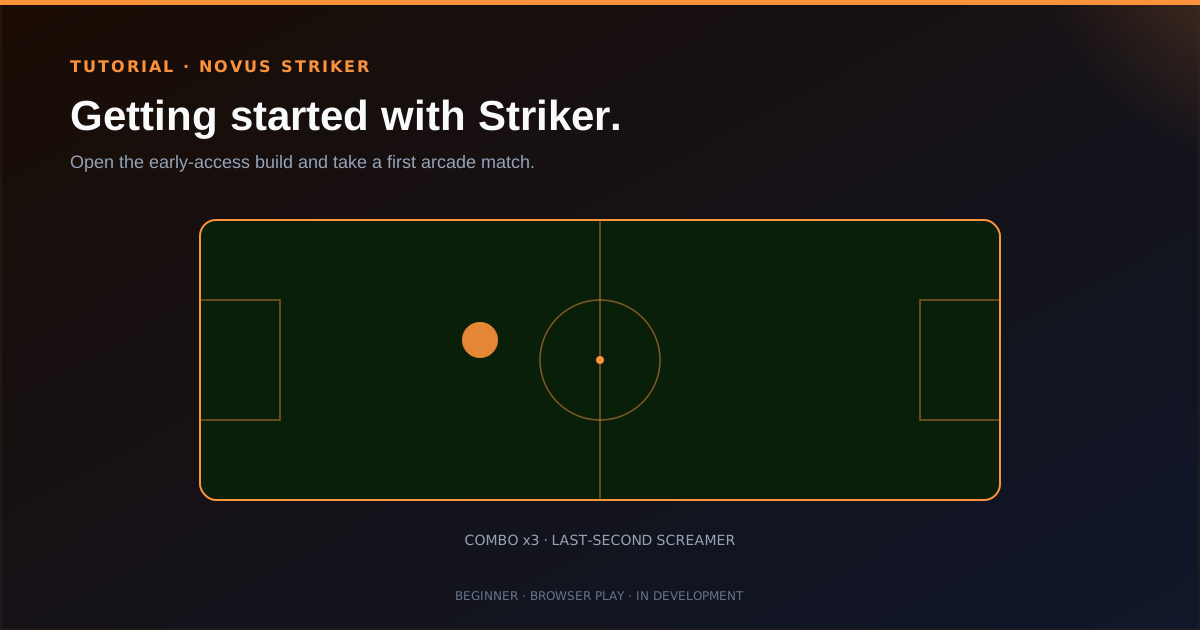
Novus Striker is a fast arcade soccer game you play in the browser. There is no launcher, no store install, and no download step standing between you and kickoff. The public build is playable today and still in major development. This tutorial treats both facts as true at once.
You will open the site, set honest expectations for an early-access game, start a match, and learn where feedback goes while the arcade loop expands.
Contents
Two ways to finish
Open and play
Load Striker in the browser and get into a match.
Read the status
Know what early access means and how to send feedback.
- 1
1. Open Striker in the browser
Go to striker.novusstreamsolutions.com and use Play now. The game is designed to load in the browser and stream/cache as you play, so you should not need a store client or an installer.
If something fails to load, note your browser and device when you send feedback. Early access lives on real hardware variance, and those reports matter.
- No download and no install: browser play only.
- Expect rough edges while the product is in active development.
- 2
2. Treat the landing promises as the current pitch
The live site leads with three beats: kick off in seconds, nothing to install, and over-the-top arcade soccer with combos and last-second screamers. That is the fantasy the team is building toward, not a claim that every mode and polish pass already shipped.
Play the match for feel (movement, timing, combo satisfaction) rather than judging the early build against a finished commercial soccer title.
The product promise is browser-first arcade soccer, still expanding. - 3
3. Take a first match and notice the arcade loop
Pick a team when prompted and get into play. Look for the arcade emphasis: flashy moments, combo chains, and dramatic finishes rather than a full management sim. Short sessions are the intended unit of fun.
If controls or clarity feel unfinished, that is useful signal. Write it down while it is fresh so feedback is specific instead of “needs work.”
- 4
4. Send feedback and follow hub updates
Use Send feedback on the live site. Early players shape prioritization while Striker is in development. The hub will grow with docs, tool maps, and more tutorials as features land.
For the product story and status framing, read Novus Striker early access: arcade soccer in the browser. Canonical docs live at Novus Striker and the current surface map at Tool maps.
Play early, judge fairly
Judge Striker as an early-access arcade prototype: is the browser path frictionless, does a short match feel fun, and is feedback easy to send? Finished-feature checklists can wait until the build catches up.
Frequently asked questions
Quick answers to common questions about this topic.
Do I need to install Novus Striker?
No. It runs in the browser. The game streams and caches as you play.
Is the game finished?
No. It is in active development. You can play the early build and send feedback while features and feel continue to change.
Where do I send feedback?
Use the Send feedback path on striker.novusstreamsolutions.com.
Related workflow
A Striker match to a highlight clip worth posting
Capture the goal, tidy the capture, and hand each platform the format it wants.
- Play a match worth clippingNovus Striker: Browser play with no install means the capture is a plain screen recording, with nothing proprietary to export first.
- Trim and upscale the captureNSS Background Remover: Screen recordings are long and soft; the video utilities cut them down and sharpen them before encoding.
- Encode for each destinationNovus Convert: Compression with a measured result size, so the clip lands under the upload cap on the first attempt.
Related troubleshooting
Was this page helpful?
Your answer stays in this browser, it is not sent anywhere and no account or cookie is involved.