NSS Background Remover
Virtual backgrounds for calls and streams
Use live-camera background removal to get a clean virtual background for calls, streams, and recordings — no green screen — and learn the lighting and setup that make real-time removal look sharp.
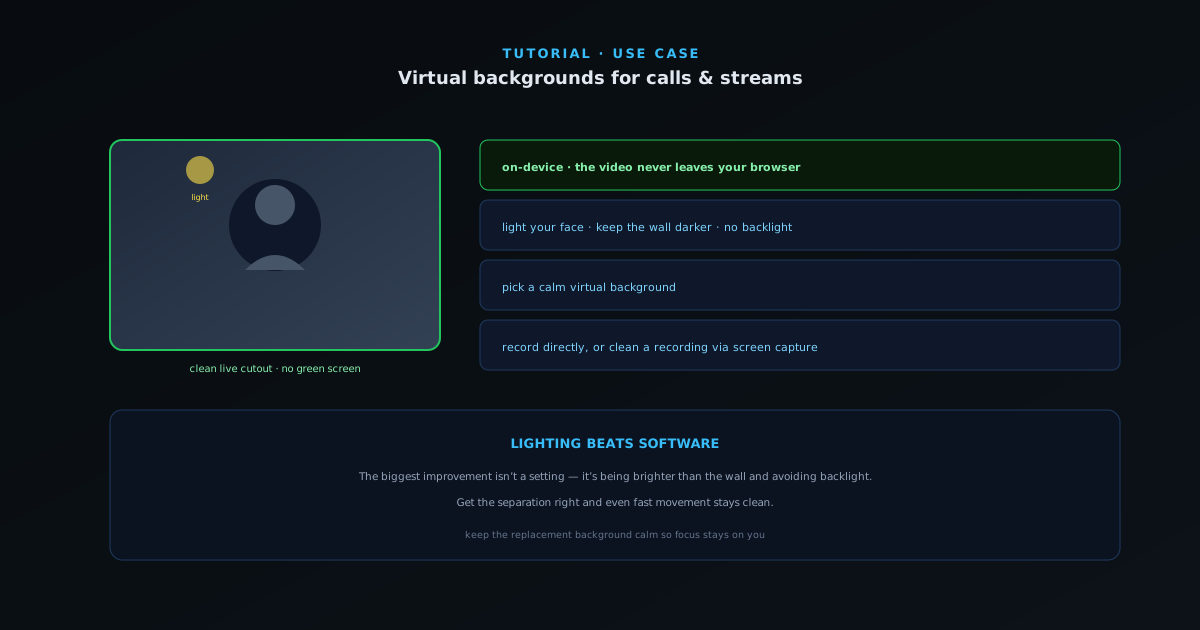
You do not need a green screen — or a webcam app’s blurry built-in background — to look clean on a call or stream. NSS Background Remover can remove your webcam background live, in the browser, with nothing uploaded. This guide covers the setup that makes real-time removal look sharp.
- 1
1. Open live-camera removal
Open the live-camera surface and grant camera access. The tool removes your background in real time, on your device — the video never leaves the browser, which matters for a feature pointed at your own face and room.
- Real-time webcam background removal.
- Processed on-device — nothing is uploaded.
- 2
2. Light yourself, not the wall
Real-time removal is only as good as the separation between you and your background. Light your face from the front (a window or a lamp) so you are brighter than the wall behind you. Avoid sitting right against a wall, and avoid strong backlight — a bright window behind you turns you into a silhouette the model struggles to separate.
- Front-light your face; keep the background darker.
- Avoid backlight and sitting flush against a wall.
- 3
3. Pick a calm virtual background
Choose a replacement background that is not distracting — a subtle gradient, a tidy room, or a soft brand color reads more professionally than a busy photo. A calmer background also hides the occasional edge wobble that any real-time removal can have on fast movement.
- Subtle, non-distracting backgrounds look most professional.
- 4
4. Use it on a call or in a recording
With the clean feed running in the browser, you can record directly or route it into your meeting/streaming setup. For recordings, the screen-capture surface can also pull a clean subject out of an existing recording after the fact if you did not remove the background live.
Lighting beats software
The biggest improvement to any virtual background is not a setting — it is lighting yourself brighter than the wall behind you and avoiding backlight. Get the separation right and even fast movement stays clean. Keep the replacement background calm so the focus stays on you.