NSS Background Remover
AI subtitles and audio cleanup for video
Auto-subtitle and translate a video, summarize and chapter it, separate speakers, and clean up the audio — the AI tools that make video clearer and more accessible, on-device.
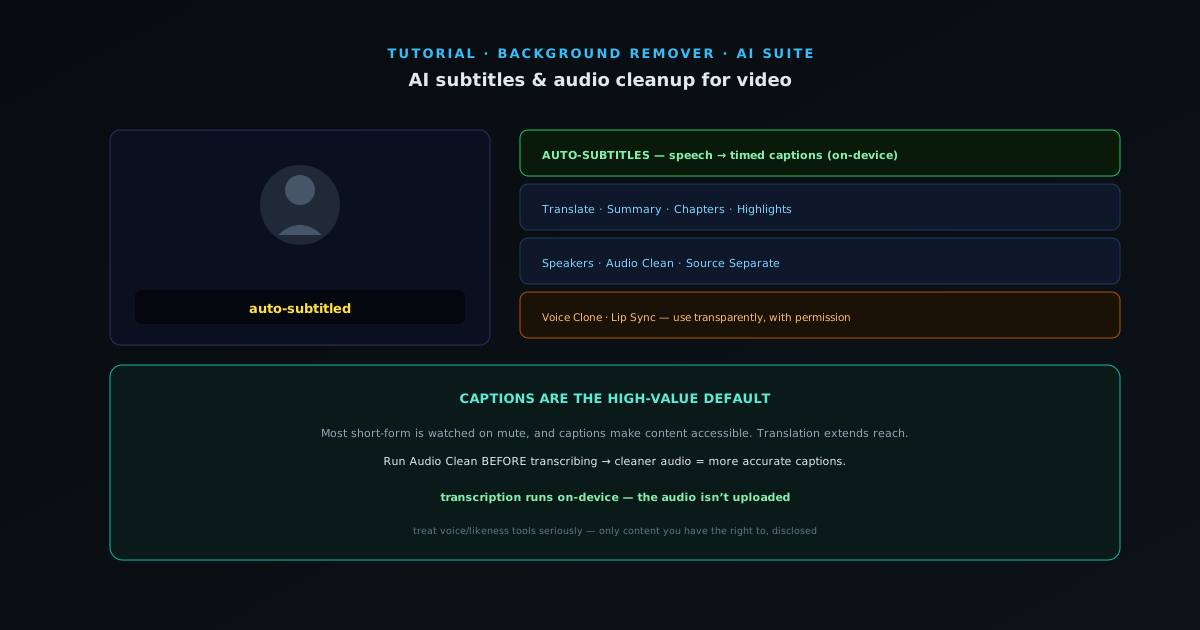
The audio and language tools in the AI suite make video clearer, more accessible, and easier to repurpose — captions for muted viewing, translations for reach, summaries for skimming, and cleaner audio. This guide covers them.
- 1
1. Auto-subtitle the video
Auto-Subtitles transcribes the speech in a clip into timed captions. Captions are essential because most short-form video is watched on mute, and they make content accessible to viewers who are deaf or hard of hearing. The transcription runs on-device, so the audio is not uploaded.
- Auto-Subtitles: speech → timed captions, on-device.
- 2
2. Translate, summarize, and chapter
Subtitle Translate turns your captions into other languages to reach a wider audience. Subtitle Summary condenses a long transcript into the key points for a description or a skim. Chapters generates chapter markers, and Auto Highlights picks the standout moments — both make a long video navigable and easy to repurpose into clips.
- Subtitle Translate · Subtitle Summary · Chapters · Highlights.
- 3
3. Separate speakers and clean the audio
Speakers identifies and labels who is talking — useful for interviews and panels. Audio Clean reduces background noise and hiss for clearer sound, and Source Separate can split vocals from instruments. Cleaner audio makes captions more accurate too, so running audio clean first can improve the transcription.
- Speakers · Audio Clean (denoise) · Source Separate.
- 4
4. Advanced: voice and lip sync
For more involved work, Voice Clone can generate narration in a target voice and Lip Sync matches mouth movement to audio — useful for dubbing and localized versions. These are powerful tools; use them transparently and with permission, especially anything involving a real person’s voice or likeness.
All of it processes locally, which keeps the source audio and video on your device.
- Voice Clone · Lip Sync (use transparently, with permission).
Captions are the high-value default
If you do one thing to a video, caption it — muted viewing and accessibility make it the highest-value step, and translation extends reach cheaply from there. Run audio clean before transcribing for more accurate captions. And treat voice/likeness tools as the serious things they are: only on content you have the right to, and disclosed.