NSS Background Remover
Smart cropping, reframing, and auto-straighten
Let AI handle the framing: smart-crop to the subject, reframe to a new aspect ratio without cutting off the important part, pick the best frame from a burst, and auto-straighten a tilted shot.
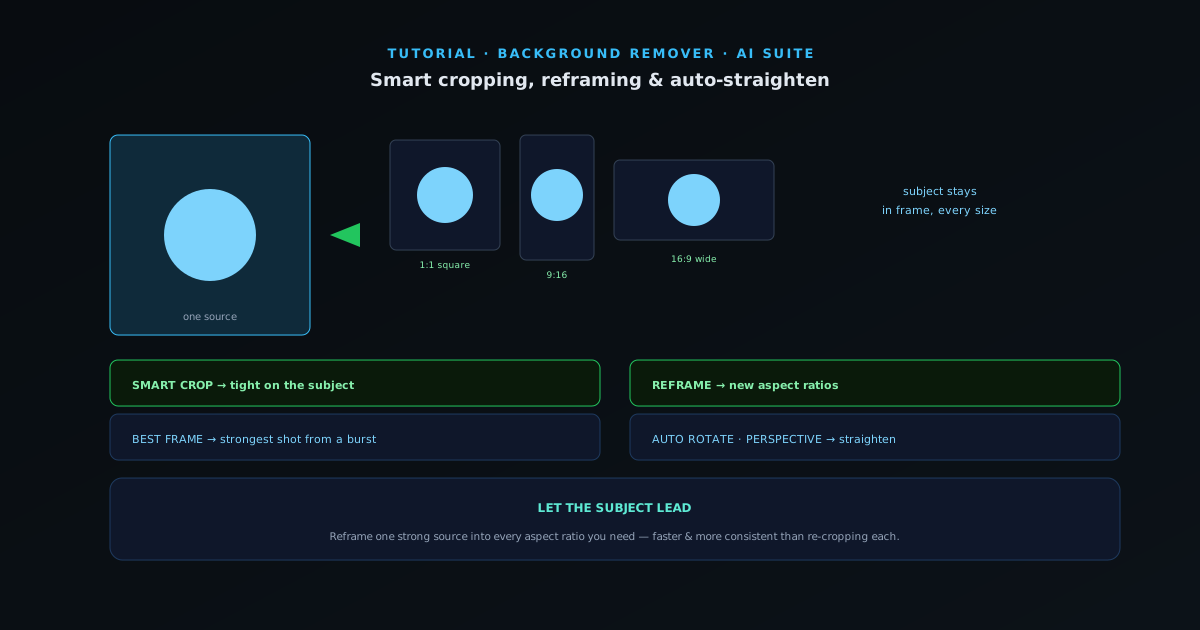
Reframing the same image for every platform — square for the grid, vertical for stories, wide for a banner — is repetitive work that AI does well, because it understands where the subject is. This guide covers the framing tools that save that effort.
- 1
1. Smart crop to the subject
Smart Crop finds the most important subject and crops around it, so you get a tight, well-composed image without manually dragging crop handles. It is the fast way to turn a loosely-framed shot into a focused one.
- Smart Crop: auto-crop to the main subject.
- 2
2. Reframe for every platform
Reframe recomposes an image to a new aspect ratio while keeping the subject in frame — the hard part of resizing a landscape photo into a vertical story is not losing the subject off the side, and that is exactly what reframe handles. Produce square, vertical, and wide versions of one image without re-cropping each by hand.
- Reframe: new aspect ratios, subject stays in frame.
- 3
3. Pick the best frame, straighten the shot
Best Frame chooses the strongest frame from a burst or short clip — sharpest, best expression, best moment — so you do not have to scrub through dozens of near-identical shots. Auto Rotate straightens a tilted horizon or crooked scan automatically. Perspective corrects converging lines from shooting at an angle.
- Best Frame · Auto Rotate (straighten) · Perspective.
- 4
4. Batch it for a set
Framing tools shine across a set: reframe a whole product line into every platform size, or smart-crop a folder of shots to consistent framing. Combined with the resizer and compressor, you can produce a complete, platform-ready set from one source image — on-device and free.
Let the subject lead
The point of smart framing is keeping the subject correctly placed across formats, which is the tedious part of doing it by hand. Reframe one strong source image into every aspect ratio you need rather than re-cropping each manually — it is faster and keeps the composition consistent across platforms.