NSS Background Remover
Redacting and protecting privacy in images and video
Blur faces and license plates, redact sensitive regions in photos and video, and strip hidden metadata — all on-device, which is exactly what privacy work should be.
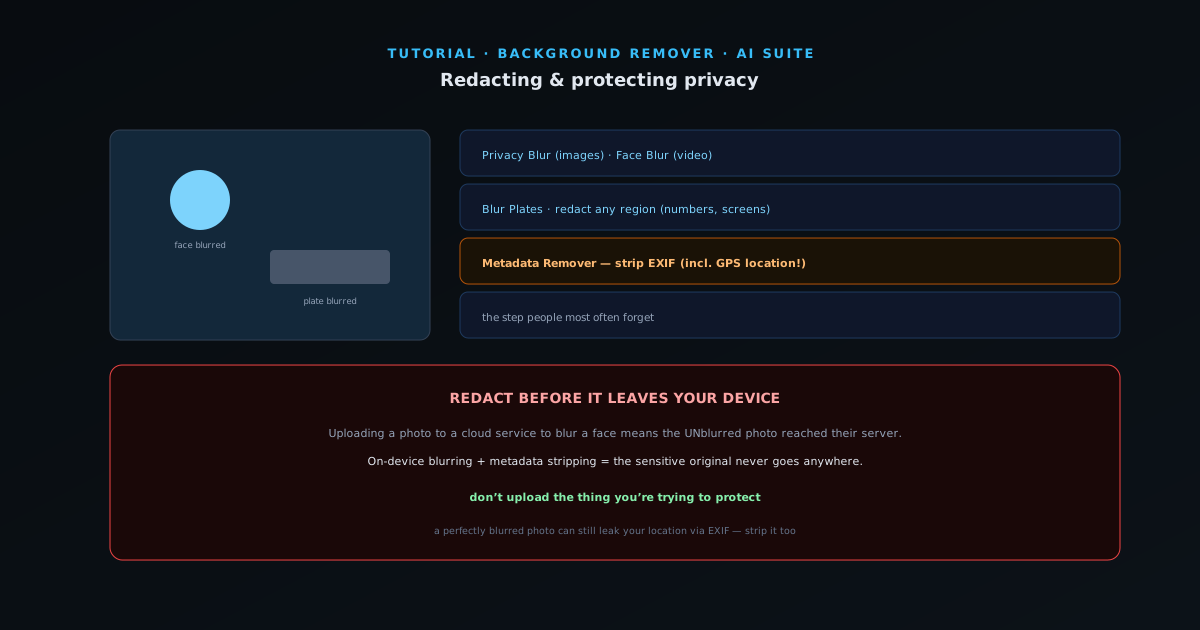
If you publish photos or video that include other people, license plates, addresses, or documents, you often need to redact before posting. Doing that with an on-device tool is the right move — the whole point of redaction is that the sensitive content does not get out, so it should not be uploaded to redact it. This guide covers the privacy tools.
- 1
1. Blur faces
Privacy Blur (and Face Blur for video) detects and blurs faces so you can share a scene without identifying bystanders. Useful for street photography, event recaps, and any footage with people who did not consent to appear. The detection finds the faces; you just confirm and export.
- Privacy Blur (images) · Face Blur (video).
- 2
2. Blur plates and sensitive regions
Blur Plates redacts license plates automatically, and the same blurring approach handles any region you want to hide — a house number, a screen with private info, a badge. Mark or let the tool detect, and the region is obscured before the image leaves your hands.
- Blur Plates · redact any region (numbers, screens, badges).
- 3
3. Strip hidden metadata
Photos carry hidden metadata — EXIF data that can include the GPS location where a photo was taken, the device, and timestamps. Metadata Remover strips that out, so you are not accidentally publishing your home address in a photo’s data. This is the privacy step people most often forget.
- Metadata Remover: strip EXIF (incl. GPS location).
- 4
4. Why on-device matters most here
For redaction specifically, on-device processing is not a nice-to-have — it is the point. Uploading a photo to a cloud service to blur a face means the unblurred photo reached someone else’s server. NSS Background Remover does all of this locally, so the sensitive original never leaves your device. That is the right architecture for privacy work.
Redact before it leaves your device
The cardinal rule of redaction: do not upload the thing you are trying to protect. On-device blurring and metadata stripping mean the unredacted original never goes anywhere. And do not forget metadata — a perfectly blurred photo can still leak your location through its EXIF data if you skip that step.