NSS Background Remover
AI portrait retouching
Natural, on-device portrait retouching — face restore, skin smoothing, blemish and red-eye removal, teeth whitening, and eye/hair recolor — with the restraint that keeps a person looking like themselves.
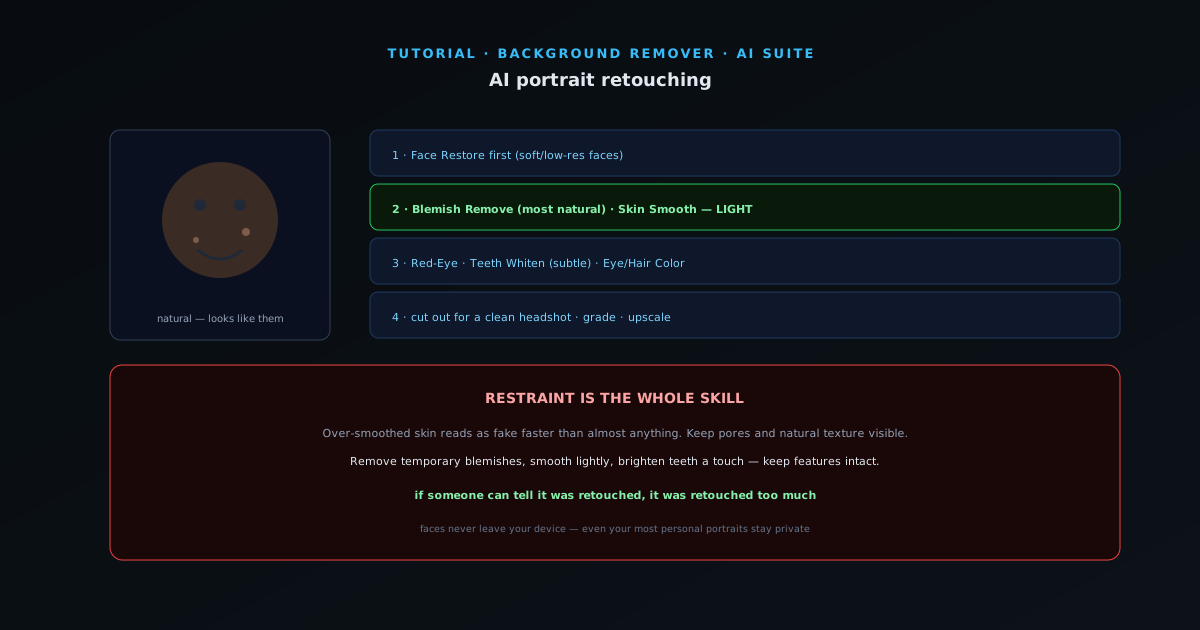
Portrait retouching is where AI tools are most useful and most easily overdone. The goal is a person who looks like themselves on a good day — not a plastic version of them. This guide covers the on-device retouching tools and, just as importantly, how to use them with restraint.
As with everything in the app, faces never leave your device, which matters a lot for photos of real people.
- 1
1. Restore the face first
If the photo is soft, low-resolution, or slightly damaged, run Face Restore before any cosmetic work. It reconstructs facial detail and gives the other tools a cleaner base. On a sharp, modern photo you can skip straight to the touch-ups.
- Face Restore: rebuild detail on soft/low-res faces.
- 2
2. Skin: smooth gently, remove blemishes
Blemish removal clears temporary spots and marks — the things the person would not see in a week anyway — which is the most natural retouch you can do. Skin Smooth softens texture; use it lightly. Over-smoothed skin reads as fake faster than almost anything, so dial it back until pores and natural texture are still visible.
- Blemish Remove for temporary marks (most natural).
- Skin Smooth — keep it light, keep texture.
- 3
3. Eyes and teeth
Red-Eye removes flash red-eye. Teeth Whiten brightens a smile — a notch or two, not a glow. Eye Color and Hair Color let you recolor eyes and hair when you want a change. These are small accents; subtlety is what keeps them believable.
- Red-Eye · Teeth Whiten (subtle).
- Eye Color · Hair Color for recolors.
- 4
4. Finish: cut out or grade
A retouched portrait pairs well with the rest of the toolkit: remove the background for a clean headshot, enhance the overall exposure and color, or upscale for print. Because retouching is on-device, even your most personal portraits stay private.
Restraint is the whole skill
The difference between good and bad retouching is almost entirely about doing less. Remove temporary blemishes, smooth lightly, brighten teeth a touch — and keep skin texture and natural features intact. If someone can tell it was retouched, it was retouched too much.