NSS Background Remover
Artistic AI: style transfer, painting, and cartoon effects
Turn a photo into art — apply the look of another image with style transfer, render a photo as a painting, or stylize it as a cartoon — all on-device, free, and yours.
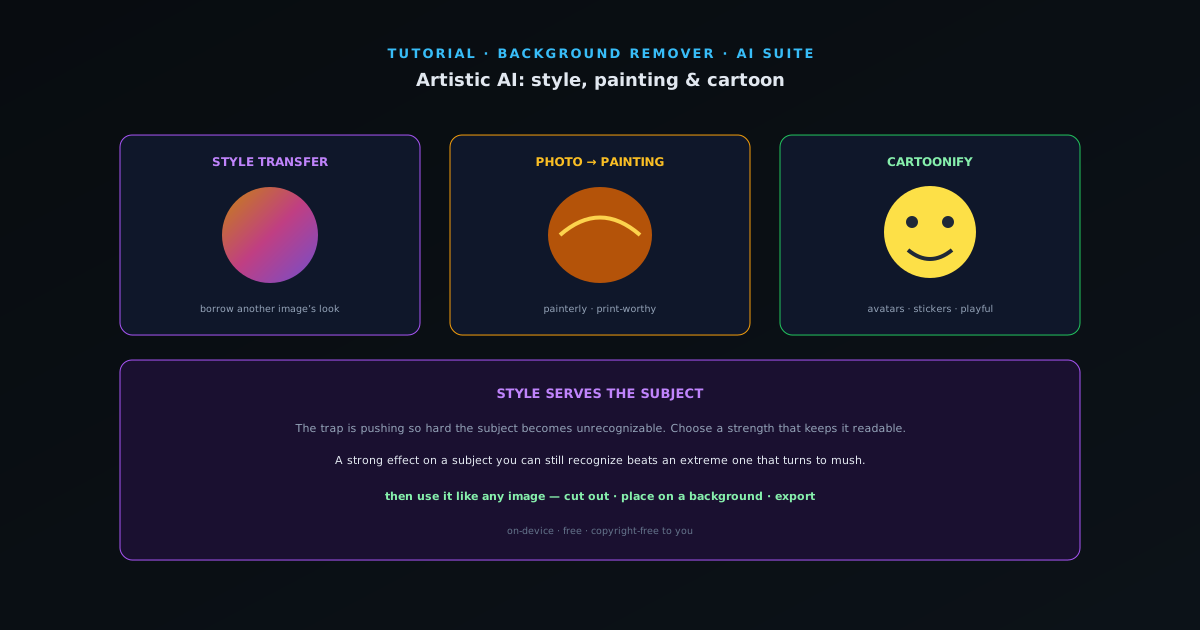
Sometimes you do not want a photo to look like a photo. The artistic tools restyle an image into something more illustrative — a painting, a cartoon, or the look of a reference image. This guide covers them and how to keep the result recognizable.
- 1
1. Style transfer — borrow a look
Style Transfer applies the visual style of one image (brushwork, palette, texture) to the content of another. Feed it your photo and a style reference and it renders your subject in that aesthetic. The closer your style reference matches the mood you want, the better the result.
- Style Transfer: apply one image’s style to your photo.
- 2
2. Photo to painting
Photo to Painting renders your image with painterly qualities — strokes, blending, and a hand-made feel. It works well on portraits, landscapes, and pets for a print-worthy artistic version. Subjects with clear shapes and good light convert best.
- Photo to Painting: painterly render of any photo.
- 3
3. Cartoonify
Cartoonify stylizes a photo as a cartoon — bold shapes, simplified detail, and flat color. Great for avatars, stickers, and playful content. Pair it with the emoji/sticker creation flow to turn a cartoonized cutout into a sticker.
- Cartoonify: photo → cartoon (avatars, stickers).
- 4
4. Keep it recognizable, then use it
The trap with artistic styles is pushing so hard the subject becomes unrecognizable. Choose a strength that keeps the subject readable. Then use the result like any image — cut it out, place it on a background, or export it for print or social. It is all on-device, free, and copyright-free to you.
Style serves the subject
A strong artistic effect on a subject you can still recognize beats an extreme one that turns into mush. Pick a style reference close to the mood you want, dial the strength so the subject reads clearly, and the result looks intentional rather than like a filter ran wild.