NSS Background Remover
AI video effects: slow motion, cinemagraphs, and more
Beyond background removal, the AI suite restyles and reshapes video — smooth slow motion, cinemagraphs, GIF conversion, style transfer, synthetic camera moves, and seamless loops — on-device.
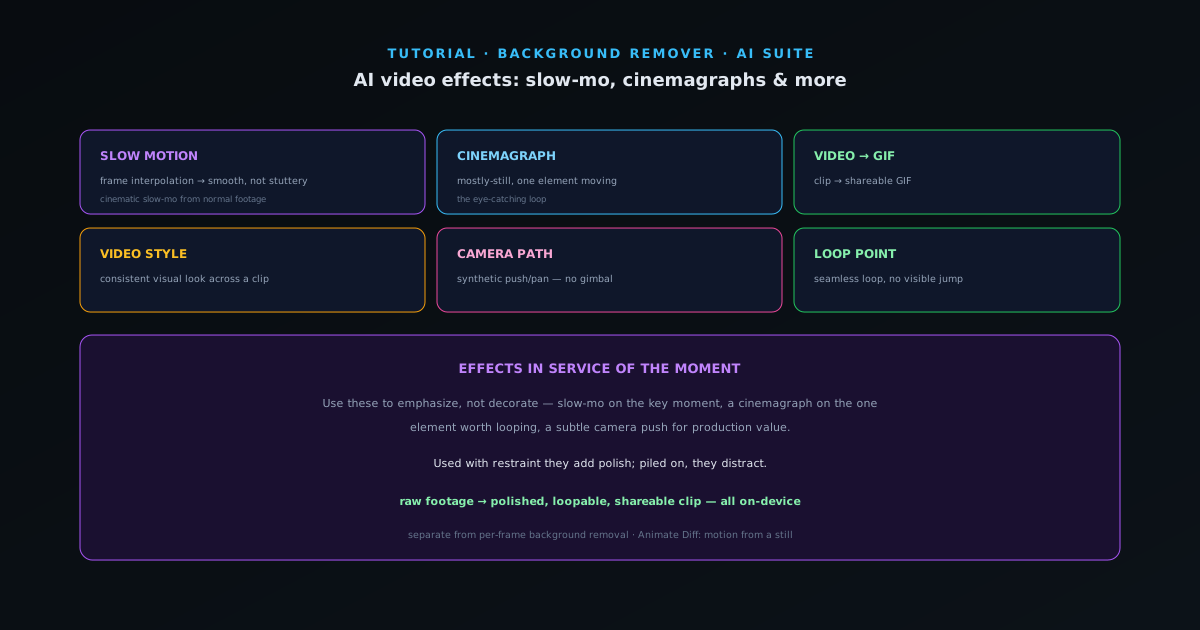
The AI suite is not only for stills — a set of tools restyle and reshape video. This guide covers the AI video effects, separate from per-frame background removal, that turn ordinary clips into more polished or shareable content.
- 1
1. Slow motion and smooth motion
Slow Motion interpolates new frames between existing ones, so a clip slows down smoothly instead of stuttering. It is how you get a cinematic slow-mo from footage that was not shot at a high frame rate. Great for emphasizing a moment — a reveal, a reaction, a product in motion.
- Slow Motion: frame interpolation for smooth slow-mo.
- 2
2. Cinemagraphs and GIFs
Cinemagraph creates a mostly-still image with one element still moving — the classic eye-catching loop (steam rising from a cup, hair moving, water flowing). Video to GIF converts a clip into a shareable GIF. Both are made for social and messaging where a short loop outperforms a static image.
- Cinemagraph: one moving element in a still.
- Video to GIF: clip → shareable GIF.
- 3
3. Restyle and add camera movement
Video Style applies a visual style across a clip for a consistent look. Camera Path adds a synthetic camera move — a slow push or pan — to otherwise static footage, adding production value without a gimbal. Animate Diff can generate motion from a still image.
- Video Style · Camera Path · Animate Diff.
- 4
4. Make it loop seamlessly
Loop Point finds a clean loop point in a clip so it repeats without a visible jump — essential for background videos, social loops, and anything that plays on repeat. Combined with the others, you can take raw footage to a polished, loopable, shareable clip entirely on-device.
- Loop Point: seamless looping for background/social video.
Effects in service of the moment
Reach for these to emphasize something, not to decorate — slow-mo on the key moment, a cinemagraph on the one element worth looping, a subtle camera push for production value. Used with restraint they add polish; piled on, they distract. And like everything here, the footage is processed locally.